
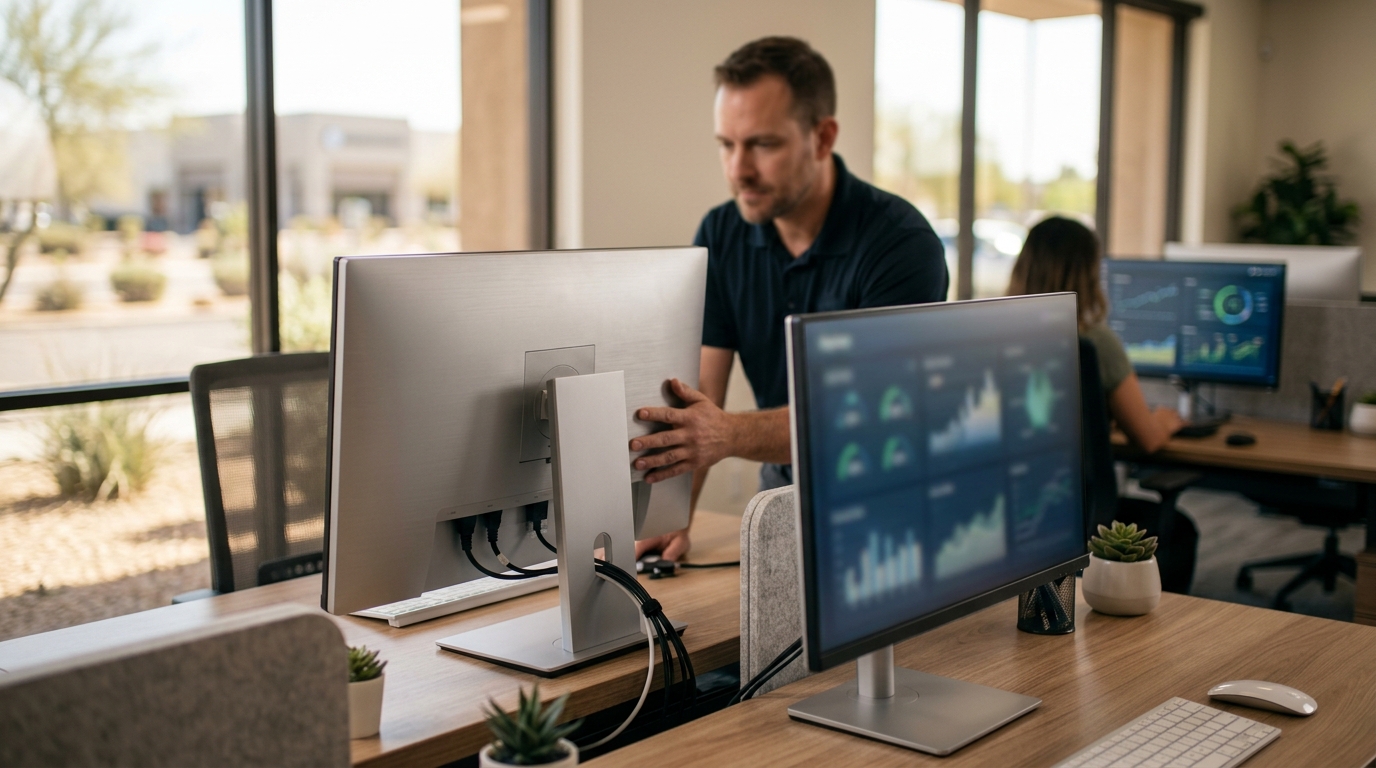
Effective workstation management is no longer just an IT convenience; it is a critical business survival metric. According to recent industry data, businesses that implement rigorous endpoint management strategies experience a 40% reduction in downtime compared to those relying on ad-hoc support. In the fast-paced Arizona business landscape, where operational continuity directly impacts revenue, having a centralized, proactive approach to managing workstations is essential. This guide outlines the definitive strategies for maintaining high-performance, secure, and reliable computer environments for your team.
Foundational Infrastructure and Hardware Standards
Managing business workstations begins with establishing clear hardware and software baselines. Workstations are the primary interface between your employees and your business operations. When these devices fail, productivity halts. Therefore, standardizing your hardware environment reduces complexity and simplifies troubleshooting. (Business Technology Services In)
At TECHtality, we emphasize the importance of regular hardware diagnostics. Over time, components such as hard drives and cooling fans degrade. Proactive replacement prevents catastrophic data loss. We recommend quarterly health checks for all critical workstations. This includes monitoring thermal performance, checking for bad sectors on storage drives, and verifying peripheral connectivity. (Technology Services All your)
Software standardization is equally vital. Running multiple versions of operating systems or productivity suites creates fragmentation. This fragmentation makes security patching difficult and increases the attack surface for cyber threats. By maintaining a uniform software stack, IT teams can deploy updates efficiently across the entire organization. This uniformity ensures that all employees have access to the same tools and features, reducing training overhead and support tickets.
For businesses in Scottsdale, Chandler, and the wider Valley, environmental factors such as dust and heat can accelerate hardware wear. Regular physical cleaning of workstations and server rooms is a best practice that extends equipment lifespan. TECHtality provides comprehensive on-site maintenance to ensure your physical infrastructure remains robust and reliable.
Critical Security Protocols and Patch Management
Security is the cornerstone of modern workstation management. Workstations are often the entry point for ransomware, phishing attacks, and data breaches. Implementing a layered security approach is non-negotiable for any business seeking to protect its digital assets. This involves combining endpoint protection, network security, and user education.
One of the most effective security measures is rigorous patch management. Operating systems and applications release updates to fix known vulnerabilities. Delaying these updates leaves your business exposed to exploits that have already been discovered by malicious actors. Automated patch deployment ensures that all workstations are updated promptly without requiring manual intervention from IT staff. This automation reduces the risk of human error and ensures consistent security posture across the network.
Another critical component is the implementation of Multi-Factor Authentication (MFA). MFA adds an extra layer of security by requiring users to provide two or more verification factors to gain access. Even if a password is compromised, MFA prevents unauthorized access. This practice is widely recommended by cybersecurity experts as a fundamental defense against credential theft.
Network segmentation also plays a role in workstation security. By isolating workstations from critical servers and sensitive data stores, you limit the spread of malware. If one workstation is compromised, the threat is contained, preventing lateral movement across the network. TECHtality designs robust network architectures that include firewalls, intrusion detection systems, and secure remote access protocols to safeguard your business.
The 3-2-2 Backup Strategy Explained
Data loss is a leading cause of business failure. To mitigate this risk, businesses must adopt a robust backup strategy. The 3-2-2 backup strategy is an industry-standard framework that ensures data redundancy and recoverability. Understanding this framework is essential for any IT leader.
The 3-2-2 backup strategy is a data protection framework that recommends keeping three copies of data, on two different media types, with one copy stored offsite. This approach minimizes the risk of data loss due to hardware failure, theft, or disaster. Let us break down each component of this strategy.
First, you must maintain three copies of your data. This includes the original production data and two backups. Having multiple copies ensures that if one backup fails, you have a redundant copy to restore from. This redundancy is critical for business continuity.
Second, these copies should be stored on two different types of media. For example, you might store one backup on a local network-attached storage (NAS) device and another on a cloud-based service. Using different media types protects against failures specific to a single technology. If a local storage device fails, the cloud backup remains intact.
Third, one copy must be stored offsite. This offsite copy protects against physical disasters such as fire, flood, or theft at your primary location. Cloud storage naturally provides offsite redundancy, making it an ideal choice for this component. TECHtality specializes in implementing comprehensive backup solutions that adhere to the 3-2-2 standard, ensuring your data is always recoverable.
Regular testing of backup restoration is also a best practice. A backup is only as good as its ability to be restored. Scheduled restoration tests verify that your data is intact and that your recovery procedures work as expected. This proactive testing prevents surprises during a real crisis.
Optimizing Remote and On-Site Support
As businesses evolve, so does the nature of work. Remote and hybrid work models have become prevalent, requiring IT support to adapt. Effective workstation management now includes supporting devices both in the office and in remote locations. This requires a flexible support model that combines remote assistance with on-site expertise.
Remote support tools allow IT technicians to diagnose and resolve issues without being physically present. This capability reduces response times and minimizes downtime. However, remote support must be implemented securely to prevent unauthorized access. Secure remote desktop protocols and encrypted connections are essential for protecting sensitive business data during remote sessions.
On-site support remains critical for complex hardware issues, network installations, and physical security setups. TECHtality offers a hybrid support model that leverages both remote and on-site capabilities. This approach ensures that businesses receive timely and effective support regardless of the issue's nature. Our technicians are trained to handle a wide range of technical challenges, from simple software troubleshooting to complex server repairs.
For businesses with remote offices or branch locations, managing workstations can be particularly challenging. TECHtality provides remote office services that extend our expertise to your distributed teams. We work closely with corporate IT departments to ensure consistent support and security standards across all locations. This centralized oversight simplifies management and enhances overall operational efficiency.
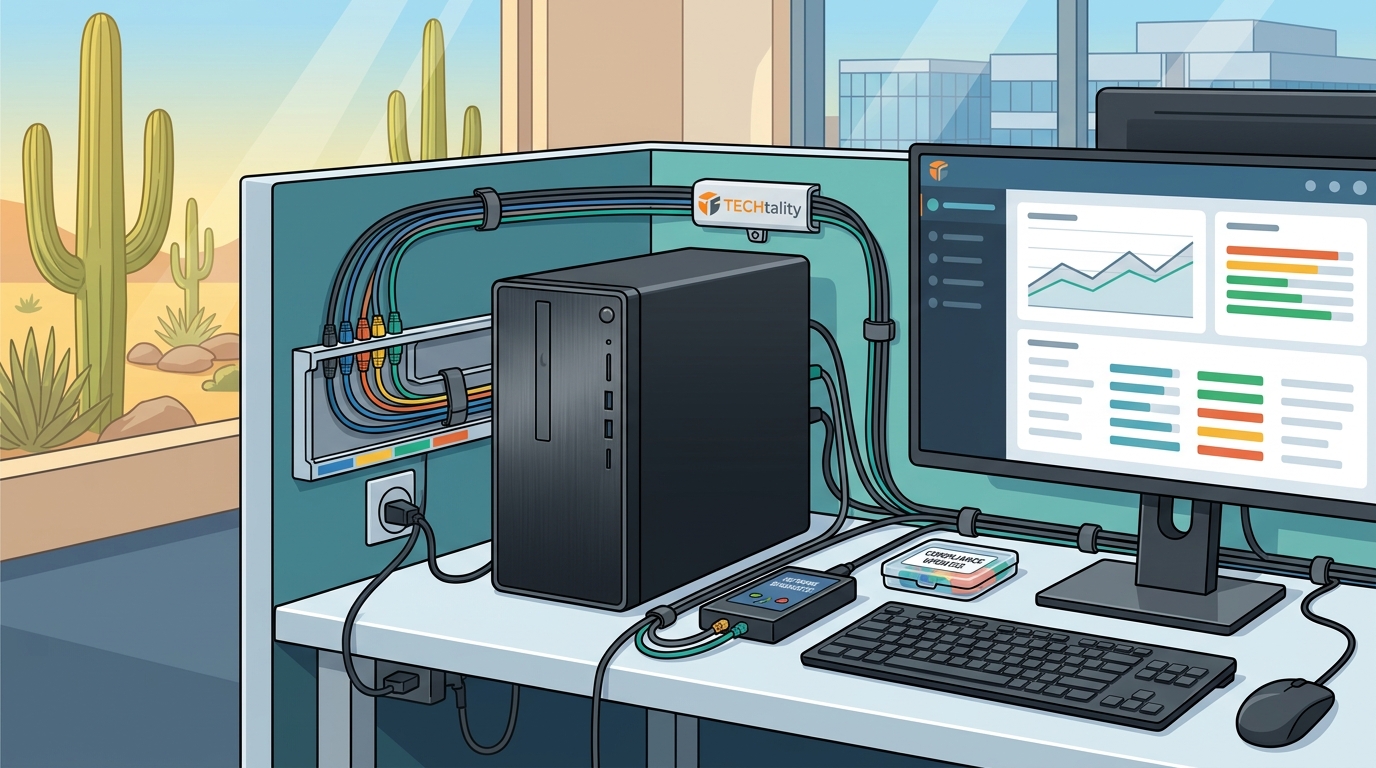
Workstation Management During Office Relocations
Office relocations present significant challenges for workstation management. Moving hardware, reconfiguring networks, and ensuring minimal downtime require careful planning and execution. A poorly executed relocation can lead to extended periods of inactivity and lost revenue.
Pre-relocation planning is the most critical phase. This involves auditing all existing hardware, identifying dependencies, and creating a detailed migration plan. TECHtality specializes in technology relocation services that ensure a seamless transition. We pre-visit new locations to assess infrastructure readiness and plan network layouts. This proactive approach prevents surprises and ensures that the new space is fully prepared for your technology.
During the move, careful handling of equipment is essential. Workstations, servers, and networking gear must be packed and transported securely to prevent damage. TECHtality’s team handles all aspects of the physical move, ensuring that equipment arrives safely and is installed correctly. We also manage the reconfiguration of network locations and cabling to ensure optimal performance in the new environment.
Post-relocation testing is equally important. All workstations must be verified for functionality, connectivity, and security. This includes testing network speeds, verifying backup systems, and ensuring that all applications are working as expected. TECHtality conducts thorough post-migration checks to confirm that your business operations are fully restored and optimized in the new location.
Key Takeaways
- Standardization Reduces Complexity: Uniform hardware and software environments simplify management and enhance security.
- Proactive Maintenance Prevents Failure: Regular diagnostics and physical cleaning extend hardware lifespan and prevent downtime.
- 3-2-2 Backup is Essential: Maintaining three copies of data on two media types with one offsite ensures robust data protection.
- Hybrid Support Models are Effective: Combining remote and on-site support addresses the needs of modern distributed workforces.
- Relocation Requires Expert Planning: Professional technology relocation services minimize downtime and ensure seamless transitions.
- Security is Layered: Patch management, MFA, and network segmentation are critical components of a secure workstation environment.
- Local Expertise Matters: Working with a trusted Arizona MSP like TECHtality ensures responsive and knowledgeable support.
Frequently Asked Questions
What is the 3-2-2 backup strategy?
The 3-2-2 backup strategy is a data protection framework that recommends keeping three copies of data, on two different media types, with one copy stored offsite. This approach minimizes the risk of data loss due to hardware failure, theft, or disaster.
How often should business workstations be physically cleaned?
Business workstations should be physically cleaned at least quarterly, especially in dusty environments like Arizona. Regular cleaning prevents overheating and extends the lifespan of internal components.
Why is patch management important for workstations?
Patch management is important because it fixes known security vulnerabilities in operating systems and applications. Delaying updates leaves businesses exposed to exploits that have already been discovered by malicious actors.
Can TECHtality help with office relocations?
Yes, TECHtality specializes in technology relocation services. We handle everything from pre-visit planning and network layout design to physical equipment moving and post-relocation testing.
What is the benefit of remote support for workstations?
Remote support allows IT technicians to diagnose and resolve issues without being physically present. This reduces response times and minimizes downtime, which is critical for maintaining productivity.
How does TECHtality ensure security for remote workstations?
TECHtality implements secure remote desktop protocols and encrypted connections to protect sensitive data during remote sessions. We also assist with setting up Multi-Factor Authentication (MFA) for enhanced security.
What services does TECHtality offer for network installations?
TECHtality offers end-to-end network installation services, including designing layouts, configuring routers and switches, and installing wireless access points. We ensure robust and reliable network infrastructure for your business.
Contact TECHtality for Managed Support
Managing business workstations effectively requires expertise, resources, and a proactive approach. TECHtality is your trusted partner for comprehensive technology services in Arizona. With over 40 years of experience, we provide the reliable support your business needs to thrive. Whether you need help with workstation management, network installations, or technology relocation, our team is ready to assist. Contact us today to schedule an appointment and discover how TECHtality can optimize your technology environment.
Call a TECH at (480) 988-0900 or visit our Contact Tech page to get started.