

Legacy PBX systems are rapidly becoming obsolete, forcing businesses to seek modern alternatives. According to industry data, the majority of businesses have started to make the switch to a hosted VoIP solution for a more upgraded, tech-forward system that is feature-packed. This migration is not merely a hardware swap but a fundamental shift in how your organization communicates. For Arizona companies, understanding the technical and operational implications of this transition is critical to maintaining productivity during the changeover.
Step 1: Assessing Your Current Infrastructure
Before purchasing new software or hardware, you must audit your existing technology stack. VoIP is Voice over Internet Protocol, which means your phone system relies entirely on your data network. If your current internet connection is unstable or lacks sufficient bandwidth, VoIP will fail regardless of the provider you choose.
Start by inventorying every endpoint. Count your desks, conference rooms, and remote workers. Determine which employees need dedicated desk phones versus softphone applications on their laptops. You must also evaluate your current cabling. If you are moving to a fully hosted solution, you may still need structured cabling to support both data and voice traffic at the wall jack.
For businesses in Scottsdale, Chandler, and the wider Valley, local support is vital. TECHtality Technology Services specializes in evaluating these exact infrastructure gaps before a single line is cut. They provide on-site assessments to ensure your physical environment can support the digital transition.
Understanding the VoIP Advantage
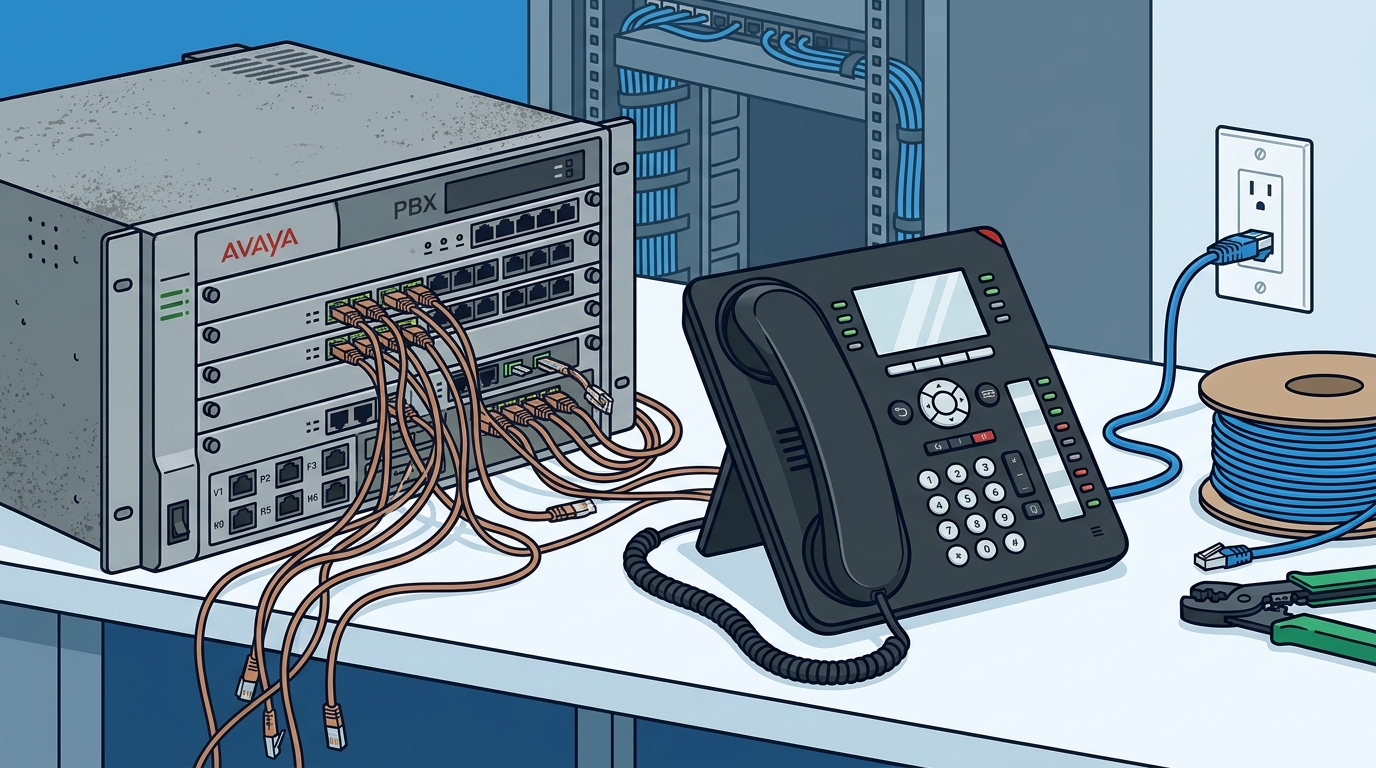
Why make the switch? The primary driver is cost efficiency combined with feature richness. Legacy PBX systems were large, required lots of power, and were very expensive to maintain. They also required physical copper phone lines and phone trunks, which were prone to noise and almost impossible to reroute during emergencies or outages.
Hosted VoIP eliminates these physical constraints. By using your existing internet connections, you can connect with providers that operate state-of-the-art PBXs and rent extensions for affordable rates. This model allows you to throw away your old internal PBX and save both space and power. More importantly, you gain access to enterprise-level features that were previously cost-prohibitive for small to mid-sized businesses.
Key benefits include:
- Scalability: Add or remove lines instantly without waiting for technician visits.
- Remote Work Enablement: Employees can take their business number anywhere with an internet connection.
- Unified Communications: Integration with email, video conferencing, and CRM tools.
- Disaster Recovery: If your office loses power, your phones still work on mobile devices.
Planning the Migration Strategy
A successful migration requires meticulous planning. The transition should never happen overnight. You need a phased approach that minimizes downtime for your customers and staff.
Number Porting
Porting your existing phone numbers to the new VoIP provider is the first technical hurdle. This process can take several weeks depending on the current carrier. Initiate this process immediately after selecting your provider. Ensure you have proof of ownership for all numbers to avoid delays.
Network Readiness
Your network must be optimized for voice traffic. This involves Quality of Service (QoS) configuration on your routers. QoS prioritizes voice packets over general data traffic, preventing jitter and latency. Without proper QoS, your calls may sound robotic or drop entirely during peak usage times.
Hardware Selection
Decide between IP phones, analog telephone adapters (ATA), or softphones. IP phones offer the best call quality and feature set. ATAs allow you to reuse existing analog phones, which can save money but may limit advanced features. Softphones are ideal for remote workers but require reliable headsets.
For complex setups, professional guidance is essential. TECHtality VoIP PBX Services offers enterprise-class hosted and on-premise solutions tailored to specific business needs. Their team ensures that your network is ready before the first call is placed.
Implementation and Configuration
Once your network is ready and your numbers are ported, it is time to configure the system. This phase involves setting up user accounts, call routing rules, and auto-attendants.
Call Routing and IVR
Design your Interactive Voice Response (IVR) menu carefully. A confusing menu frustrates callers. Keep it simple: "Press 1 for Sales, Press 2 for Support." Ensure that calls are routed to the correct department based on time of day and availability.
User Training
Your staff needs training on the new system. Even if they are tech-savvy, the interface may differ from what they are used to. Provide documentation and hold hands-on training sessions. Focus on common tasks like transferring calls, setting up voicemail-to-email, and using the mobile app.
Testing
Conduct rigorous testing before going live. Test internal calls, external calls, voicemail, and conferencing. Verify that emergency services (E911) are configured correctly with your physical address. This is a critical safety requirement for all businesses.
TECHtality provides comprehensive support during this phase. Their technicians handle the configuration and ensure that every extension is working correctly. They also offer technology relocation services if you are moving offices simultaneously, ensuring a seamless transition.
Security and Compliance Considerations
VoIP systems are vulnerable to cyber threats. Because they run over the internet, they are exposed to the same risks as your data network. You must implement robust security measures to protect your communications.
Encryption
Ensure your VoIP provider uses encryption for both signaling and media streams. This prevents eavesdropping and tampering with your calls. Look for providers that support SRTP (Secure Real-time Transport Protocol) and TLS (Transport Layer Security).
Access Control
Implement strong password policies for all user accounts. Enable two-factor authentication (2FA) where possible. Regularly audit user access to ensure that former employees no longer have access to the system.
Network Segmentation
Consider segmenting your voice network from your data network. This can help isolate voice traffic and reduce the risk of interference. However, many modern VoIP systems are designed to coexist on a single network with proper QoS, so consult with your IT provider before making changes.
TECHtality emphasizes security in all their deployments. Their managed service provider offerings include proactive monitoring and threat detection to keep your communications safe.
Frequently Asked Questions
How long does it take to switch to VoIP?
The technical implementation can take a few days, but number porting can take up to four weeks. It is best to start the process at least six weeks before your desired go-live date.
Can I keep my existing phone numbers?
Yes, in most cases, you can port your existing local and toll-free numbers to a VoIP provider. This is a standard part of the migration process.
What happens if my internet goes down?
If your internet goes down, your VoIP service will stop working unless you have a backup internet connection. TECHtality recommends setting up a redundant internet line to ensure business continuity.
Is VoIP secure?
VoIP can be very secure if configured correctly. Using encryption, strong passwords, and regular updates are essential. Working with a trusted provider like TECHtality ensures that best practices are followed.
How much does VoIP cost?
Costs vary by provider and features. Hosted VoIP typically ranges from $20 to $30 per user per month. This often includes unlimited calling and many advanced features that were extra with legacy systems.
Do I need new hardware?
Not necessarily. You can use softphones on your existing computers or buy IP phones. TECHtality can help you decide the best hardware strategy for your budget and needs.
Can VoIP support remote workers?
Yes, VoIP is ideal for remote work. Employees can use the same business number on their mobile devices or laptops, regardless of their location.
Next Steps for Your Business
Transitioning to VoIP is a strategic move that can save your business money and improve efficiency. However, it requires careful planning and expert execution. Do not attempt this migration alone. Partner with a local provider who understands the unique needs of Arizona businesses.
TECHtality offers comprehensive VoIP solutions, from initial assessment to ongoing support. Their team of experts can help you design a system that fits your workflow and budget. Contact them today to schedule a consultation and take the first step toward modernizing your communications.
Call TECHtality at (480) 988-0900 or visit their contact page to get started. Let them handle the technology so you can focus on your business.