
Effective workstation management is no longer just an IT preference; it is a critical business survival metric. According to recent industry data, businesses that implement rigorous endpoint management strategies reduce downtime by up to 40% compared to those relying on reactive break-fix models. In the fast-paced Arizona business landscape, where operational continuity directly impacts revenue, having a unified strategy for your hardware and software ecosystem is essential. This guide outlines the definitive protocols for maintaining high-performance workstations, ensuring security, and maximizing employee productivity.
Understanding the Workstation Lifecycle
Workstation management begins long before the device is turned on. It starts with strategic procurement and ends with secure decommissioning. A workstation is defined as a high-performance computer designed for specific professional tasks, such as graphic design, engineering, or data analysis, distinct from standard consumer PCs.
Managing this lifecycle requires a proactive approach. Instead of waiting for hardware failure, businesses should adopt a predictive maintenance model. This involves regular health checks, firmware updates, and performance monitoring. For Arizona businesses, where dust and heat can impact hardware longevity, physical maintenance is equally critical. Regular cleaning of cooling systems and ensuring proper ventilation prevents thermal throttling, which degrades performance over time.
TECHtality has supported Arizona businesses since 1983, witnessing the evolution from standalone PCs to networked enterprise environments. Our experience shows that companies with a defined refresh cycle, typically every three to five years, maintain higher employee satisfaction and lower total cost of ownership. This is because modern hardware handles contemporary software demands more efficiently, reducing the "IT tax" of slow systems.
Security Hardening Protocols
Security is the cornerstone of modern workstation management. A workstation is a potential entry point for cyber threats if left unsecured. Hardening involves removing unnecessary software, disabling unused ports, and enforcing strict access controls.
One of the most effective practices is the implementation of Multi-Factor Authentication (MFA) across all workstations. This adds a critical layer of defense against phishing and credential theft. Furthermore, endpoint detection and response (EDR) tools should be installed on every device. These tools provide real-time monitoring and automated threat mitigation, which is vital for protecting sensitive business data.
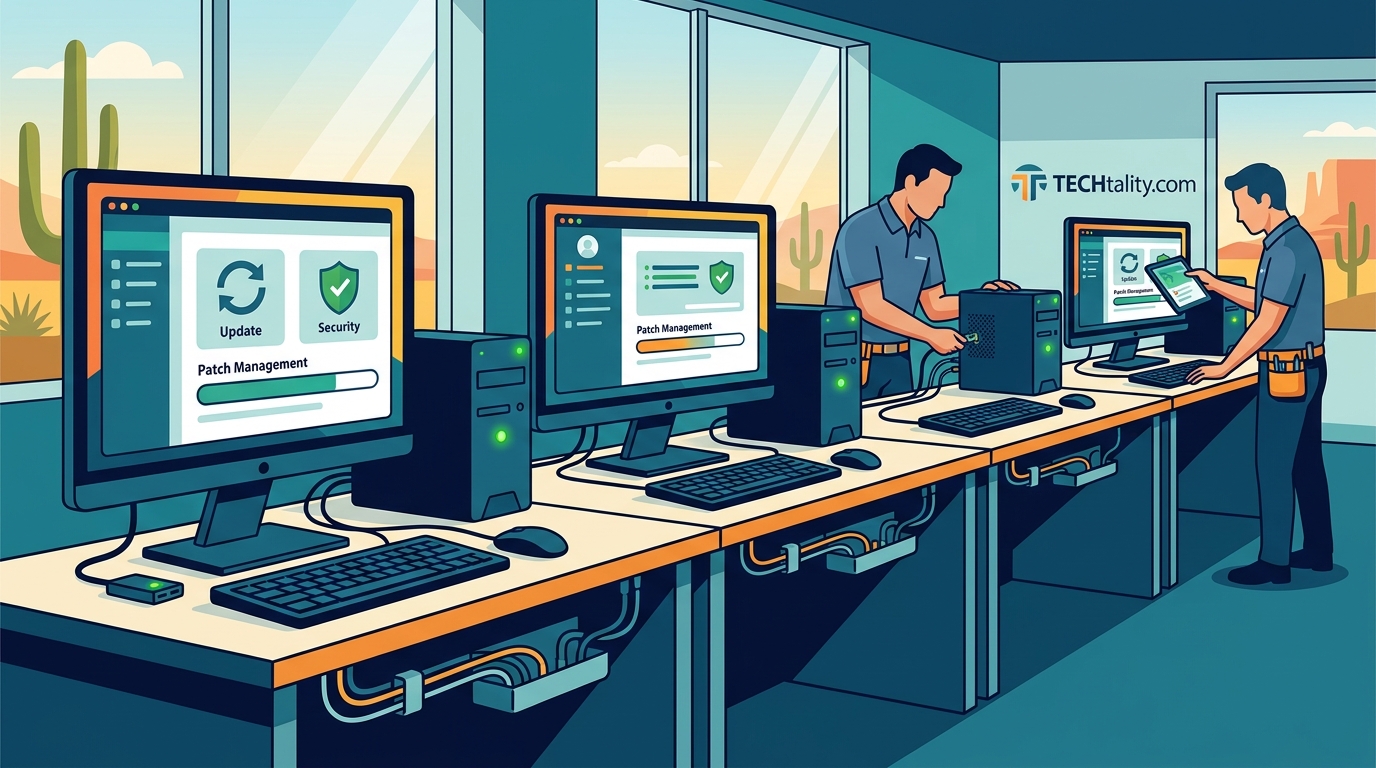
Regular patch management is another non-negotiable practice. Operating systems and applications must be updated promptly to close security vulnerabilities. According to cybersecurity reports, unpatched software is a leading cause of data breaches. By automating these updates, IT teams can ensure compliance without disrupting workflow.
For businesses seeking comprehensive protection, managed security services offer an additional layer of expertise. You can explore our Technology Services to learn how we integrate security into daily operations.
Remote Support Infrastructure
In today's hybrid work environment, the ability to manage workstations remotely is indispensable. Remote support allows IT professionals to diagnose and resolve issues without being physically present. This capability reduces resolution time and minimizes business disruption.
Effective remote management relies on robust remote access tools that are secure and user-friendly. These tools should allow for screen sharing, file transfer, and command-line access. However, security must remain paramount. All remote connections must be encrypted and logged for audit purposes.
TECHtality specializes in providing on-demand remote IT services. Our technicians can connect to your workstations to troubleshoot issues, install software, or perform maintenance. This service is particularly valuable for businesses with multiple locations or remote employees. By leveraging remote support, you can maintain a lean IT team while ensuring high-level support for all users.
We also offer Managed Service Provider (MSP) solutions that include proactive monitoring. This means our team identifies and resolves potential issues before they impact your staff. This proactive approach is key to maintaining productivity and reducing the stress of unexpected downtime.
Network Infrastructure Integration
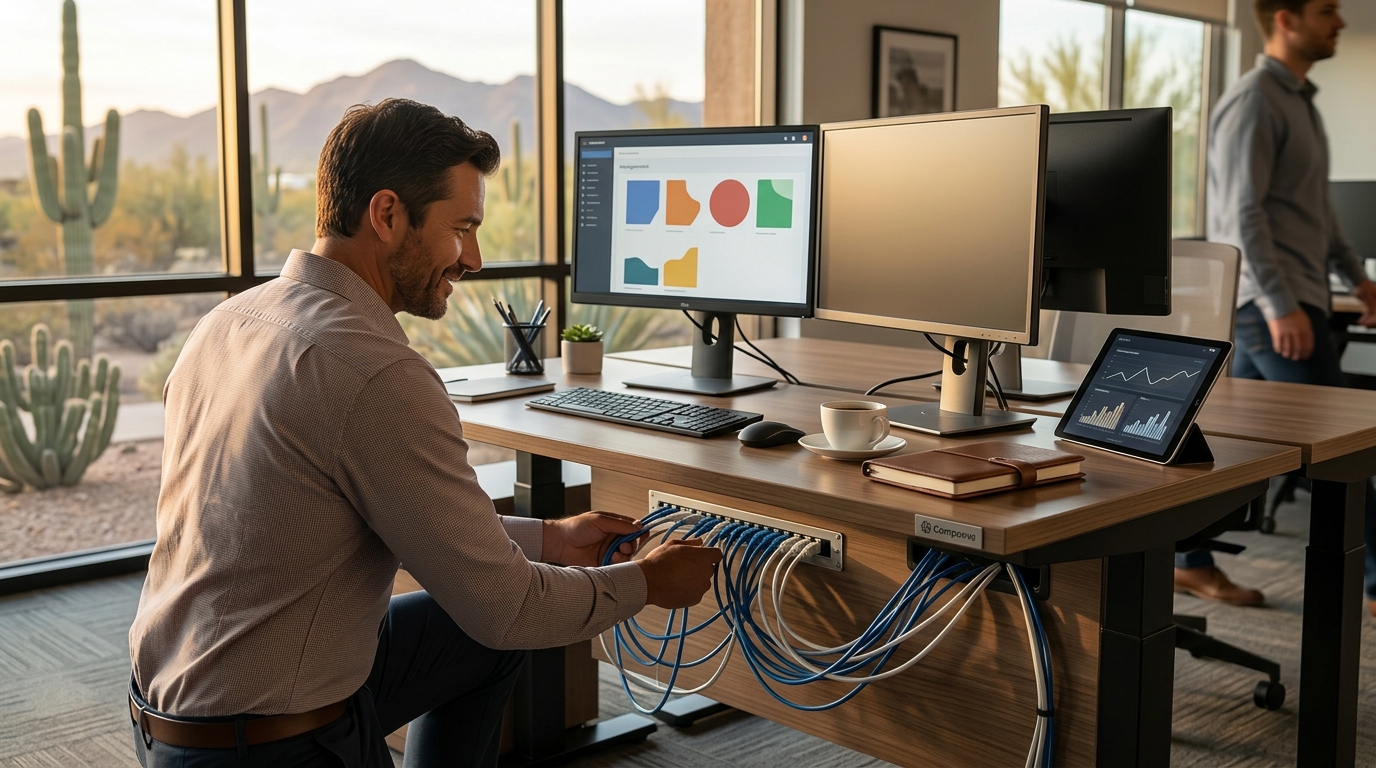
Workstations do not operate in isolation. They are part of a larger network ecosystem. Therefore, workstation management must include network configuration and optimization. A well-configured network ensures that workstations can communicate efficiently and access resources securely.
Key aspects of network integration include proper IP address management, VLAN segmentation, and quality of service (QoS) settings. VLAN segmentation, for example, allows you to isolate sensitive data from general traffic, enhancing security. QoS settings ensure that critical applications, such as VoIP or video conferencing, receive priority bandwidth.
Wireless connectivity is also a critical component. Reliable Wi-Fi coverage is essential for mobile workstations and devices. Our Network Installations services ensure that your wireless access points are strategically placed for optimal coverage and performance.
Additionally, consider the role of VoIP in your workstation ecosystem. Modern workstations often integrate with VoIP systems for communication. Ensuring that your network can handle VoIP traffic without latency or jitter is crucial for clear and reliable communication. Learn more about our VoIP PBX Services to see how we can enhance your communication infrastructure.
Data Protection Strategies
Data is the most valuable asset for most businesses. Protecting this data from loss, corruption, or theft is a primary goal of workstation management. This involves implementing robust backup and recovery strategies.
The 3-2-1 backup rule is a widely accepted best practice. This rule states that you should have three copies of your data, stored on two different media types, with one copy kept offsite. This ensures that even if one site is compromised, your data remains safe.
For a deeper understanding of this strategy, read our detailed guide on The 3-2-2 Backup Explained. This approach minimizes the risk of data loss due to hardware failure, ransomware, or natural disasters.
Encryption is another critical component of data protection. Data at rest and data in transit should both be encrypted. This ensures that even if data is intercepted or stolen, it cannot be read without the proper decryption keys. Regular audits of access permissions also help ensure that only authorized personnel can access sensitive information.
Key Takeaways
- Proactive Maintenance: Shift from break-fix to predictive maintenance to reduce downtime by up to 40%.
- Security First: Implement MFA and EDR tools to protect against modern cyber threats.
- Remote Capability: Utilize secure remote support tools to resolve issues quickly, regardless of location.
- Network Optimization: Integrate workstations with a robust network infrastructure, including VLANs and QoS.
- Data Resilience: Adhere to the 3-2-1 backup rule to ensure data recoverability.
- Hardware Lifecycle: Plan for regular hardware refreshes to maintain performance and security.
- Expert Partnership: Leverage experienced MSPs like TECHtality for specialized support and strategic guidance.
Frequently Asked Questions
How often should business workstations be replaced?
Typically, workstations should be refreshed every three to five years. This cycle balances the cost of new hardware with the benefits of improved performance and security features.
What is the most important security measure for workstations?
Multi-Factor Authentication (MFA) is widely considered the most effective single measure for preventing unauthorized access. It adds a critical layer of defense beyond just passwords.
Can remote support be as effective as on-site support?
Yes, for many issues, remote support is faster and more efficient. However, complex hardware issues may still require on-site intervention. A hybrid approach is often best.
How does TECHtality support remote work environments?
TECHtality provides comprehensive remote IT services, including monitoring, troubleshooting, and security management, ensuring seamless operations for distributed teams.
What is the 3-2-2 backup rule?
The 3-2-2 backup rule recommends keeping three copies of data, on two different media types, with two copies stored offsite. This ensures maximum data protection against various failure scenarios.
Why is network segmentation important for workstations?
Network segmentation isolates different parts of your network, limiting the spread of malware and protecting sensitive data from unauthorized access.
Does TECHtality offer services for technology relocation?
Yes, we specialize in end-to-end technology relocation, ensuring your workstations and network infrastructure are set up correctly in your new location.
Ready to Optimize Your Workstation Management?
Don't let outdated practices or security vulnerabilities hinder your business growth. Partner with TECHtality, Arizona's trusted technology services specialist since 1983. Our team of experts is ready to provide comprehensive MSP, remote support, and security solutions tailored to your needs.
Contact a TECH today to schedule a consultation and discover how we can help you achieve seamless technology operations.