
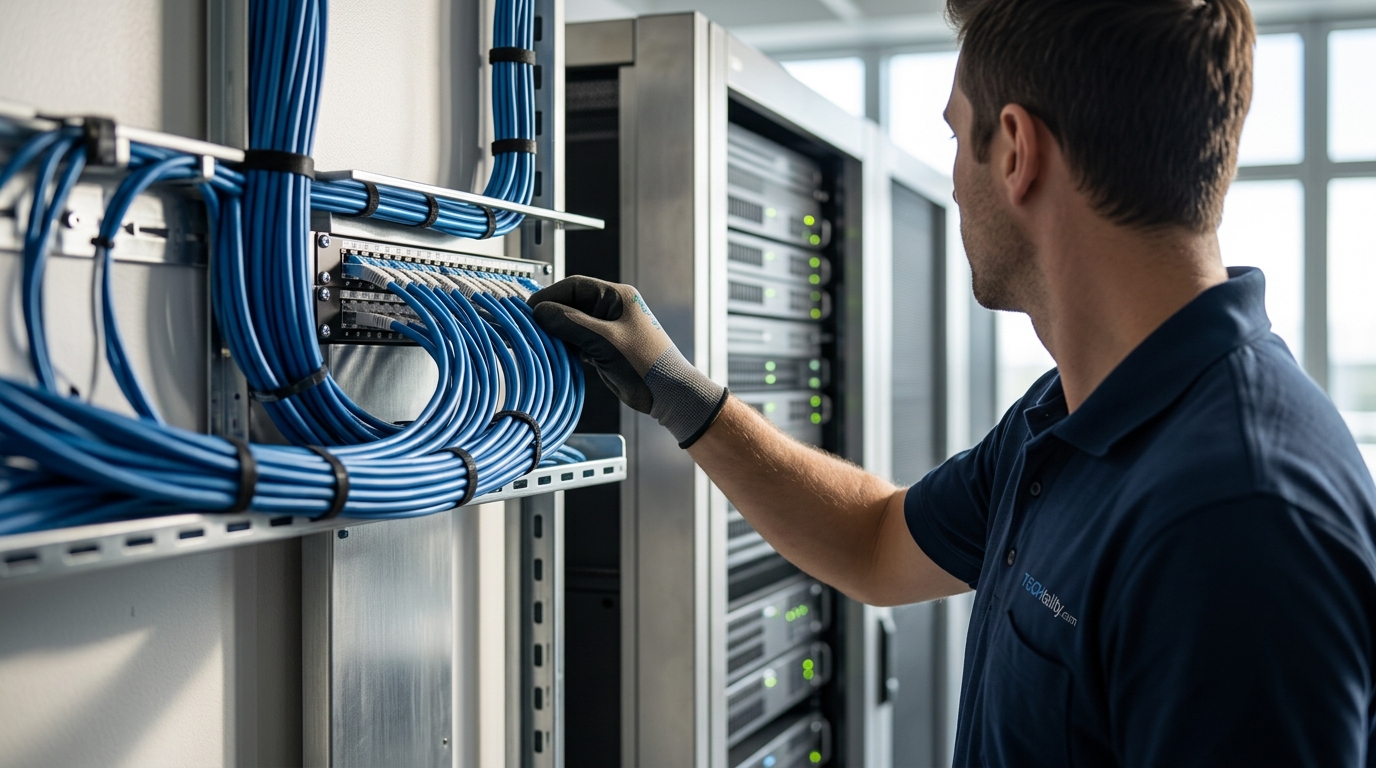
Modern business operations rely entirely on the physical infrastructure that connects your devices. According to a 2024 industry report, network downtime costs the average enterprise over $5,600 per minute, making robust cabling standards a critical financial safeguard. Your office network is only as strong as its weakest cable. This guide details the essential specifications you must enforce to ensure reliability, speed, and longevity.
Understanding Ethernet Cable Categories
When designing an office network, the first decision involves selecting the correct Category (Cat) rating for your twisted-pair copper cabling. These ratings define the bandwidth and performance capabilities of the cable. Choosing the wrong category can lead to bottlenecks that cripple your productivity. (Business Technology Services In)
Cat5e: The Legacy Baseline
Cat5e (Category 5 enhanced) supports speeds up to 1 Gbps at frequencies up to 100 MHz. While once the standard for all offices, it is now considered obsolete for new installations. It is susceptible to crosstalk and interference, which degrades performance in dense office environments. We recommend avoiding Cat5e for any new construction or major renovation. (Technology Services All your)
Cat6: The Current Workhorse
Cat6 is the current industry standard for most small to medium-sized businesses. It supports 10 Gbps speeds up to 55 meters and 1 Gbps up to 100 meters. The key specification here is the internal spline or separator, which reduces crosstalk between wire pairs. For offices with moderate bandwidth needs, Cat6 offers a cost-effective balance of performance and ease of installation.
Cat6a: The Future-Proof Standard
Cat6a (Augmented Category 6) supports 10 Gbps speeds up to the full 100-meter channel length. This is the recommended standard for new office builds. It features improved shielding and tighter twisting, which significantly reduces alien crosstalk. According to network infrastructure data, Cat6a provides a longer lifecycle before requiring an upgrade, offering better long-term value.
Cat8: Data Center and Backbone Focus
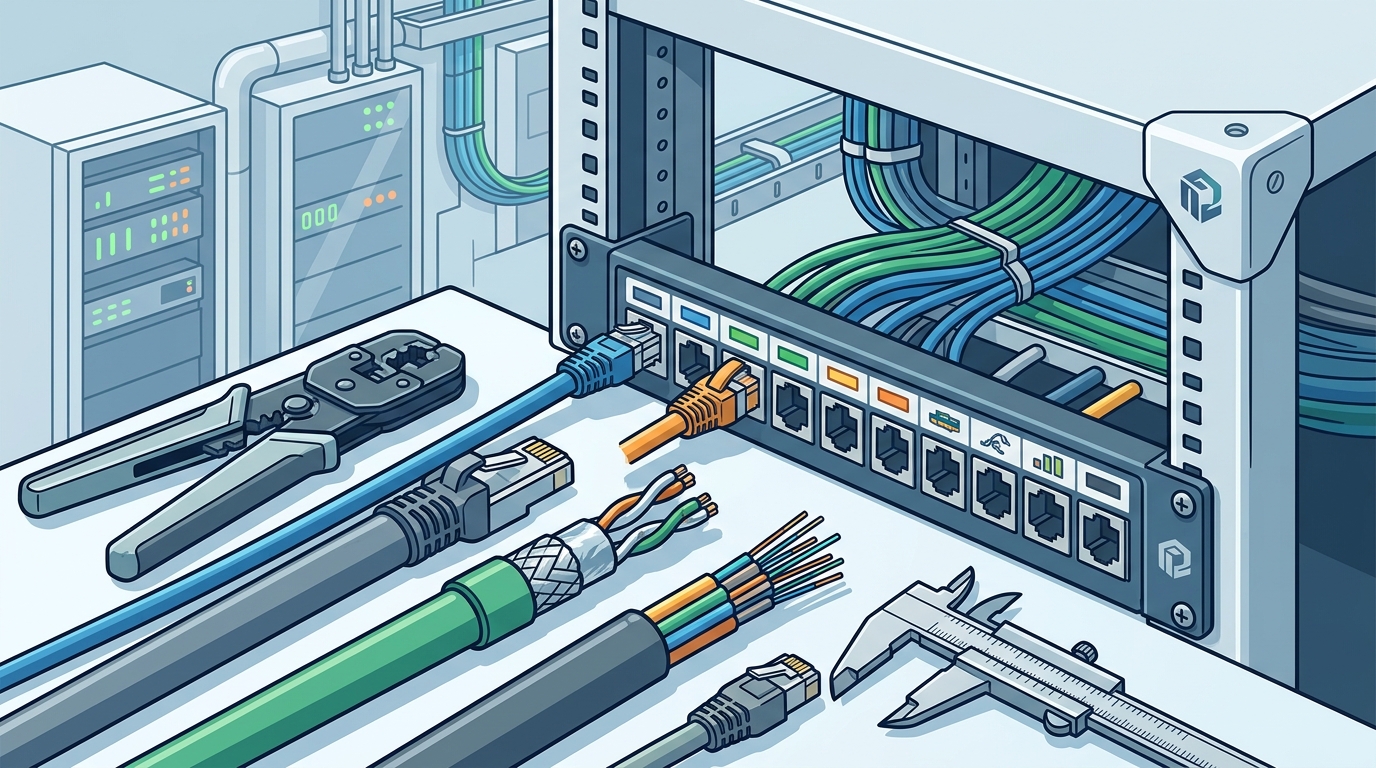
Cat8 is designed for high-performance computing environments. It supports 25 Gbps and 40 Gbps speeds but is limited to 30 meters. While excellent for server room backbones, it is often overkill and more expensive for standard desktop connections. Use Cat8 only where specific high-speed requirements dictate.
Fiber Optic Infrastructure Requirements
Copper cabling has limits. For backbone connections between floors, server rooms, or external building links, fiber optic cabling is essential. Fiber uses light to transmit data, offering immunity to electromagnetic interference (EMI) and vastly superior bandwidth.
Single-Mode vs. Multi-Mode Fiber
Single-mode fiber (SMF) uses a single light path and is ideal for long-distance connections, such as those exceeding 300 meters. Multi-mode fiber (MMF) uses multiple light paths and is cost-effective for shorter distances within a building. The most common types are OM3 and OM4, which support 10 Gbps and 40/100 Gbps speeds respectively over shorter runs.
Installation Complexity
Fiber installation requires specialized tools and expertise. Unlike copper, fiber is fragile and requires precise termination and testing. TECHtality provides expert network installation services to ensure your fiber backbone is terminated correctly and tested for signal loss. Improper handling can lead to signal attenuation and frequent connectivity issues.
Installation Best Practices and TIA/EIA Standards
Even the best cable will fail if installed incorrectly. Adherence to TIA/EIA-568 standards is non-negotiable for professional office networks. These standards govern the physical layout, termination, and testing of cabling systems.
Untangling and Bend Radius
Cables must be untangled and installed with a proper bend radius. Bending a cable too tightly can cause micro-fractures in the glass or copper, leading to signal loss. A general rule is that the bend radius should be at least four times the diameter of the cable. TECHtality technicians are trained to maintain these specifications during every installation.
Labeling and Documentation
Clear labeling is critical for future maintenance. Every cable end must be labeled at both the patch panel and the device end. This documentation allows your IT team to quickly identify and troubleshoot issues without guessing. A well-documented network reduces downtime and simplifies future upgrades.
Testing and Certification
After installation, every cable run must be tested and certified. This process verifies that the cable meets the specified performance standards. Fluke testing is the industry gold standard for this verification. Without certification, you have no proof that your network will perform as expected under load.
Security and Compliance Considerations
Physical security is often overlooked in network design. Unauthorized access to network drops can lead to data breaches. Additionally, compliance with local building codes is mandatory for fire safety.
Fire Stopping and Plenum Ratings
Cables installed in plenum spaces (above drop ceilings or below raised floors) must be plenum-rated (CMP). These cables are made of materials that do not emit toxic fumes when burned. Non-plenum cables (CMR) are only for vertical risers. Using the wrong rating can violate fire codes and endanger lives.
Physical Access Control
Network drops should be secured with locked patch panels or placed in locked server rooms. TECHtality offers comprehensive security solutions, including CCTV and access control, to protect your physical infrastructure. Securing the physical layer is the first step in a defense-in-depth strategy.
Cabling Specification Comparison
The following table summarizes the key specifications for common office cabling types to aid in your decision-making process.
| Cable Type | Max Speed | Max Distance | Best Use Case | Cost Level |
|---|---|---|---|---|
| Cat5e | 1 Gbps | 100m | Legacy/Obsolete | Low |
| Cat6 | 10 Gbps | 55m | Standard Office | Medium |
| Cat6a | 10 Gbps | 100m | New Builds/Future-Proof | Medium-High |
| Cat8 | 40 Gbps | 30m | Server Backbones | High |
| OM4 Fiber | 40/100 Gbps | 150m | Building Backbone | High |
Key Takeaways
- Future-Proofing: Install Cat6a for new office builds to ensure 10 Gbps support over full distances.
- Fiber for Backbone: Use single-mode fiber for long-distance runs between floors or buildings.
- Standards Compliance: Adhere strictly to TIA/EIA-568 standards for all installations.
- Testing is Mandatory: Certify every cable run with Fluke testing to guarantee performance.
- Fire Safety: Use plenum-rated cables in air handling spaces to meet fire codes.
- Documentation: Label and document every connection to simplify future maintenance.
- Professional Installation: Hire certified technicians to handle complex terminations and testing.
Frequently Asked Questions
What is the difference between Cat6 and Cat6a?
Cat6a supports 10 Gbps speeds over the full 100-meter distance, whereas Cat6 is limited to 55 meters for 10 Gbps. Cat6a also has better shielding against alien crosstalk.
Do I need fiber optic cabling for my office?
Fiber is recommended for backbone connections between floors or buildings. For desktop connections, Cat6a is usually sufficient and more cost-effective.
What is plenum-rated cable?
Plenum-rated cable (CMP) is designed to be installed in air handling spaces. It is made of materials that resist fire and do not emit toxic fumes.
How often should I test my network cables?
Network cables should be tested and certified upon initial installation. Regular re-testing is recommended every three to five years or after any major renovations.
Can I install network cabling myself?
While possible, professional installation ensures compliance with standards and proper testing. DIY errors can lead to costly downtime and security vulnerabilities.
What is alien crosstalk?
Alien crosstalk is interference between adjacent cable pairs in a bundle. Cat6a is specifically designed to minimize this effect.
How long does a typical office cabling installation take?
The timeline depends on the size of the office and the number of drops. A small office may take a few days, while a large enterprise project can take weeks.
Schedule Your Network Assessment
Your network infrastructure is the backbone of your business. Don't let poor cabling standards hold you back. TECHtality provides comprehensive technology relocation and network installation services across Scottsdale, Chandler, and the greater Valley. Contact us today to schedule a consultation and ensure your office is built for the future.