
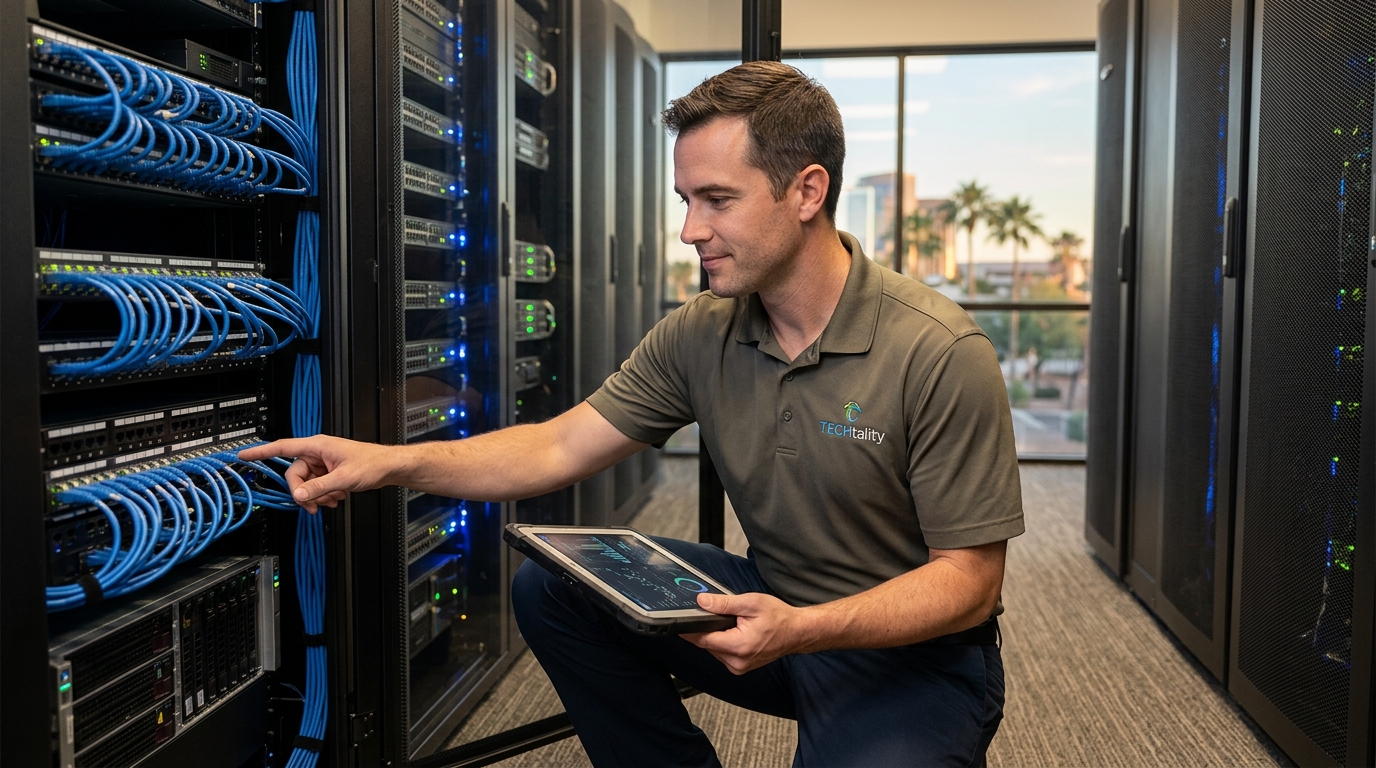
TECHtality provides comprehensive Windows server support in Chandler, AZ, offering on-site, remote, and managed services for local businesses. This guide covers managed IT, server management, and Active Directory administration. It details how local expertise prevents downtime and secures your infrastructure.
Managed IT Services
Managed IT services is a subscription-based model where a provider takes responsibility for managing a client's IT infrastructure. For Chandler businesses, this shifts the burden of maintenance from internal staff to a dedicated external team. TECHtality offers managed support that covers workstations, servers, and VoIP systems. This approach ensures that your technology runs smoothly without requiring a full-time in-house IT department.
Proactive Monitoring and Maintenance
Cost Predictability and Budgeting
One of the primary benefits of managed services is cost predictability. You pay a flat monthly rate rather than unpredictable hourly fees for every fix. This makes budgeting significantly easier for small and mid-sized businesses. You know exactly what your IT spend will be each month. This financial stability allows you to focus on growth rather than surprise invoices.
24/7 Availability and Response Times
Businesses do not operate on a strict 9-to-5 schedule, and neither do IT issues. Managed IT providers often offer extended hours or 24/7 support. This ensures that if a server goes down at 2 AM, someone is available to help. TECHtality provides on-site and remote support to get you back up and running quickly. Fast response times are critical for maintaining business continuity.
Server Management Services
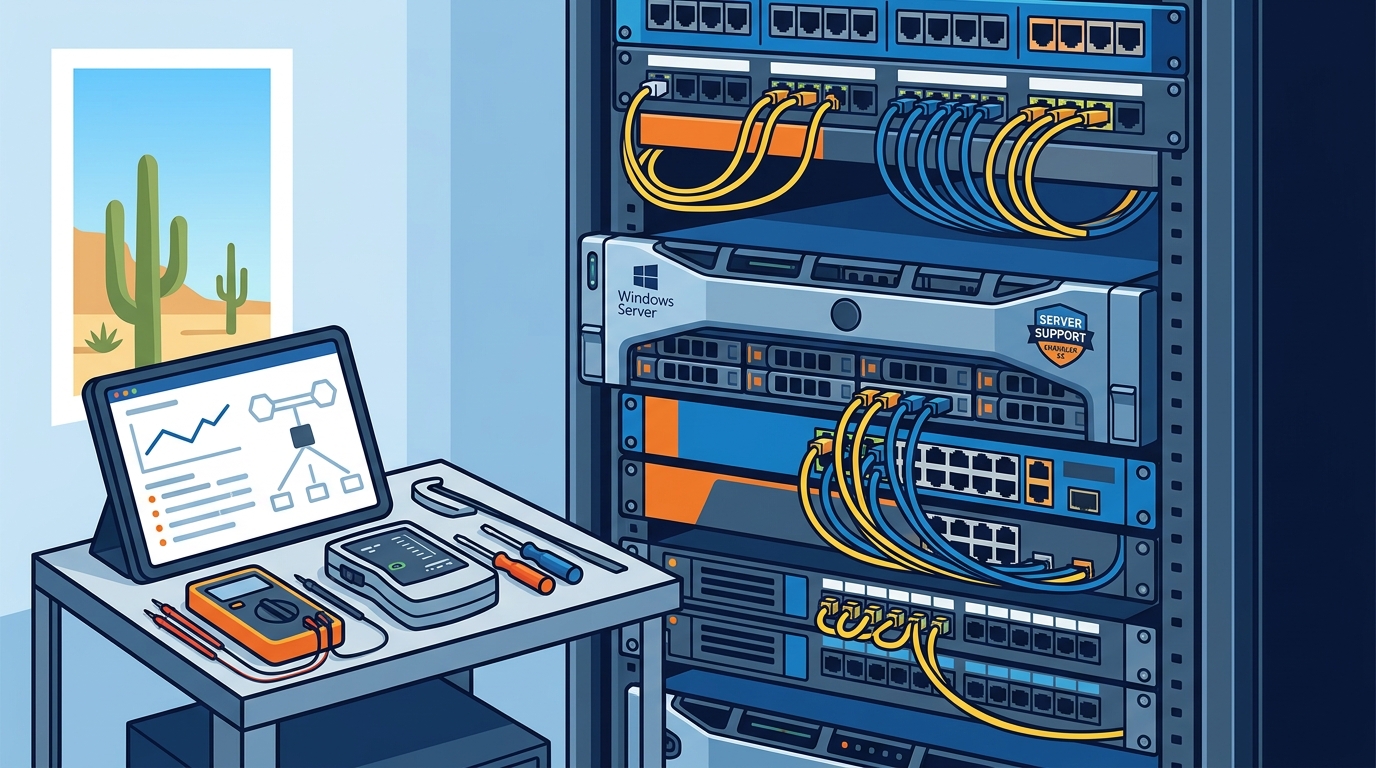
Server management services is the specialized practice of maintaining, securing, and optimizing server hardware and software. Servers are the backbone of any business network, handling data storage, applications, and communications. A failure in server management can bring an entire office to a halt. TECHtality specializes in computer and server repair, ensuring that your critical infrastructure remains stable and secure.
Hardware Diagnostics and Repair
Physical hardware failures are a common cause of server downtime. This includes failing hard drives, power supply issues, and overheating components. Regular hardware diagnostics can predict these failures before they occur. TECHtality technicians perform on-site diagnostics to identify and replace faulty components. This hands-on approach is essential for complex hardware issues that cannot be fixed remotely.
Software Updates and Patch Management
Operating systems and server applications require regular updates to stay secure. Patch management is the process of applying these updates in a controlled manner. Poorly managed patches can cause compatibility issues or system instability. A professional server management service tests updates in a safe environment before deploying them to production. This ensures that security is maintained without disrupting daily operations.
Performance Optimization and Tuning
Over time, servers can become slow due to accumulated data and inefficient configurations. Performance tuning involves adjusting settings to maximize speed and efficiency. This includes optimizing database queries, managing memory allocation, and balancing network loads. TECHtality helps businesses optimize their server performance to ensure that applications run smoothly. This is particularly important for businesses that rely on heavy data processing or large user bases.
Active Directory Management
Active Directory management is the administration of a directory service used for authentication and authorization in Windows environments. It is the central repository for user accounts, computer accounts, and security policies. Proper Active Directory management is critical for maintaining security and controlling access to resources. TECHtality provides expert administration of Active Directory to ensure that your network remains secure and organized.
User Account and Group Policy Management
User account management involves creating, modifying, and deleting user profiles. Group Policy is used to enforce security settings across the network. For example, you can require strong passwords or restrict access to certain folders. TECHtality helps businesses implement and maintain these policies. This ensures that employees have the right access to the resources they need, and no more.
Security Auditing and Compliance
Backup and Recovery Strategies
Comparison of Support Models
| Feature | Internal IT Staff | Managed IT Services |
|---|---|---|
| Cost Structure | High fixed salaries and benefits | Predictable monthly subscription |
| Availability | Typically 9-to-5, limited after-hours | Extended hours or 24/7 support |
| Expertise | Generalist, limited specialized skills | Specialized team with diverse expertise |
| Scalability | Difficult to scale quickly | Easy to scale up or down |
| Proactive Maintenance | Often reactive due to workload | Proactive monitoring and maintenance |
Key Takeaways
- Managed IT services provide predictable costs and proactive maintenance for Chandler businesses.
- Server management includes hardware repair, patch management, and performance tuning.
- Active Directory management is critical for security and access control in Windows environments.
- Local providers like TECHtality offer faster response times and on-site support.
- Proactive monitoring prevents downtime and reduces emergency repair costs.
- Regular security audits and compliance checks protect sensitive business data.
- Robust backup and recovery strategies are essential for Active Directory and server data.
- Choosing a local IT partner ensures personalized service and deep understanding of your business needs.
Frequently Asked Questions
What is the difference between managed IT and traditional IT support?
Managed IT is a proactive, subscription-based model where the provider manages your infrastructure. Traditional support is reactive, where you pay only when something breaks. Managed IT includes monitoring, maintenance, and strategic planning.
How quickly can TECHtality respond to a server issue in Chandler?
TECHtality offers on-site and remote support. For critical issues, they can often respond within hours. Remote support allows for immediate troubleshooting, while on-site visits are scheduled for hardware issues.
Do you support both on-premise and cloud servers?
What is Active Directory and why is it important?
Active Directory is a directory service for managing users and resources in a Windows network. It is important for security, authentication, and centralized management of user accounts and policies.
How often should server hardware be checked?
Regular health checks are recommended, typically quarterly or semi-annually. Proactive monitoring provides continuous oversight, while physical inspections ensure hardware integrity.
Can you help with migrating to a new server system?
Yes, TECHtality assists with server migrations, including data transfer, configuration, and testing. They ensure a smooth transition with minimal downtime for your business.
Conclusion
Choosing the right Windows server support provider in Chandler, AZ, is critical for business continuity and security. TECHtality offers comprehensive managed IT, server management, and Active Directory services tailored to local businesses. Their local presence ensures fast response times and personalized support. By partnering with TECHtality, you gain access to expert knowledge and proactive maintenance. This allows you to focus on your core business while they handle your technology. To discuss your specific needs, contact TECHtality today.