

Business servers crash repeatedly due to hardware failure, software conflicts, or resource exhaustion. TECHtality, based in Chandler, AZ, diagnoses these issues through proactive monitoring and on-site repair. Identifying the root cause is critical to preventing data loss and operational downtime.
Hardware Failures and Component Stress
Hardware degradation is the most common cause of repeated server crashes. Server hardware is a physical component that degrades over time due to heat, vibration, and continuous operation. When a hard drive or power supply unit fails, the server often crashes before the component completely dies. This pre-failure state can cause intermittent crashes that are difficult to diagnose without specialized tools.
For example, a failing power supply may provide inconsistent voltage, causing the server to reboot unexpectedly. TECHtality technicians use diagnostic software to monitor component health and identify failing parts before they cause a total outage. Replacing these components early prevents data corruption and extends the life of the server.
Software Conflicts and Operating System Instability
Software conflicts occur when incompatible drivers, applications, or operating system updates interfere with each other. An operating system is a software layer that manages hardware resources and executes applications. When a driver update conflicts with a critical service, the server may crash to protect itself from corruption. This is often referred to as a kernel panic or blue screen of death.
For instance, a recent Windows Server update might conflict with a legacy application driver, causing repeated crashes. TECHtality reviews system logs to identify the specific software causing the instability. Rolling back updates or patching drivers resolves these conflicts and restores stability.
Resource Exhaustion and Performance Bottlenecks
Resource exhaustion happens when a server runs out of memory, disk space, or processing power. Memory exhaustion is a state where the server cannot allocate enough RAM for active processes, forcing it to crash. This often occurs when applications leak memory or when the server is overloaded with too many users or tasks.
For example, a database server may crash if its disk fills up with transaction logs. TECHtality monitors resource usage and alerts administrators before critical thresholds are reached. Adding more RAM or optimizing database queries can prevent these crashes and improve overall performance.
Network Connectivity and Communication Errors
Network issues can cause server crashes if the server relies on network resources for operation. A network interface card is a hardware component that connects the server to the network. If the NIC fails or the network cable is damaged, the server may crash if it is configured to depend on network services. This is common in clustered environments where nodes must communicate constantly.
For instance, a server in a cluster may crash if it loses communication with its peer nodes. TECHtality tests network connectivity and replaces faulty cables or NICs to ensure stable communication. This prevents unnecessary crashes and maintains cluster integrity.
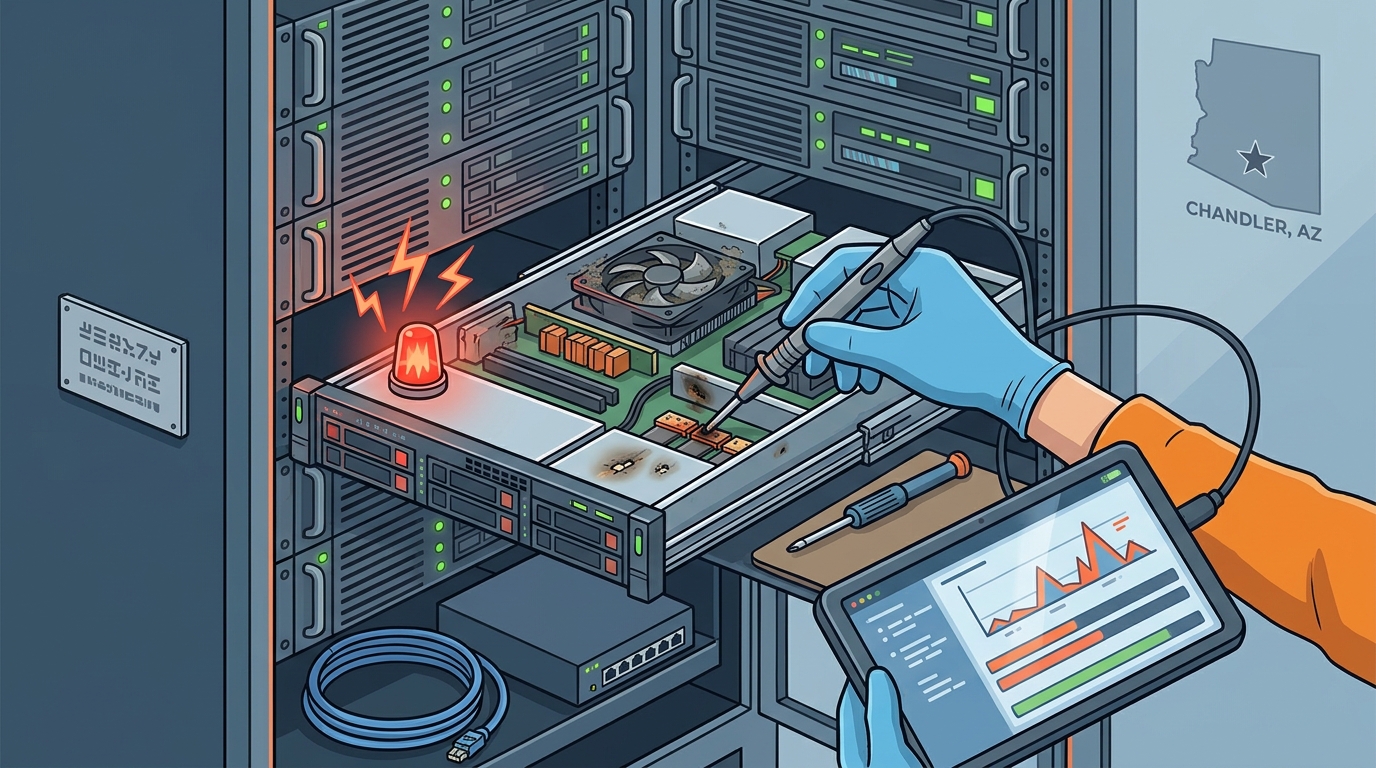
How to Fix Repeated Server Crashes
Fixing repeated server crashes requires a systematic approach to diagnosis and repair. A server crash is an unexpected shutdown or reboot that interrupts service. The first step is to analyze system logs to identify the error code or message. This provides a clue about the root cause, whether it is hardware, software, or resource-related.
TECHtality follows a structured repair process that includes log analysis, hardware testing, and software patching. We also implement proactive monitoring to detect early signs of failure. This approach minimizes downtime and ensures long-term stability. For businesses in the Chandler and Phoenix area, our on-site team can perform these repairs quickly and efficiently.
Key Takeaways
- Hardware degradation is a leading cause of repeated server crashes.
- Software conflicts and driver issues can trigger kernel panics.
- Resource exhaustion, such as out-of-memory errors, forces servers to crash.
- Network connectivity problems can cause crashes in clustered environments.
- Proactive monitoring and log analysis are essential for diagnosis.
- TECHtality provides on-site repair and monitoring services in Arizona.
Frequently Asked Questions
What are the most common causes of server crashes?
The most common causes are hardware failure, software conflicts, and resource exhaustion. Identifying the specific cause requires log analysis and diagnostic testing.
How can I prevent server crashes?
You can prevent crashes by implementing proactive monitoring, keeping software updated, and ensuring adequate hardware resources. Regular maintenance checks are also important.
Does TECHtality offer on-site server repair in Chandler?
Yes, TECHtality offers on-site server repair and support for businesses in Chandler and the greater Phoenix area. We can diagnose and fix crashes quickly.
How long does it take to fix a crashing server?
The time required depends on the root cause. Software issues may be fixed in hours, while hardware replacements may take longer. TECHtality works to minimize downtime.
Can a server crash cause data loss?
Yes, a sudden crash can cause data loss or corruption if the server is writing to disk. Regular backups are essential to protect against this risk.
Conclusion
Repeated server crashes are a serious issue that can disrupt business operations. By understanding the common causes, such as hardware failure and software conflicts, you can take steps to prevent them. TECHtality provides expert diagnosis and repair services to keep your servers running smoothly. To schedule a server assessment or discuss your specific needs, contact our team. Learn more: Contact TECH All your.