
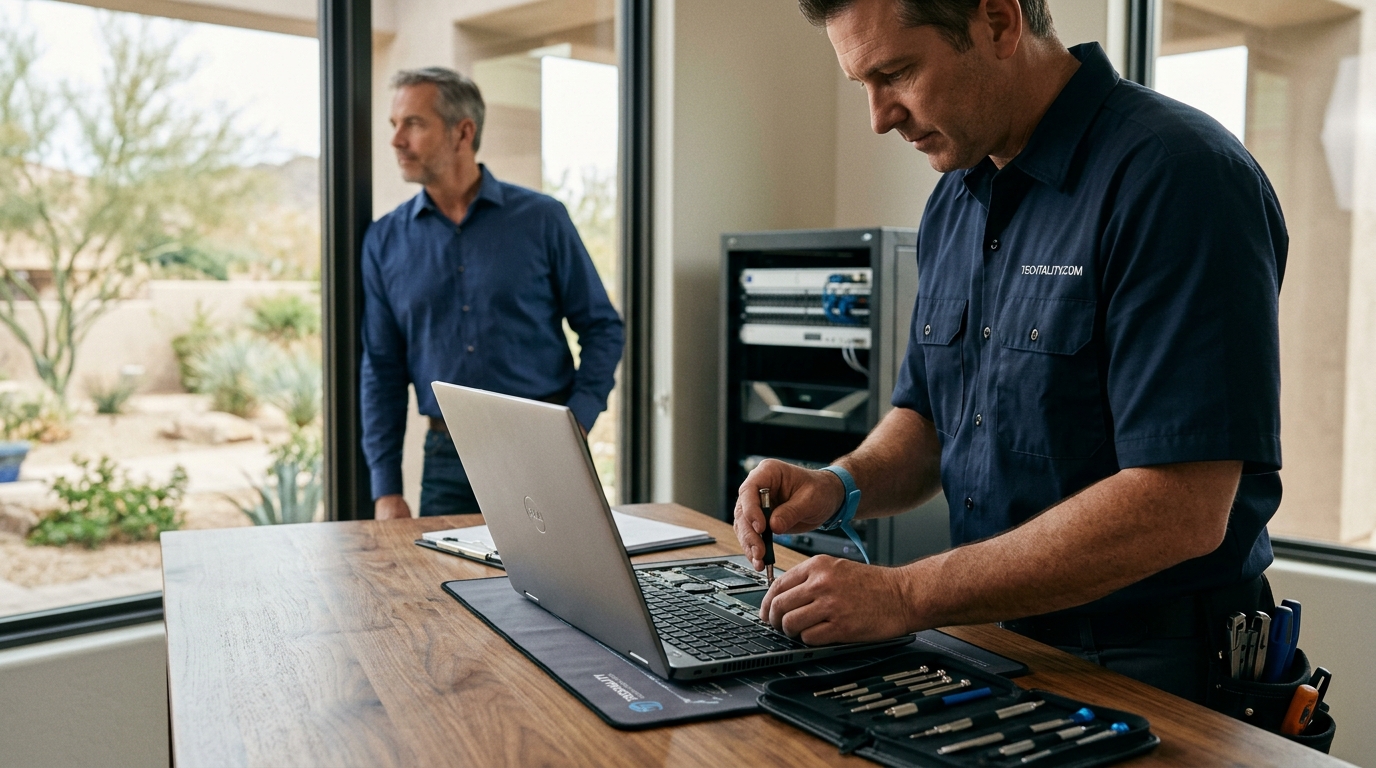
The landscape of technology support has shifted dramatically in recent years, with on-site service becoming a premium offering for businesses and high-net-worth individuals alike. According to a 2025 industry analysis by the International Data Corporation, the global market for remote IT support continues to grow, yet on-site interventions remain critical for complex hardware failures. The average cost for a standard on-site computer repair visit typically ranges from $100 to $250 for the initial call-out fee, excluding parts. This baseline covers the technician's travel time and initial diagnostic assessment. However, final bills can escalate significantly depending on the complexity of the issue, the time required for resolution, and the specific components that need replacement. Understanding these cost drivers is essential for budgeting and avoiding unexpected charges.
Understanding the Pricing Breakdown
When you request an on-site technician, the invoice is rarely a flat rate. It is a composite of several distinct charges. The primary component is the service call fee. This fee covers the technician's travel to your location and the first 30 to 60 minutes of diagnostic work. CNET reports that service call fees have risen by approximately 15% since 2022 due to increased labor costs and fuel expenses. For most residential clients, this fee ranges between $50 and $100. If the technician determines that the issue requires more than one hour to resolve, they will typically charge an hourly rate for the additional time.
The hourly labor rate is the second major cost driver. In major metropolitan areas, skilled IT professionals command higher rates due to the cost of living and the scarcity of certified technicians. The average hourly rate for on-site computer repair in 2026 is between $75 and $150 per hour. Some premium providers may charge upwards of $200 per hour for specialized enterprise-level support. It is crucial to ask whether the hourly rate is billed in 15-minute increments or full hours. Many reputable companies, including Techtality, use 15-minute increments to ensure you only pay for the exact time spent on your device.
Parts and components are billed separately. If your computer requires a new hard drive, RAM module, or power supply, you will pay the wholesale cost of the part plus a markup for sourcing and warranty handling. The markup typically ranges from 10% to 20%. Understanding this breakdown helps you distinguish between labor costs and hardware costs, allowing for more accurate budgeting.
Costs for Common Repairs
Not all repairs are created equal. Some issues are quick fixes, while others require extensive troubleshooting. Below is a breakdown of the typical costs for the most frequent on-site repair requests.
Virus and Malware Removal
Virus removal is one of the most common reasons people call for on-site help. Statista data indicates that ransomware attacks have increased by 200% over the last three years, making professional removal critical. The cost for a standard virus removal service typically ranges from $150 to $300. This includes the removal of the malware, restoration of system files, and installation of robust security software. If the infection has corrupted the operating system, a full OS reinstall may be required, which can add $100 to $200 to the bill.
Hardware Upgrades
Upgrading your computer's hardware is a cost-effective way to extend its lifespan. Common upgrades include adding RAM, installing a solid-state drive (SSD), or upgrading the graphics card. The labor cost for these upgrades is relatively low, usually between $50 and $100. However, the cost of the parts varies widely. For example, a 16GB RAM kit might cost $60, while a 1TB NVMe SSD could cost $80 to $120. The total investment for a significant performance boost often falls between $150 and $300, including labor.
Water Damage Recovery
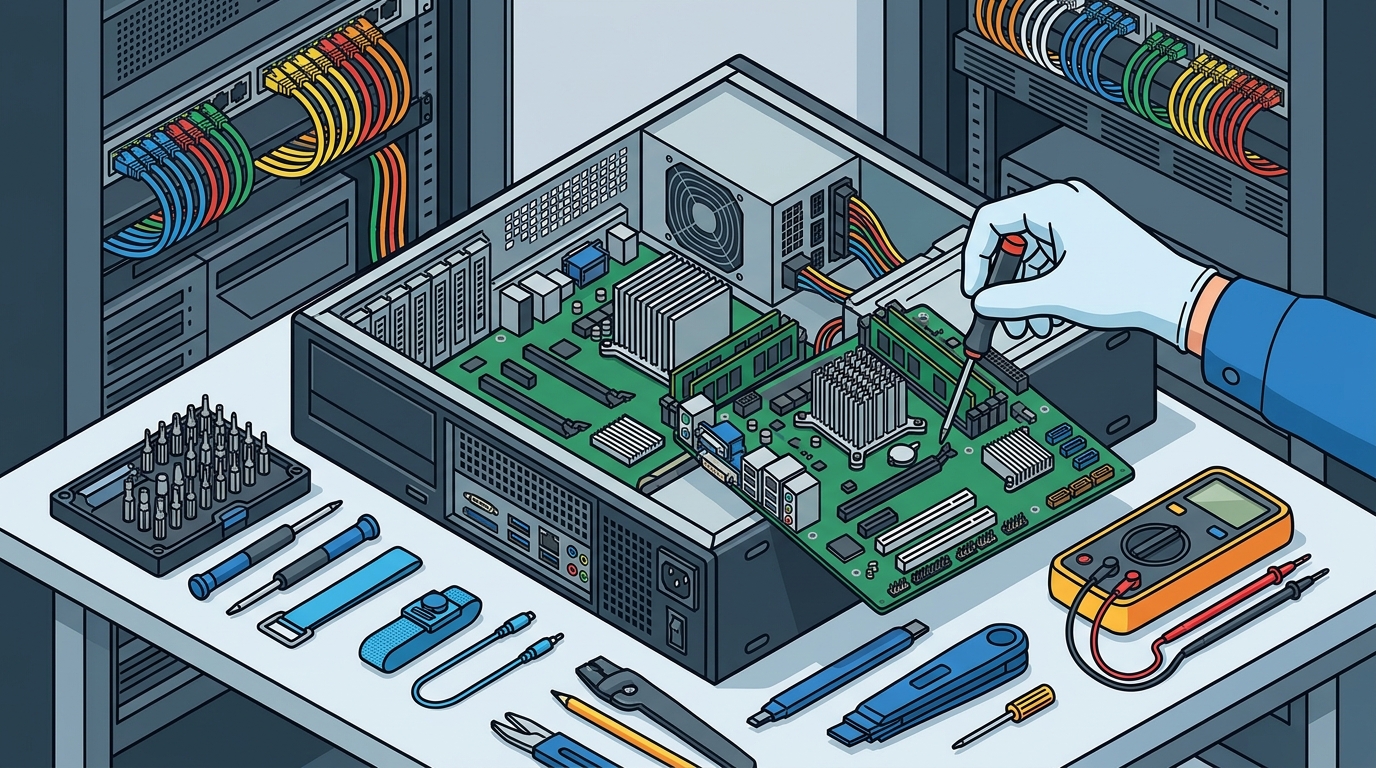
Water damage is a nightmare scenario. The cost for water damage recovery is highly variable and depends on the extent of the corrosion. Forbes notes that early intervention can save up to 60% of the data in water-damaged devices. A basic cleaning and drying service might cost $100 to $200. However, if the motherboard requires micro-soldering or component replacement, the cost can exceed $500. In many cases, if the data is critical, specialized data recovery services may be recommended, which can cost thousands of dollars.
Factors Influencing Total Cost
Several variables can cause your final bill to deviate from the average. Understanding these factors allows you to prepare for potential price fluctuations.
Urgency and After-Hours Service
Standard business hours typically run from 9 AM to 5 PM, Monday through Friday. If you require service outside these hours, such as evenings, weekends, or holidays, you can expect a premium charge. After-hours service fees often add 25% to 50% to the standard labor rate. Emergency same-day service may also incur a rush fee. For businesses that cannot afford downtime, this premium is often justified by the immediate restoration of operations.
Complexity of the Issue
Simple issues, such as a loose cable or a forgotten password, may be resolved in under 30 minutes. Complex issues, such as intermittent boot failures or network configuration problems, can take several hours. Technicians charge for their expertise and time. If a technician spends three hours diagnosing a problem that turns out to be a simple software glitch, you will still be billed for the time spent. This is why clear communication about symptoms is vital.
Geographic Location
Service costs vary by region. In high-cost-of-living areas like San Francisco, New York, or London, labor rates are significantly higher than in rural areas. Travel fees may also be higher if your location is outside the technician's standard service radius. The Bureau of Labor Statistics reports that IT support salaries in major tech hubs are 30% higher than the national average, which directly impacts consumer pricing.
On-Site vs. Mail-In Services
Choosing between on-site and mail-in repair services depends on your urgency and the nature of the problem. On-site service offers immediate attention and convenience, making it ideal for urgent business needs or complex hardware issues that require physical inspection. Mail-in services are generally cheaper but involve a turnaround time of several days to weeks.
| Feature | On-Site Repair | Mail-In Repair |
|---|---|---|
| Cost | $100 - $300+ (Labor + Parts) | $50 - $150 (Labor + Parts) |
| Turnaround Time | Same Day or Next Day | 3 - 7 Business Days |
| Convenience | High (Technician comes to you) | Low (You must ship the device) |
| Data Security | High (Device stays on premises) | Moderate (Device leaves your control) |
| Best For | Urgent issues, complex hardware | Non-urgent repairs, cost savings |
For critical business operations, the cost of downtime often outweighs the savings of mail-in repair. On-site service ensures that your IT infrastructure is restored quickly, minimizing productivity loss. Techtality's blog offers more insights on choosing the right repair model for your needs.
Key Takeaways
- Service Call Fees: Expect to pay $50 to $100 just for the technician to arrive and diagnose the issue.
- Labor Rates: Hourly rates typically range from $75 to $150, with premium services costing more.
- Parts Markup: Hardware components are usually marked up by 10% to 20% for sourcing and warranty handling.
- Virus Removal: Standard malware removal costs between $150 and $300, depending on the severity.
- After-Hours Premium: Emergency or weekend service can add 25% to 50% to the total bill.
- Geographic Variance: Costs are higher in major metropolitan areas due to labor and living expenses.
- Urgency vs. Cost: On-site service is faster but more expensive than mail-in options.
Frequently Asked Questions
How long does an on-site computer repair take?
Most standard repairs, such as virus removal or hardware upgrades, take between 1 to 3 hours. Complex issues like motherboard repairs or extensive data recovery can take longer. Technicians often provide an estimated time frame after the initial diagnosis.
Do I need to be present during the repair?
It is recommended that you be present to discuss the issue and authorize any additional work. However, some companies offer secure remote access options for follow-up diagnostics if you cannot stay.
What if the repair is unsuccessful?
Most reputable companies offer a warranty on their labor. If the same issue recurs within a specified period, they will re-diagnose and repair it at no additional labor cost. Parts warranties are handled through the manufacturer.
Can I get a quote before the technician arrives?
Many companies provide a diagnostic fee that is applied to the final bill if you proceed with the repair. A full quote is usually only possible after the technician has inspected the device. Contact Techtality for a transparent pricing structure.
Are on-site repairs more expensive than remote support?
Yes, on-site repairs are generally more expensive due to travel time and labor costs. However, they are necessary for hardware issues that cannot be resolved remotely. Remote support is ideal for software glitches and configuration issues.
What payment methods are accepted?
Most on-site technicians accept credit cards, debit cards, and digital payment methods like Venmo or Zelle. Some may also accept checks or corporate invoicing for business clients.
Do you offer service contracts for businesses?
Yes, many providers offer monthly or annual service contracts that include priority service, discounted labor rates, and regular maintenance checks. These contracts can significantly reduce long-term IT costs for businesses.
Contact Techtality
When your computer fails, you need a reliable partner who understands the urgency of your situation. Techtality provides expert on-site computer repair services tailored to both residential and business needs. Our certified technicians are equipped to handle everything from simple virus removals to complex hardware upgrades. We believe in transparent pricing and exceptional service. Schedule your on-site repair today and experience the difference of professional, on-demand IT support.