
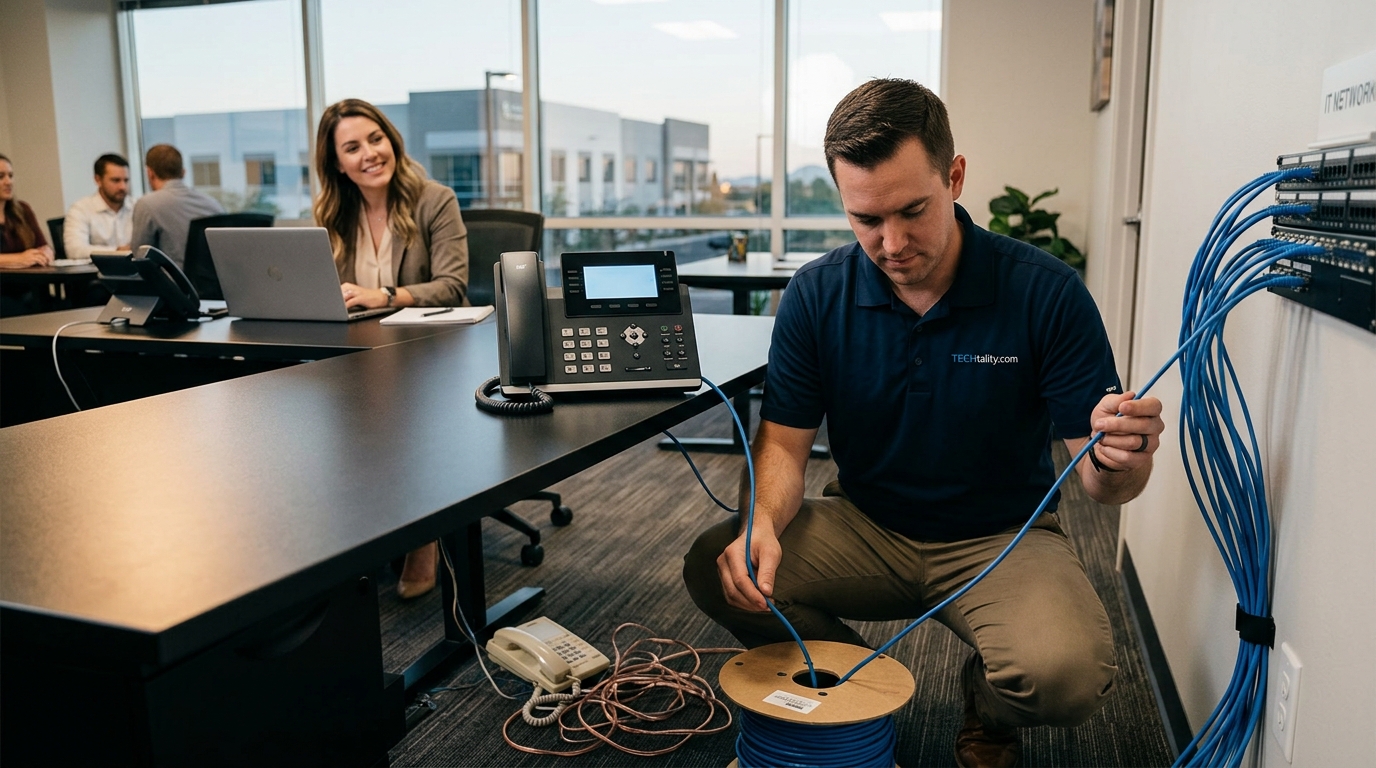
Transitioning Your Office to VoIP Phone Services: A Complete 2026 Guide
The shift from legacy copper lines to Voice over Internet Protocol (VoIP) is no longer a futuristic concept but a present-day operational necessity. According to recent industry data, the global VoIP market is projected to reach $360 billion by 2026, driven by the urgent need for scalable, cost-effective communication infrastructure. This transition represents more than just a hardware swap; it is a fundamental restructuring of how your business connects with clients, manages remote teams, and secures its digital perimeter. For businesses in Arizona and beyond, understanding the technical nuances of this migration is critical to avoiding costly downtime and ensuring seamless continuity.
What is VoIP and Why It Matters Now
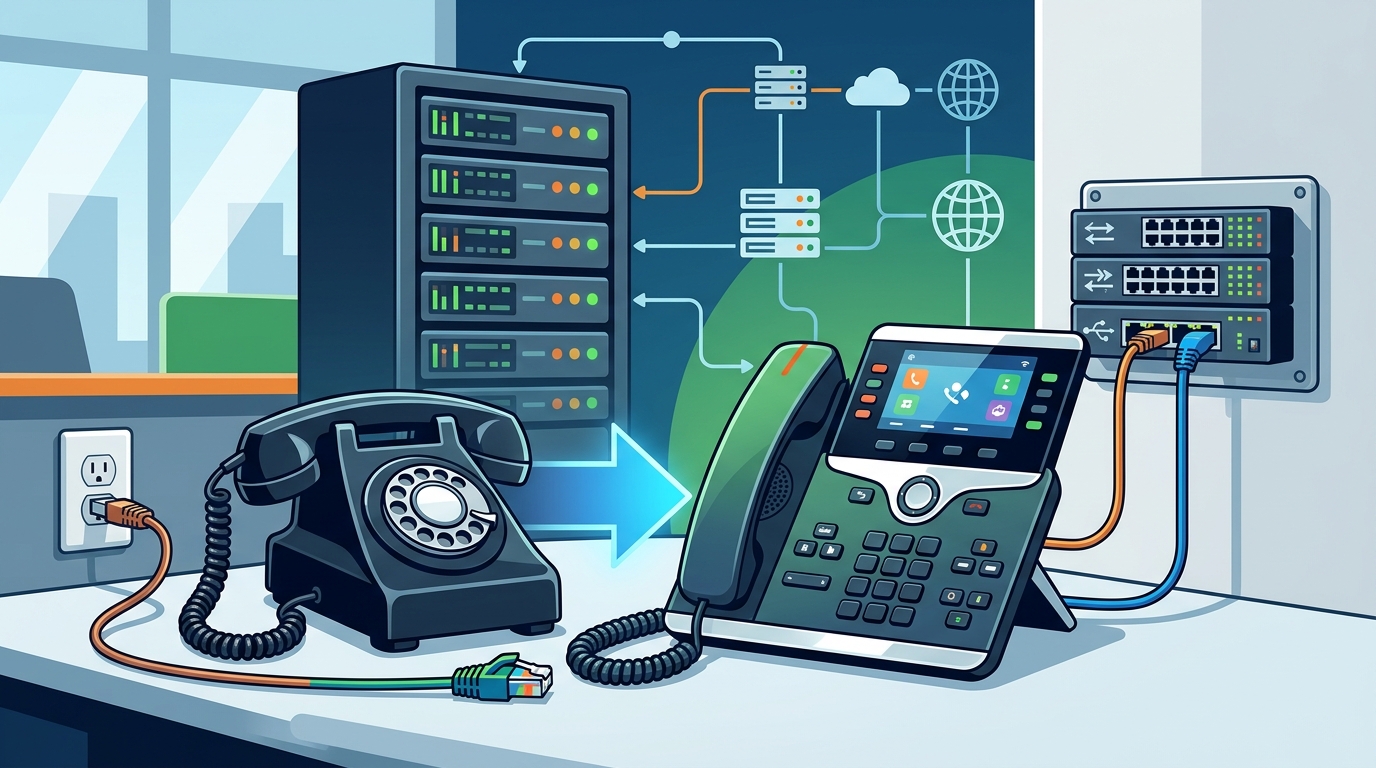
Voice over Internet Protocol (VoIP) is a technology that allows you to make voice calls using a broadband Internet connection instead of a regular, or analog, phone line. This definition distinguishes it sharply from traditional Public Switched Telephone Network (PSTN) systems that rely on physical copper wiring. The majority of businesses have started to make the switch to a hosted VoIP solution for a more upgraded, tech-forward system that is feature-packed. Legacy PBX systems were large, required lots of power, and were very expensive to maintain. They also required physical copper phone lines and phone trunks, which were prone to noise and almost impossible to reroute during emergencies or outages.
By using your existing Internet connections, businesses can now connect with VoIP providers that operate very large state of the art PBXs and rent extensions to businesses for affordable rates. Switching to Hosted VoIP allows businesses to throw away their old internal PBX and save both space and power. More importantly, businesses now have access to all of the enterprise level, state of the art features not available in their legacy PBX. This includes advanced call routing, voicemail-to-email transcription, and seamless integration with Customer Relationship Management (CRM) tools. The Federal Communications Commission has long recognized the efficiency gains of IP-based telephony, noting that it reduces the dependency on aging physical infrastructure.
Assessing Your Current Infrastructure
Before pulling the plug on your analog lines, you must conduct a rigorous audit of your current technological ecosystem. This phase is not merely about counting phones; it is about understanding the bandwidth capacity and reliability of your current internet service provider (ISP). If your current network cannot support the latency-sensitive nature of real-time voice traffic, the migration will fail regardless of the software quality.
Bandwidth Analysis
VoIP consumes bandwidth. While a single call might only use a few kilobits per second, a busy office with dozens of concurrent calls can quickly saturate a standard business connection. You must calculate your peak concurrent call volume and multiply it by the codec bandwidth requirements. For example, using the G.711 codec typically requires 87 kbps per call, while G.729 requires only 24 kbps. Underestimating this requirement leads to jitter, packet loss, and robotic voice quality, which directly impacts customer satisfaction.
Legacy Hardware Inventory
Identify all devices currently connected to your phone system. This includes traditional desk phones, fax machines, and alarm systems that may be hardwired into the phone jacks. Fax machines, in particular, often struggle with digital VoIP signals. Many businesses now opt for FAX to Email Service solutions, which digitize the fax process entirely, eliminating the need for physical paper and hardware maintenance. This shift aligns with the broader industry trend toward paperless operations, as highlighted by the Gartner research on communication platform evolution.
Strategic Planning for Migration
A successful migration requires a phased approach. Rushing the process can lead to critical communication gaps during business hours. The planning phase involves selecting the right service model, whether that is Hosted PBX, On-Premise PBX, or a Hybrid solution.
Hosted vs. On-Premise
Hosted VoIP, also known as Cloud PBX, is the most common choice for small to medium-sized businesses. In this model, the PBX hardware is located off-site in a data center managed by the provider. You pay a monthly fee per user, which includes software updates, maintenance, and support. This model eliminates the need for capital expenditure on hardware. On the other hand, On-Premise PBX requires you to purchase and maintain the hardware yourself. While this offers greater control over data, it requires significant IT expertise and upfront investment.
For most Arizona businesses, the hosted model offers superior flexibility. TECHtality provides Business Class VoIP Hosting Services at an amazing low rate along with On-Site Support Services. No contract allows you to add or remove services at any time with zero hassles. This flexibility is crucial for businesses experiencing rapid growth or seasonal fluctuations in staffing.
Number Porting Strategy
Porting your existing phone numbers to the new VoIP provider is a critical step. The Federal Communications Commission (FCC) mandates that carriers facilitate number porting, but the process can take several weeks. You must coordinate the porting date carefully to ensure there is no gap in service. It is advisable to keep your analog lines active until the new VoIP system is fully tested and verified. The Consumer Financial Protection Bureau provides guidelines on consumer rights during telecommunications transitions, ensuring you are protected during the porting process.
Hardware and Network Requirements
Transitioning to VoIP does not mean you can ignore hardware. In fact, the quality of your end-user devices significantly impacts the user experience. You must choose between IP Phones, Softphones, or a hybrid approach.
IP Phones
IP Phones look and feel like traditional desk phones but connect directly to your network via Ethernet. They offer superior audio quality and dedicated hardware buttons for speed dialing and call management. For receptionists and sales teams, IP phones are often the preferred choice due to their reliability and ease of use.
Softphones
Softphones are software applications installed on computers, tablets, or smartphones. They allow employees to make calls from anywhere, supporting the modern remote work paradigm. Softphones reduce hardware costs but require users to have a reliable headset and a stable internet connection. The Statista market outlook for VoIP indicates a steady increase in softphone adoption due to the rise of hybrid work models.
Network Optimization
To ensure high-quality voice calls, you must implement Quality of Service (QoS) settings on your network. QoS prioritizes voice traffic over other types of data, such as file downloads or video streaming. Without QoS, a large file download can cause your calls to drop or become unintelligible. Additionally, consider implementing a Unified Communications as a Service (UCaaS) platform that integrates voice, video, and messaging into a single interface. This integration is becoming a standard expectation for modern business operations, as noted by IDC research on enterprise communication trends.
The Implementation Phase
Implementation is the most visible part of the migration. It involves the physical installation of devices, the configuration of the PBX system, and the training of staff. This phase requires precision and efficiency to minimize downtime.
Phased Rollout
Do not migrate the entire organization on a single day. Start with a pilot group, typically including IT staff and early adopters. This group will test the system in real-world conditions, identifying any bugs or configuration errors. Once the pilot is successful, roll out the system to other departments in waves. This approach allows you to manage support tickets effectively and provide targeted training to each group.
Staff Training
Even the best VoIP system will fail if users do not know how to use it. Provide comprehensive training on how to make calls, transfer calls, set up voicemail, and use advanced features like call forwarding and conferencing. Create quick-reference guides and video tutorials that employees can access on demand. TECHtality offers comprehensive on-site, on-demand, and remote IT services to ensure your staff has the technology they need to be productive. Their expertise in networked applications installation ensures that your system is configured correctly from day one.
Security and Compliance Considerations
VoIP systems are vulnerable to cyber threats, including eavesdropping, toll fraud, and denial-of-service attacks. Securing your VoIP infrastructure is not optional; it is a business imperative.
Encryption
Ensure that your VoIP provider uses encryption protocols such as Secure Real-time Transport Protocol (SRTP) and Transport Layer Security (TLS). These protocols encrypt the voice data in transit, preventing unauthorized parties from intercepting conversations. Encryption is a critical component of data privacy compliance, especially for industries handling sensitive customer information.
Network Security
Implement firewalls and intrusion detection systems specifically configured for VoIP traffic. Segment your VoIP network from your general data network to isolate potential threats. Regularly update the firmware on your IP phones and PBX servers to patch known vulnerabilities. The Cybersecurity and Infrastructure Security Agency (CISA) provides detailed guidelines on securing VoIP systems against common threats.
Disaster Recovery
VoIP offers inherent disaster recovery benefits. If your office loses power or internet connectivity, your VoIP system can often fail over to mobile devices or other locations. However, you must configure these failover rules in advance. Test your disaster recovery plan regularly to ensure it works as expected. TECHtality specializes in technology relocation and disaster preparedness, ensuring your business continuity is never compromised.
Frequently Asked Questions
How long does it take to switch to VoIP?
The timeline varies depending on the size of your organization and the complexity of your current setup. A small business with fewer than 20 users can typically transition in one to two weeks. Larger enterprises may take several months due to the need for extensive testing and phased rollouts. Number porting alone can take up to four weeks, so plan accordingly.
Can I keep my existing phone numbers?
Yes, in most cases, you can port your existing phone numbers to a new VoIP provider. This process is regulated by the FCC and is generally seamless. However, you must ensure that your new provider supports number porting in your specific area and that your current contract does not have early termination fees that outweigh the benefits of switching.
What happens to my VoIP service during a power outage?
Traditional analog phones work during power outages because they receive power from the phone line itself. VoIP phones require power to operate. However, you can mitigate this risk by using Uninterruptible Power Supplies (UPS) for your network equipment and IP phones. Additionally, many VoIP systems offer mobile app failover, allowing you to receive calls on your smartphone if your office internet goes down.
Is VoIP secure?
VoIP can be secure if implemented correctly. Using encryption, strong passwords, and regular software updates are essential. However, because VoIP relies on the internet, it is exposed to the same cyber threats as any other online service. Working with a reputable provider like TECHtality ensures that your system is protected by enterprise-grade security measures.
How much does VoIP cost?
VoIP costs are typically lower than traditional phone service. Hosted VoIP plans often range from $20 to $50 per user per month, depending on the features included. This cost usually includes the software, maintenance, and support. Additional costs may include hardware, such as IP phones, and internet bandwidth upgrades. TECHtality offers Hosted Enterprise Voice at $29.99 billed monthly, providing a cost-effective solution for businesses.
Do I need a new internet connection for VoIP?
You may not need a completely new connection, but you likely need to upgrade your current one. VoIP requires a stable, high-speed internet connection with sufficient bandwidth and low latency. If your current internet plan is shared with many users or has a low upload speed, you may experience poor call quality. A network assessment can determine if an upgrade is necessary.
Next Steps for Your Business
Transitioning to VoIP is a strategic move that can significantly enhance your business communication capabilities. However, it requires careful planning, technical expertise, and ongoing support. TECHtality is dedicated to ensuring seamless Managed Support Services for all aspects of your business technology. From workstations to VoIP phones, laptops to servers, and everything in between, we offer comprehensive MSP on-site, on-demand, and remote IT services.
Do not navigate this complex transition alone. Contact TECHtality today to schedule a consultation. Our experts will assess your current infrastructure, recommend the best VoIP solution for your needs, and manage the entire migration process. Call a TECH at (480) 988-0900 or visit our services page to learn more about how we can help your business thrive in the digital age.