
Steps to Finding and Engaging Windows Server Support in Chandler, AZ
Business continuity in the modern digital landscape relies entirely on the stability of your underlying infrastructure. According to recent industry data, 54% of organizations have experienced significant data loss due to inadequate backup strategies or hardware failure. This statistic highlights a critical vulnerability for Chandler businesses that rely on Windows Server environments for their daily operations. When your server goes down, your revenue stops. Finding the right partner to manage this complexity is not just a technical necessity but a strategic business decision. This guide outlines the precise steps to identify, evaluate, and engage a reliable Windows Server support provider in the Chandler, Arizona area.
Step 1: Define Your Specific Technical Requirements
Before contacting any vendor, you must articulate the exact scope of your Windows Server needs. Windows Server support is not a monolithic service. It ranges from basic break-fix repairs to comprehensive Managed Service Provider (MSP) models. You need to determine if your organization requires on-site hardware diagnostics, remote software troubleshooting, or a hybrid approach.
Consider the age and version of your current server infrastructure. Are you running Windows Server 2019, 2022, or a legacy version that requires specialized migration planning? Defining your technical baseline prevents scope creep and ensures you receive accurate pricing. If your business relies on specific networked applications, email hosting, or VoIP systems, these must be included in your initial requirements list. A provider who understands the interconnectivity of your entire tech stack will offer more robust support than one who focuses solely on the server hardware.
Step 2: Verify Local Expertise and Response Capabilities
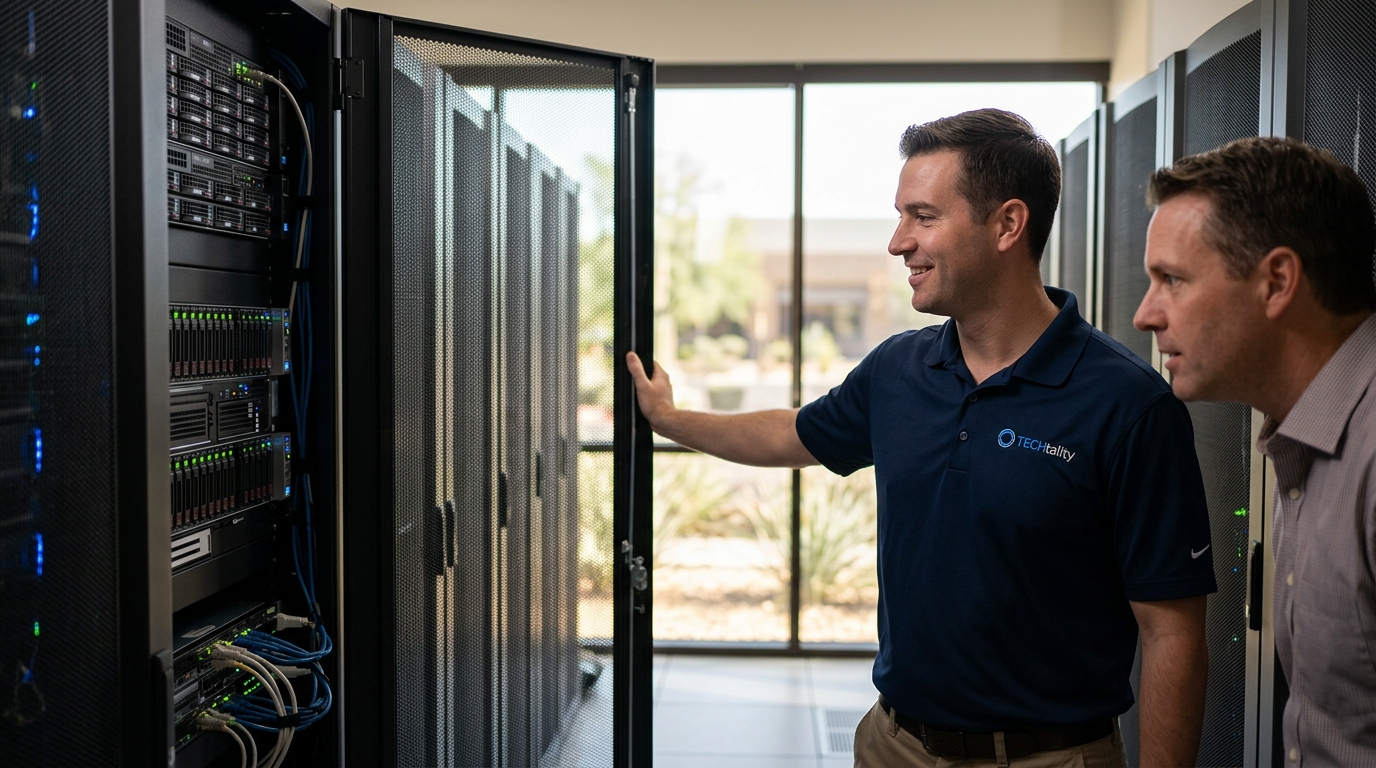
For businesses in Chandler, AZ, local presence is a significant advantage. When a server fails, remote troubleshooting is often insufficient. You need technicians who can physically access your server room to replace hardware, re-cable racks, or perform emergency diagnostics. Look for providers with a documented history of serving the Chandler and Scottsdale regions.
Experience matters in the IT support industry. Providers with decades of operational history, such as those established in the 1980s, often possess a deeper understanding of legacy system compatibility and long-term infrastructure planning. Local providers understand the specific regulatory and environmental challenges facing Arizona businesses. Verify that the company has a physical office in the area, such as in Chandler or Scottsdale, and confirm their ability to dispatch technicians to your location within a reasonable timeframe. This local accountability ensures that your technology issues are treated with urgency rather than being queued behind distant clients.
Step 3: Evaluate Managed Service Provider (MSP) Models
Once you have identified local candidates, you must evaluate their service delivery models. The most effective way to manage Windows Server support is through a Managed Service Provider (MSP). An MSP offers proactive monitoring, regular maintenance, and predictable monthly pricing. This model contrasts with the traditional break-fix approach, where you only pay when something goes wrong.
When comparing MSPs, look for comprehensive coverage that includes:
- Proactive Monitoring: 24/7 surveillance of server health, CPU usage, and memory utilization.
- Regular Updates: Automated patch management for Windows Server and associated applications.
- Backup Management: Ensuring your data is protected against ransomware and hardware failure.
- Security Hardening: Configuration of firewalls, antivirus, and intrusion detection systems.
Providers like TECHtality specialize in this holistic approach, offering on-site, on-demand, and remote services tailored to Arizona businesses. Their focus on seamless integration ensures that your server environment remains stable and secure without requiring constant internal oversight.
Step 4: Assess Security and Backup Protocols
Security is the paramount concern for any Windows Server environment. Ransomware attacks have increased significantly in recent years, targeting small to medium-sized businesses that lack robust defenses. Your support provider must have a clear, tested strategy for data protection.
Ask potential providers about their backup methodologies. The industry standard is the 3-2-1 backup rule, which dictates that you should have three copies of your data, stored on two different media types, with one copy kept offsite. However, modern best practices often recommend a 3-2-2-1 strategy, which adds an additional offsite copy and emphasizes immutability to prevent ransomware encryption of backups.
Ensure your provider offers:
- Encryption: Data must be encrypted both in transit and at rest.
- Regular Testing: Backups are useless if they cannot be restored. Demand proof of regular restore testing.
- Disaster Recovery Planning: A documented plan for rapid server restoration in the event of a catastrophic failure.
For a detailed understanding of these protocols, you can review resources like the 3-2-2 Backup Explained guide. This framework is essential for minimizing data loss exposure and ensuring business continuity.
Step 5: Conduct a Technical Discovery and Proposal
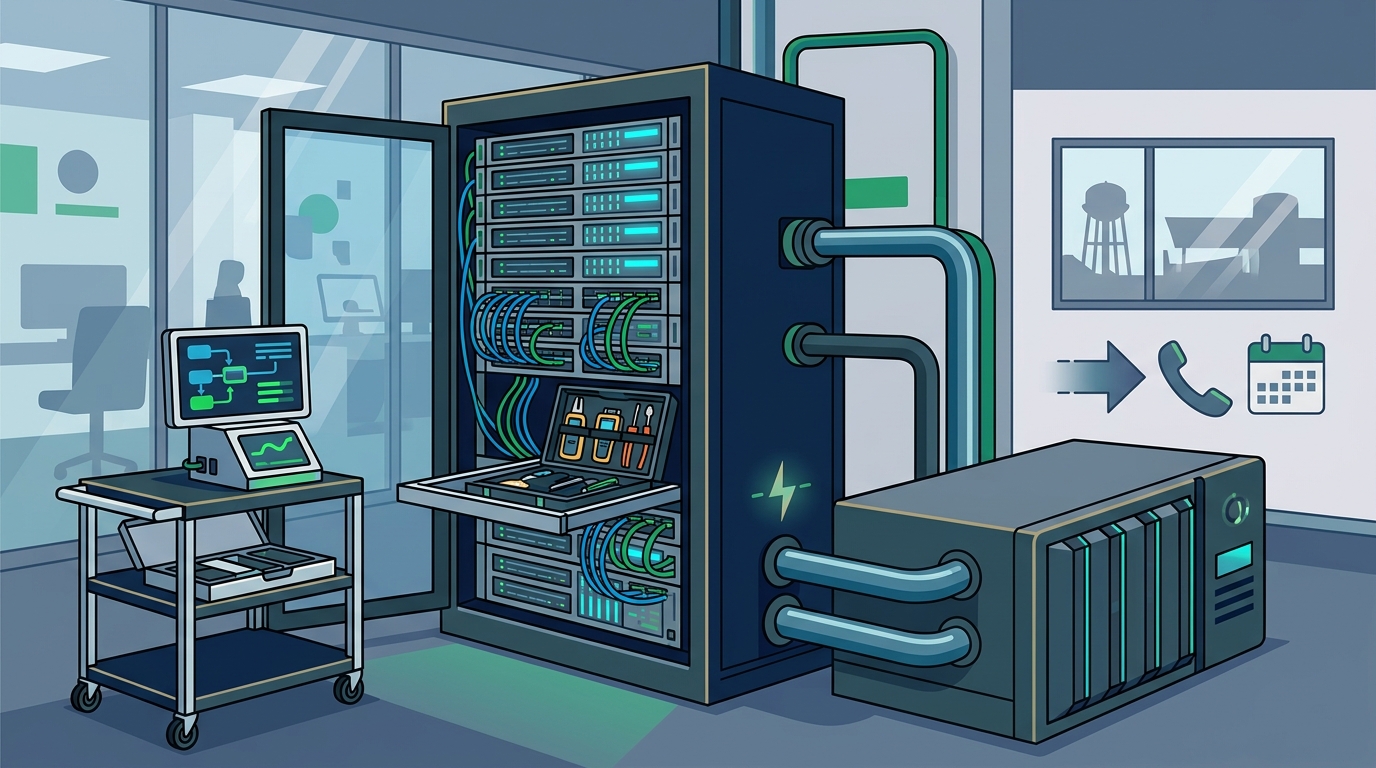
After narrowing down your list to two or three qualified providers, request a technical discovery session. This is a no-obligation meeting where the provider will assess your current infrastructure. During this phase, they should:
- Perform a physical inspection of your server room and network cabling.
- Review your current software licenses and subscription status.
- Identify any bottlenecks or single points of failure in your network.
- Discuss your future growth plans and scalability needs.
A high-quality proposal will include a clear roadmap for addressing any identified issues, along with a transparent pricing structure. Be wary of providers who offer vague quotes or refuse to provide a detailed breakdown of costs. Transparency in pricing and scope is a key indicator of a trustworthy partner. Ensure the proposal includes specific service level agreements (SLAs) that define response times and resolution goals.
Step 6: Finalize the Engagement and Transition
Once you have selected your provider, the final step is the transition of support. This process should be managed carefully to avoid any downtime. A professional provider will:
- Map Your Environment: Document all hardware, software, and network configurations.
- Establish Communication Channels: Set up dedicated support lines and ticketing systems.
- Train Your Staff: Provide guidance on how to report issues and follow security best practices.
- Monitor Closely: Increase monitoring intensity during the initial weeks to catch any emerging issues.
For businesses considering a technology relocation or office turn-up, specialized services are available to ensure a seamless transition. D-Mark Services and Office Turn Up options can handle the physical and digital aspects of moving your server infrastructure to a new location.
Key Takeaways
- Local Presence Matters: Chandler businesses benefit from providers with physical offices in the area, such as TECHtality in Chandler and Scottsdale.
- Experience Counts: Providers with over 40 years of experience, like TECHtality, offer deep expertise in legacy and modern Windows Server environments.
- Proactive vs. Reactive: Managed Service Providers (MSPs) offer superior protection compared to break-fix models by preventing issues before they occur.
- Backup Strategy: Implementing a 3-2-2-1 backup strategy is critical for data protection against ransomware and hardware failure.
- Comprehensive Support: Ensure your provider handles not just servers, but also networks, VoIP, and security systems for a unified support experience.
- Transparent Pricing: Always request a detailed proposal with clear SLAs and pricing structures during the discovery phase.
- Security First: Encryption and regular restore testing are non-negotiable components of any modern server support agreement.
Frequently Asked Questions
What is the difference between break-fix and managed support?
Break-fix support involves paying for services only when a problem occurs, which can lead to unpredictable costs and delayed responses. Managed support involves a monthly fee for proactive monitoring, maintenance, and priority support, ensuring issues are resolved before they impact your business.
How quickly can a local Chandler IT provider respond to a server emergency?
Local providers typically offer same-day or next-day on-site response times. For critical emergencies, many Chandler-based MSPs, including TECHtality, offer on-demand and remote support to minimize downtime immediately.
What is the 3-2-2-1 backup strategy?
The 3-2-2-1 backup strategy is a data protection method that requires keeping three copies of your data, on two different media types, with two copies stored offsite, and one copy kept immutable or offline to protect against ransomware.
Does TECHtality support Windows Server 2022 and newer versions?
Yes, TECHtality provides comprehensive support for all modern Windows Server versions, including 2022, ensuring your infrastructure is up-to-date with the latest security patches and features.
Can a local IT provider help with office technology relocation?
Absolutely. Local providers like TECHtality specialize in end-to-end technology relocation, including pre-visit assessments, network rewiring, and safe transportation of all your equipment to ensure a smooth transition.
What types of businesses does TECHtality serve in Arizona?
TECHtality serves a wide range of businesses across Arizona, from small startups to large enterprises, providing tailored IT solutions that align with their specific operational needs and growth objectives.
How do I schedule a discovery call with a local IT provider?
You can schedule a discovery call by contacting the provider directly via phone or email. TECHtality can be reached at (480) 988-0900 or by visiting their contact page to discuss your specific requirements.
Ready to Secure Your Business Technology?
Do not wait for a server failure to disrupt your operations. Take control of your technology infrastructure today by engaging a trusted local partner. TECHtality offers comprehensive Windows Server support, managed IT services, and security solutions tailored for Chandler businesses. Contact us now to schedule your technical discovery and ensure your business remains resilient and productive.