

Step-by-Step Guide to Setting Up Secure Office Wi-Fi Networks in Chandler
Business continuity in the modern digital landscape relies entirely on robust connectivity. According to recent industry data, over 50% of small businesses experience at least one significant cyberattack annually, with unsecured networks being a primary entry point for malicious actors. For companies operating in the competitive Chandler, Arizona market, establishing a secure, high-performance wireless infrastructure is not merely an IT preference but a critical operational necessity. This guide outlines the precise steps to deploy a secure office Wi-Fi network that protects sensitive data while supporting seamless employee productivity.
Step 1: Assess Current Network Needs and Hardware
Before purchasing any equipment, you must understand the specific demands of your office environment. A standard home router cannot handle the concurrent connections of dozens of employees, IoT devices, and guest traffic. Network density is the first metric to evaluate.
Chandler businesses often operate in high-density commercial spaces where signal interference from neighboring offices can degrade performance. You need to conduct a site survey to identify dead zones and areas of high traffic. This assessment determines the number of Wireless Access Points (WAPs) required. At TECHtality Technology Services, we specialize in designing layouts that ensure optimal coverage for every square foot of your office.
Consider the types of devices connecting to your network. Modern offices utilize laptops, smartphones, tablets, and specialized hardware like VoIP phones and security cameras. Each device type has different bandwidth and latency requirements. For instance, VoIP traffic requires low jitter, while large file transfers demand high throughput. Understanding these nuances prevents future bottlenecks.
Step 2: Plan Network Architecture and Segmentation
A flat network where all devices share the same subnet is a security risk. If a guest device is compromised, it can potentially access your internal servers. Network segmentation is the practice of dividing your network into smaller, isolated subnetworks.
You should establish at least three distinct VLANs (Virtual Local Area Networks):
- Corporate VLAN: For employee workstations and critical servers. This network should have strict firewall rules and limited internet access.
- Guest VLAN: For visitors and clients. This network must be isolated from your internal data and have bandwidth throttling to prevent abuse.
- IoT/Device VLAN: For printers, security cameras, and smart thermostats. These devices often have weaker security protocols and should be kept separate from sensitive business data.
This architecture ensures that even if one segment is breached, the rest of your network remains secure. Network installations by certified professionals ensure that these VLANs are configured correctly from day one, reducing the risk of misconfiguration errors.
Step 3: Implement WPA3 and Strong Authentication
Wi-Fi Protected Access 3 (WPA3) is the latest security protocol for Wi-Fi networks. It replaces WPA2 and offers significantly stronger encryption. WPA3 is the current industry standard for securing wireless communications against brute-force attacks.
For your corporate network, avoid using a single shared password. Instead, implement 802.1X authentication with a RADIUS server. This method requires each user to authenticate individually with unique credentials. This approach allows you to revoke access for a single employee without changing the password for the entire organization.
For guest networks, use a captive portal that requires users to accept terms of service before gaining access. This provides a legal layer of protection and allows you to track usage. Additionally, ensure that all devices connecting to your network have the latest firmware updates. Outdated firmware is a common vulnerability exploited by attackers. Data backup strategies should also complement your network security to ensure recovery in case of ransomware attacks.
Step 4: Professional Installation and Configuration
Proper placement of access points is critical. WAPs should be mounted centrally in open areas, away from metal obstructions, microwaves, and thick concrete walls. Strategic placement ensures uniform signal strength and minimizes interference.
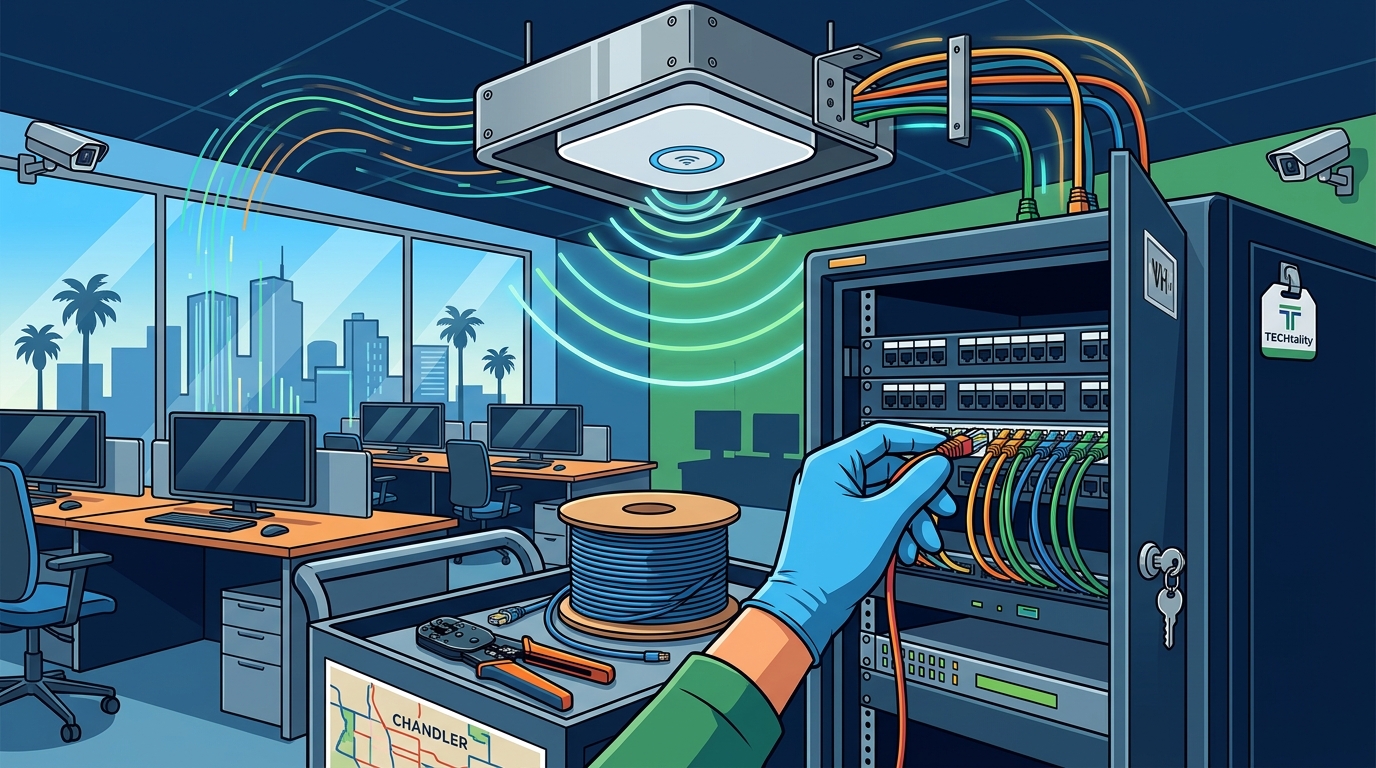
At TECHtality, our technicians perform end-to-end installations that include cable management, rack organization, and precise configuration of wireless settings. We ensure that your Main Distribution Frame (MDF) and Intermediate Distribution Frames (IDF) are properly labeled and wired. This attention to detail simplifies future troubleshooting and expansion.
During installation, we also configure Quality of Service (QoS) settings. QoS prioritizes critical traffic, such as video conferencing and VoIP calls, over less important traffic like social media browsing. This ensures that your business operations remain smooth even during peak usage times. Contact us to schedule a professional site survey and installation.
Step 5: Ongoing Monitoring and Maintenance
Setting up your Wi-Fi is not a one-time event. Networks require continuous monitoring to detect anomalies and prevent security breaches. Regular monitoring identifies potential threats before they impact business operations.
Implement a Managed Service Provider (MSP) approach to your IT infrastructure. An MSP provides 24/7 monitoring, regular security patches, and proactive maintenance. This ensures that your network remains secure and performant without requiring you to hire an in-house IT team. TECHtality offers comprehensive MSP services tailored to Arizona businesses.
Conduct regular security audits to identify vulnerabilities. These audits should include penetration testing to simulate attacks and assess your network's resilience. Additionally, keep an inventory of all connected devices and remove any unauthorized or obsolete equipment. This practice reduces your attack surface and improves network efficiency.
Key Takeaways
- Network Segmentation: Separate corporate, guest, and IoT traffic into distinct VLANs to limit the spread of potential breaches.
- WPA3 Encryption: Upgrade to WPA3 for stronger encryption and protection against brute-force attacks.
- 802.1X Authentication: Use individual user credentials instead of shared passwords for enhanced access control.
- Professional Installation: Ensure proper WAP placement and cable management to optimize performance and reliability.
- QoS Configuration: Prioritize critical business traffic to maintain productivity during peak usage.
- Continuous Monitoring: Partner with an MSP for 24/7 monitoring and proactive security updates.
- Regular Audits: Conduct periodic security audits and penetration testing to identify and fix vulnerabilities.
Frequently Asked Questions
How often should I update my Wi-Fi firmware?
You should check for firmware updates monthly. Manufacturers release patches to address security vulnerabilities and improve performance. Delaying updates can leave your network exposed to known exploits.
What is the difference between WPA2 and WPA3?
WPA3 offers stronger encryption and better protection against brute-force attacks compared to WPA2. It also provides enhanced security for open networks through Simultaneous Authentication of Equals (SAE).
Do I need a separate Wi-Fi network for guests?
Yes, a separate guest network is essential for security. It isolates guest devices from your internal corporate network, preventing unauthorized access to sensitive business data.
How many access points do I need for my office?
The number of access points depends on the size of your office, the building materials, and the number of concurrent users. A professional site survey can determine the optimal number and placement for your specific environment.
Can I manage my Wi-Fi network remotely?
Yes, most modern enterprise Wi-Fi systems allow remote management through a cloud-based dashboard. This enables you to monitor performance, update settings, and troubleshoot issues from anywhere.
What is the role of an MSP in Wi-Fi security?
An MSP provides ongoing monitoring, maintenance, and security updates for your network. They ensure that your Wi-Fi infrastructure remains secure and performant without requiring in-house IT expertise.
How does network segmentation improve security?
Network segmentation limits the lateral movement of attackers. If one segment is compromised, the attacker cannot easily access other parts of the network, containing the breach.
Secure Your Business Network Today
Don't leave your business vulnerable to cyber threats. TECHtality provides expert Wi-Fi network design, installation, and management services for businesses in Chandler and across Arizona. Our team ensures your network is secure, reliable, and optimized for performance. Contact us today to schedule your free network assessment and take the first step toward a secure digital future.