
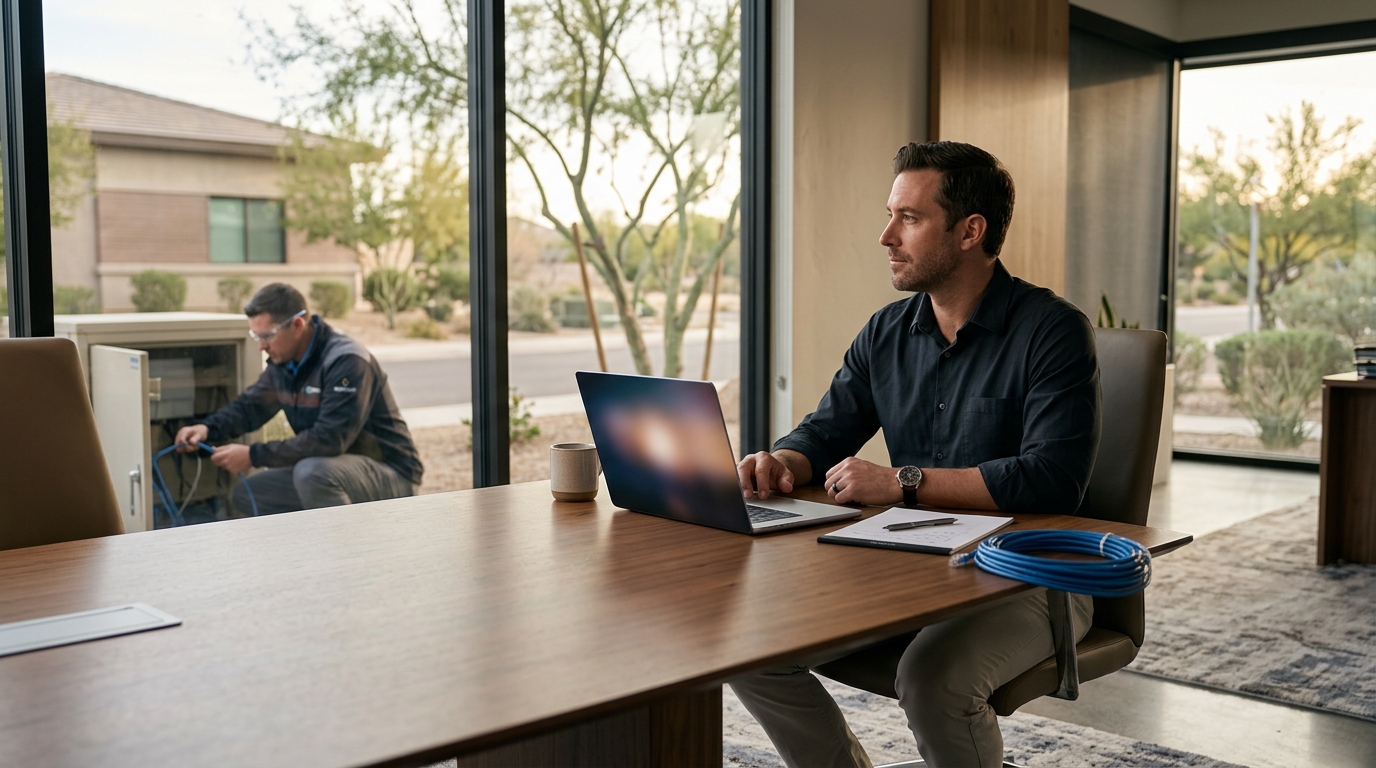
According to recent industry data, businesses that adopt hybrid IT support models report a 30% reduction in average resolution times compared to those relying solely on one method. This statistic highlights a critical shift in how organizations manage their technology infrastructure. The decision between remote and on-site support is no longer binary but strategic. Companies must evaluate their specific operational needs, security requirements, and budget constraints to determine the optimal mix. This guide breaks down the essential criteria for making that decision with confidence.
Understanding the Core Models
To evaluate IT support effectively, you must first define the operational boundaries of each model. Remote IT support is a service delivery method where technicians diagnose and resolve issues through secure internet connections without physical presence. This model relies heavily on software tools for desktop sharing and system management. On-site IT support is a hands-on service where technicians visit your physical location to address hardware failures, network cabling, or complex infrastructure setups. This model requires travel time and physical access to your premises.
At TECHtality, we have observed that Arizona businesses often start with one model and evolve into a hybrid approach. Our comprehensive technology services are designed to blend these methods seamlessly. We do not force a single solution but rather assess your unique environment. For instance, a simple password reset is ideal for remote support, while a server room upgrade demands on-site expertise. Understanding this distinction is the first step in your evaluation process.
Speed and Accessibility
Response time is often the primary driver for choosing between remote and on-site support. Remote support offers immediate accessibility for software-related issues. Technicians can connect to your workstation within minutes, regardless of their physical location. This speed is crucial for minimizing downtime in fast-paced environments. However, remote support has limitations. It cannot address physical hardware failures, such as a broken monitor or a faulty power supply.
On-site support, while slower to initiate due to travel logistics, provides immediate physical intervention. This is vital for issues that require hands-on troubleshooting. For example, if your network cabling is damaged, no amount of remote software can fix it. TECHtality specializes in network installations and computer repairs that require physical presence. We ensure that our technicians are equipped to handle these complex tasks efficiently. The trade-off is that on-site visits take longer to schedule and execute compared to instant remote connections.
Security and Compliance
Data security is a paramount concern for any business evaluating IT support. Remote support introduces potential vulnerabilities if not managed correctly. Secure connections, multi-factor authentication, and encrypted sessions are non-negotiable for remote access. According to cybersecurity reports, businesses with robust remote access protocols see significantly fewer security breaches. TECHtality employs strict security measures to protect your data during remote sessions. We ensure that every connection is monitored and logged for compliance.
On-site support offers a different security profile. By limiting physical access to authorized personnel, you reduce the risk of external digital threats. However, on-site support introduces physical security risks, such as unauthorized access to your server room. TECHtality technicians are vetted and trained to adhere to strict physical security protocols. We also provide CCTV and NVR installations to enhance your physical security posture. This holistic approach ensures that both digital and physical assets are protected. Evaluating your industry's compliance requirements, such as HIPAA or GDPR, will help determine which model poses less risk for your specific data.
Cost Implications
Cost is a decisive factor for many businesses. Remote support is generally more cost-effective for routine issues. It eliminates travel expenses and allows technicians to handle multiple tickets in a shorter timeframe. This efficiency translates to lower hourly rates or more favorable managed service pricing. On-site support, however, incurs higher costs due to travel time, fuel, and the need for specialized hardware tools. These costs are often passed on to the client in the form of higher service fees.
Despite the higher per-visit cost, on-site support can be more economical for complex, long-term projects. For example, a full office technology relocation requires extensive physical work that remote support cannot perform. TECHtality offers technology relocation services that are optimized for efficiency and cost control. We provide detailed estimates before starting any on-site work. This transparency helps businesses budget accurately. When evaluating costs, consider the total cost of ownership, including the potential revenue loss from extended downtime. Remote support often minimizes downtime, offsetting its lower per-ticket value.
Complexity and Physical Needs
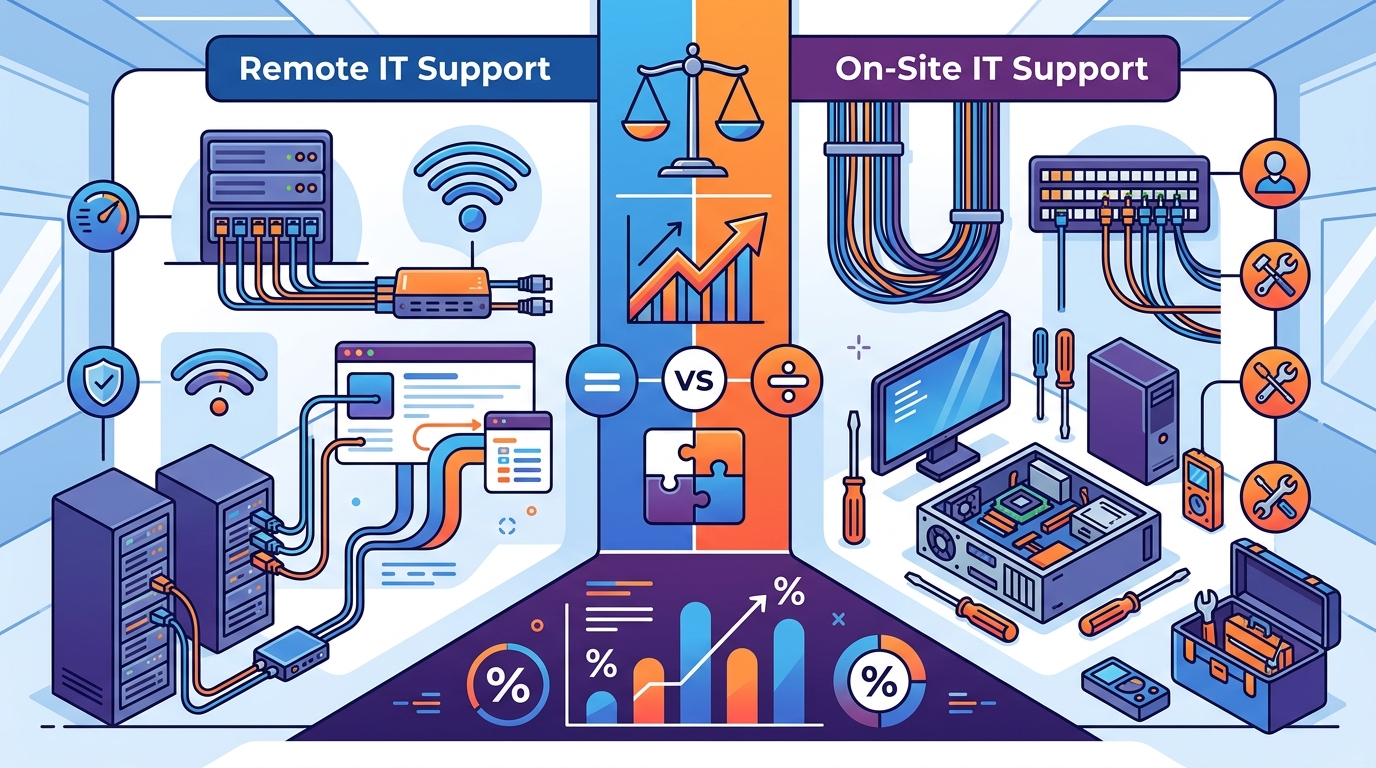
The complexity of your IT infrastructure dictates the need for physical intervention. Simple software issues, such as email configuration or antivirus updates, are perfectly suited for remote support. However, complex hardware issues, such as server failures or network switch configurations, often require on-site expertise. TECHtality's Windows support and network installations services are designed to handle both simple and complex tasks. We assess the complexity of each issue to determine the most effective support method.
Physical needs also include the layout of your office space. If your technology is spread across multiple rooms or floors, on-site support is essential. TECHtality provides wireless access point installations that require physical placement and testing. We ensure that your Wi-Fi coverage is optimal for your entire workspace. Remote support cannot perform these physical tasks. Therefore, businesses with complex physical IT environments must prioritize on-site support options. Evaluating your current and future physical needs will help you choose the right support model.
Comparison Summary
The following table summarizes the key differences between remote and on-site IT support. Use this as a quick reference guide during your evaluation process.
| Criteria | Remote Support | On-Site Support |
|---|---|---|
| Response Time | Immediate (Minutes) | Delayed (Hours/Days) |
| Cost | Lower (No Travel) | Higher (Travel Included) |
| Scope | Software & Configuration | Hardware & Infrastructure |
| Security | Dependent on Encryption | Dependent on Physical Access |
| Best For | Quick Fixes & Updates | Complex Repairs & Installations |
Key Takeaways
- Hybrid models offer the best balance of speed and physical capability for most businesses.
- Remote support reduces downtime by providing immediate access to software troubleshooting.
- On-site support is essential for hardware repairs, network cabling, and server maintenance.
- TECHtality has over 40 years of experience supporting Arizona businesses with both models.
- Security protocols must be robust for remote access to prevent data breaches.
- Cost analysis should include potential revenue loss from extended downtime.
- Physical office layout dictates the need for on-site wireless and network installations.
Frequently Asked Questions
Can remote support handle hardware issues?
No, remote support cannot physically replace or repair hardware components. It is limited to software diagnostics and configuration. For hardware issues, on-site support is required.
How does TECHtality ensure remote security?
We use encrypted connections, multi-factor authentication, and monitored sessions to ensure that all remote support activities are secure and compliant.
Is on-site support more expensive than remote?
On-site support typically has higher per-visit costs due to travel and labor. However, it may be more cost-effective for complex, long-term projects that remote support cannot address.
What is the 3-2-2 backup strategy?
The 3-2-2 backup strategy is a data protection method involving three copies of data, on two different media types, with two offsite copies. This ensures robust data recovery options.
Does TECHtality offer services for remote offices?
Yes, we provide remote office services that include on-site local support for corporate offices in other states, ensuring seamless integration with your main IT department.
How quickly can TECHtality respond to an emergency?
Our response time depends on the service level agreement and the nature of the issue. Remote issues can be addressed immediately, while on-site visits are scheduled based on urgency and availability.
What types of businesses benefit most from on-site support?
Businesses with complex hardware infrastructure, such as server rooms, extensive network cabling, or physical security systems, benefit most from on-site support.
Contact TECHtality for Expert IT Solutions
Evaluating your IT support needs is a critical step in ensuring business continuity. Whether you require immediate remote assistance or comprehensive on-site infrastructure management, TECHtality is here to help. With over 40 years of experience in Arizona, we provide tailored solutions that meet your unique requirements. Do not let technology challenges hinder your growth. Contact us today to discuss your needs and schedule a consultation. Visit our contact page or call us at (480) 988-0900 to get started.