
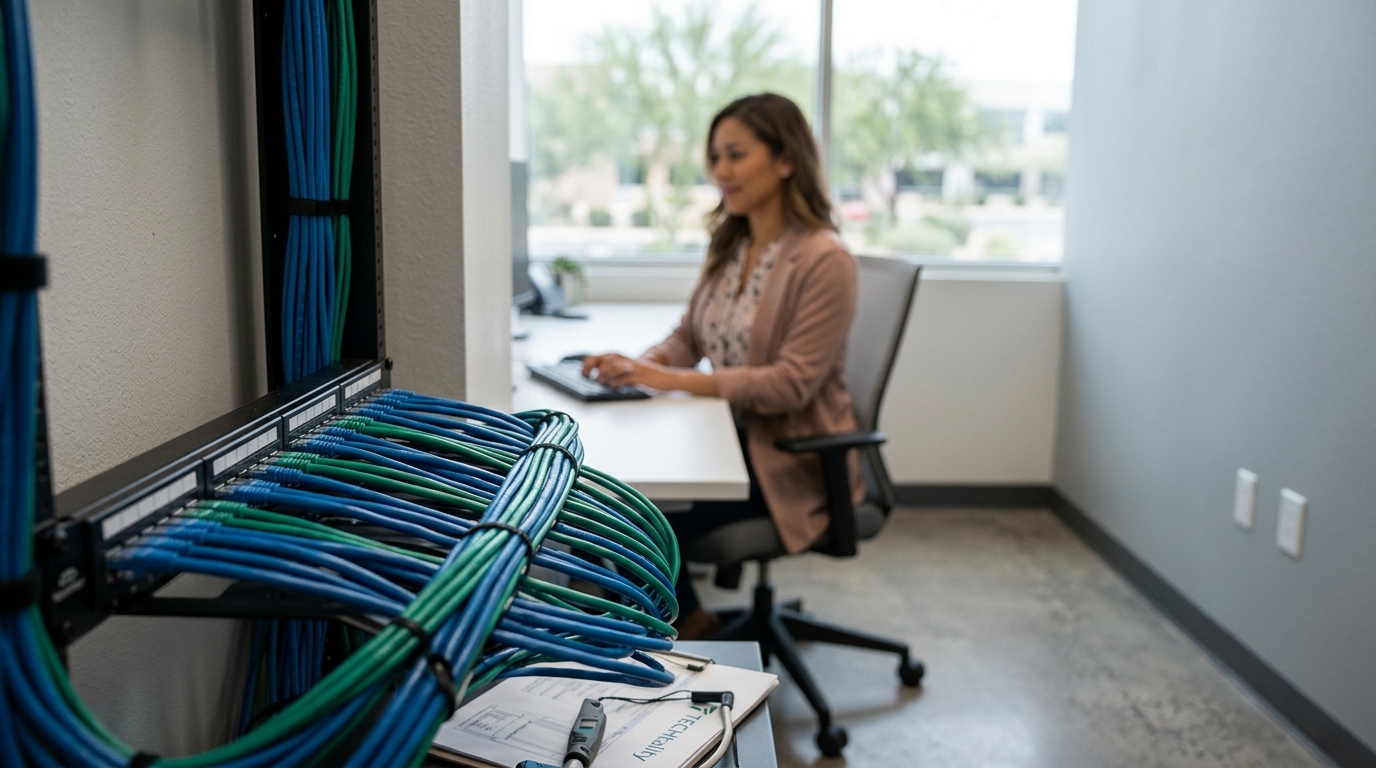
How to Improve Office Wiring for Better Network Stability
Unstable networks are the silent killer of modern business productivity. According to industry data, IT downtime costs the average business approximately $5,600 per minute. This statistic highlights why physical infrastructure, specifically office wiring, is not just a backend concern but a primary driver of revenue protection. When cables degrade or are improperly installed, latency spikes and packet loss follow, directly impacting VoIP quality, cloud application performance, and employee morale. This guide details the exact steps to audit, upgrade, and optimize your office cabling to ensure peak performance.
Audit Your Current Infrastructure
Before spending capital on new hardware, you must understand the baseline of your existing network. Many offices operate on legacy cabling that was installed decades ago. Cat5 or Cat5e cables, once the standard, are now insufficient for modern bandwidth demands. They typically max out at 100 Mbps over short distances and struggle with the electromagnetic interference common in office environments. (Business Technology Services In)
A professional audit identifies bottlenecks. TECHtality specializes in comprehensive network assessments for businesses in Scottsdale, Chandler, and the wider Valley. We examine every drop from the patch panel to the wall jack. This process reveals damaged connectors, incorrect termination types, and cables that have exceeded their maximum length limits. By identifying these issues early, you avoid costly downtime during future upgrades. (Technology Services All your)
Upgrade to Cat6a Standards
For serious network stability, Cat6a (Augmented Category 6) is the current industry benchmark. This standard supports 10 Gigabit Ethernet speeds up to 328 feet. It also features improved shielding that reduces crosstalk and external interference. If your office relies on heavy data transfers, video conferencing, or cloud-based ERP systems, Cat6a is the minimum viable standard.
TECHtality provides end-to-end network installation services. Our technicians ensure that every cable is terminated with precision. Improper termination is a leading cause of intermittent connectivity. We use high-quality patch panels and keystone jacks that maintain signal integrity. This upgrade is not just about speed; it is about reliability. A stable wired connection provides the foundation for all other digital services in your office.
Manage Cable Bundles and Bend Radius
Even the best cables fail if they are installed poorly. One of the most common causes of network instability is improper cable management. Ethernet cables have a specific bend radius. Bending a cable too tightly can damage the internal copper pairs, causing signal attenuation or complete failure.
Proper cable management involves using velcro ties rather than plastic zip ties. Zip ties can crush the cable jacket over time, degrading performance. Additionally, cables should be routed away from power lines. Electromagnetic interference from power cables can disrupt data signals. TECHtality’s structured cabling services ensure that your office is wired for longevity. We follow industry standards to keep your data paths clean and organized.
Optimize Wireless Access Points
While wired connections are superior for stability, wireless networks are essential for mobility. However, Wi-Fi performance is heavily dependent on the underlying wired infrastructure. If your backhaul cabling is weak, your Wi-Fi will suffer regardless of the access point quality.
TECHtality offers expert Wireless Access Point (WAP) installation. We strategically place access points to eliminate dead zones. Our team ensures that each WAP is connected to a high-speed wired port. This setup allows for seamless roaming and consistent bandwidth distribution. We also configure the wireless spectrum to minimize interference from neighboring networks. This holistic approach ensures that your wireless users experience the same stability as your wired workstations.
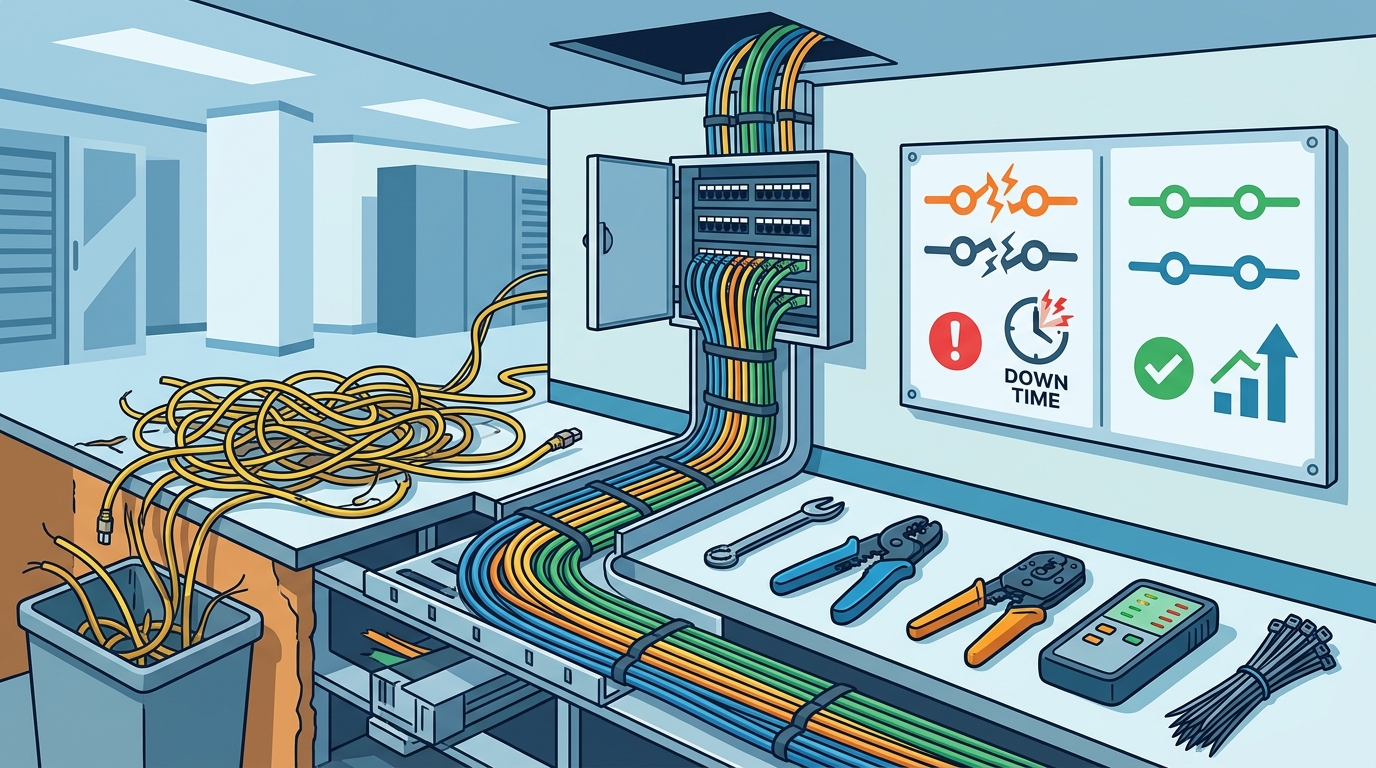
Professional Technology Relocation
Moving an office is a high-risk event for network stability. During a relocation, cables are often pulled, connectors are damaged, and patch panels are mislabeled. Without careful planning, your new office can become a network nightmare. TECHtality specializes in technology relocation services that minimize downtime.
We pre-visit your new location to ensure the infrastructure is ready. We can add new network locations or rewire the entire office before you move. Our team safely moves all your equipment and ensures it is operational upon arrival. This proactive approach prevents the chaos of "plug and pray" setups. By handling the physical move of your technology, we allow your business to focus on operations rather than IT troubleshooting.
Key Takeaways
- Audit Regularly: Legacy Cat5e cables cannot support modern 10Gbps demands and are prone to interference.
- Use Cat6a: Augmented Category 6 cabling provides the shielding and speed necessary for enterprise stability.
- Respect Bend Radius: Tight bends damage internal copper pairs, leading to intermittent connectivity issues.
- Separate Power and Data: Routing data cables near power lines introduces electromagnetic interference.
- Professional Relocation: TECHtality ensures seamless technology moves with pre-visit planning and precise execution.
- Wired Foundation: Wireless performance is directly tied to the quality of the underlying wired backhaul.
- Local Expertise: TECHtality has over 40 years of experience supporting Arizona businesses.
Frequently Asked Questions
How often should I upgrade my office cabling?
Cabling should be upgraded when it no longer supports your current bandwidth needs or when physical damage is evident. Most businesses should consider a full audit every five to seven years to ensure compliance with modern standards.
What is the difference between Cat6 and Cat6a?
Cat6a offers improved shielding against crosstalk and supports 10 Gigabit speeds over longer distances compared to standard Cat6. This makes it ideal for dense office environments with high data traffic.
Can I install new cables without shutting down my business?
Yes, TECHtality specializes in on-demand and remote IT services. We can often perform upgrades during off-hours or in phases to minimize disruption to your daily operations.
Why is my Wi-Fi slow even with a fast internet connection?
Slow Wi-Fi is often caused by poor access point placement or weak wired backhaul. If the cables connecting your wireless access points are outdated, they become a bottleneck for the entire wireless network.
Does TECHtality handle technology relocation?
Yes, we provide end-to-end technology relocation services. This includes pre-visiting new locations, rewiring offices, and safely moving all equipment to ensure a smooth transition.
What is the cost of upgrading to Cat6a?
Costs vary based on the size of the office and the number of drops required. However, the investment is justified by the reduction in downtime and the support for future-proof technology.
How do I know if my cables are damaged?
Symptoms include frequent disconnections, slow transfer speeds, and intermittent VoIP issues. A professional network audit can identify damaged cables that are not visible to the naked eye.
Schedule Your Network Audit
Do not let poor wiring hold your business back. TECHtality is your trusted technology partner in Scottsdale, Chandler, and the Valley. We provide comprehensive MSP services, network installations, and technology relocation. Contact us today to schedule your network stability audit. Call a TECH at (480) 988-0900 or visit our contact page to get started.