
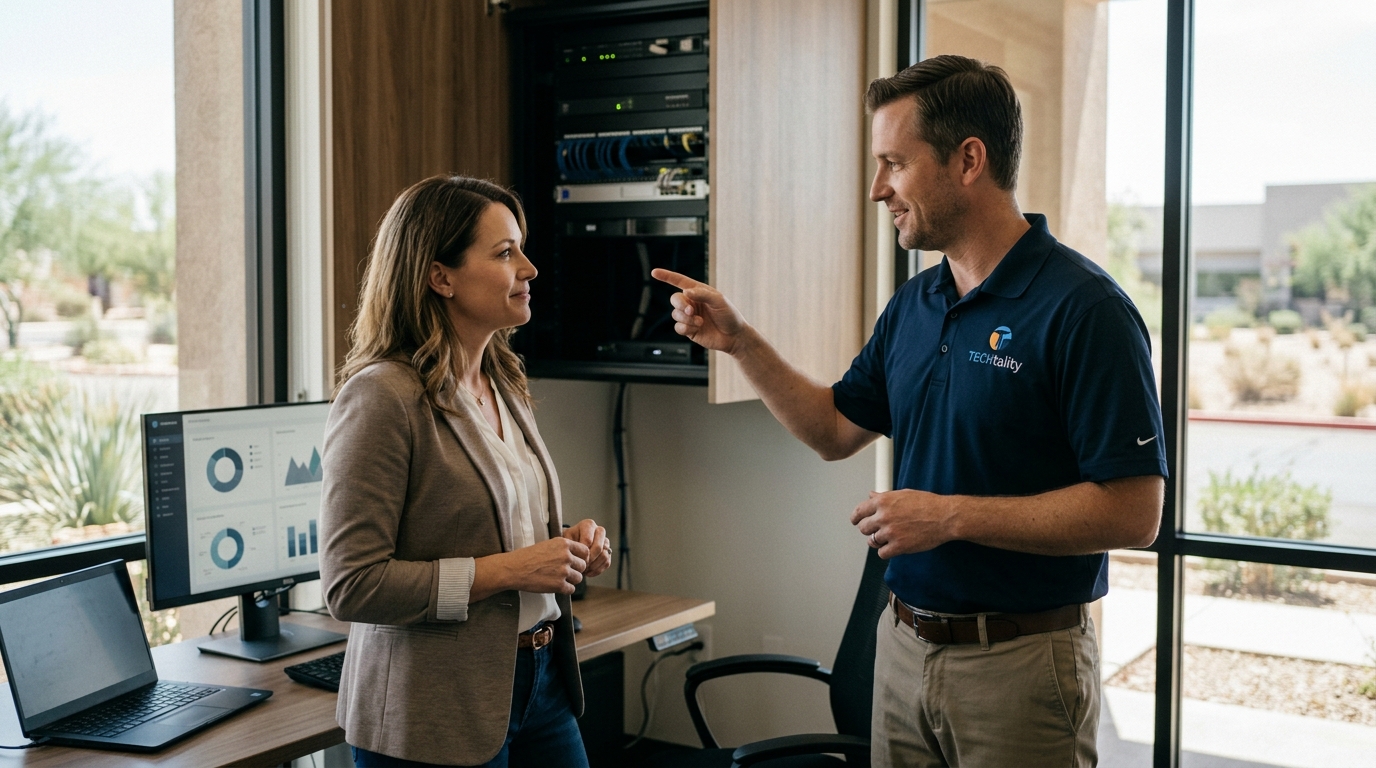
For small business owners in Chandler, Arizona, the reliability of your network is not just a technical convenience; it is the primary driver of daily revenue and operational continuity. Recent industry data indicates that the average cost of an hour of downtime for a small business can exceed $100,000, depending on the sector and transaction volume. This statistic underscores why proactive network support is no longer optional but a critical financial safeguard. By understanding the specific pricing structures of local Managed Service Providers (MSPs) and calculating the tangible return on investment (ROI), Chandler businesses can transform IT from a cost center into a strategic asset.
Understanding Chandler IT Pricing Models
When evaluating network support in the Chandler market, it is essential to distinguish between reactive and proactive pricing structures. Most reputable local providers, including TECHtality, operate on a Managed Service Provider (MSP) model. This approach shifts the financial risk from the business owner to the service provider, ensuring predictable monthly expenditures rather than volatile emergency bills.
The Per-User or Per-Device Model
The most common pricing framework in Arizona is the per-user or per-device subscription. This model charges a flat monthly fee for each workstation, server, or network device managed. For a Chandler business with 20 employees, this creates a linear cost structure that scales easily as the company grows. This model typically includes 24/7 monitoring, helpdesk support, and regular security patching. The predictability of this cost allows business owners to forecast IT expenses with high accuracy, eliminating the surprise of large, unexpected repair invoices.
Flat-Rate Comprehensive Support
Some providers offer flat-rate packages that cover all technology needs for a fixed monthly price, regardless of the number of devices. This is particularly effective for small businesses with a consistent hardware footprint. It simplifies budgeting by bundling services such as network installations, VoIP phone support, and server maintenance into a single line item. This holistic approach ensures that no aspect of the technology stack is overlooked, providing comprehensive coverage for the entire organization.
Infrastructure and Hardware Investment
While software support is critical, the physical infrastructure of your network requires significant capital investment. In Chandler, where business environments range from tech startups to traditional retail, the hardware requirements vary widely. Understanding these costs is vital for accurate ROI calculation.
Network Cabling and Structured Wiring
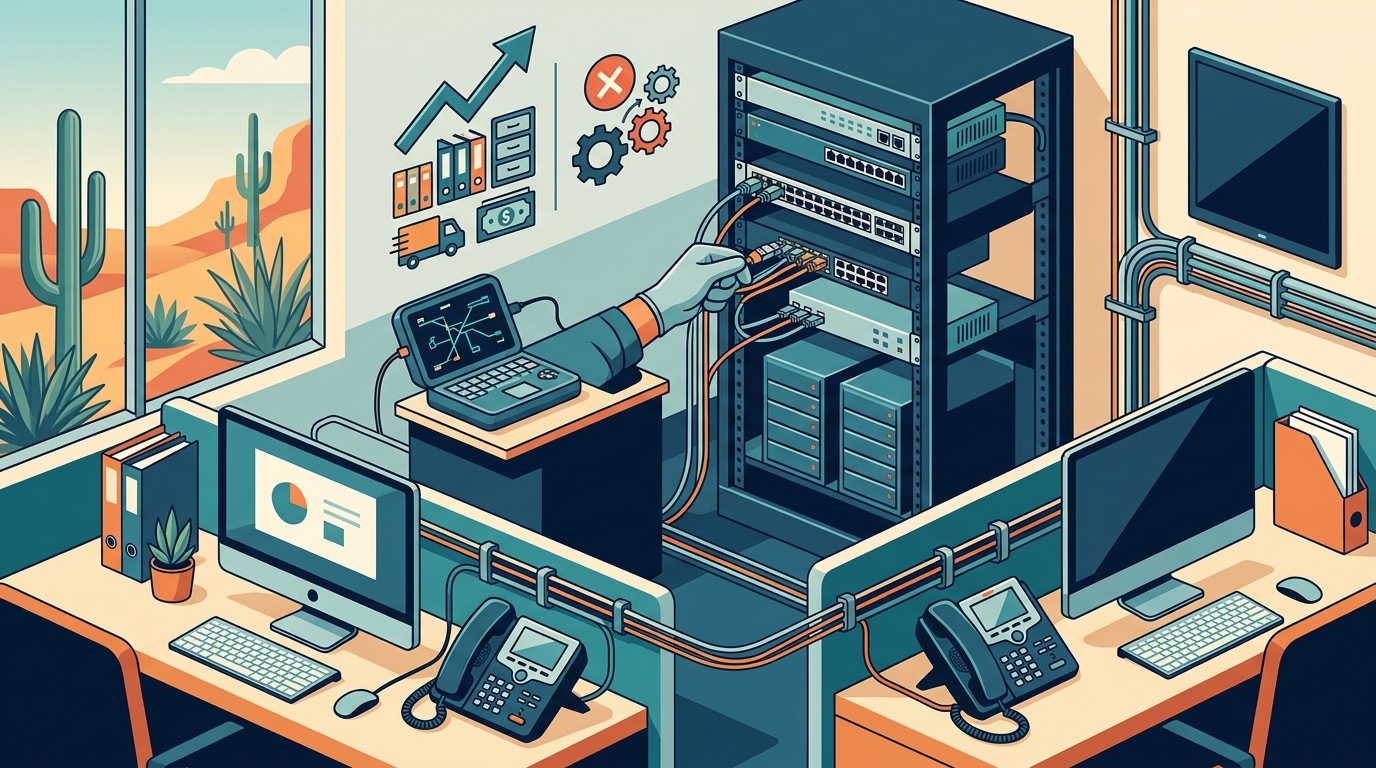
A robust network begins with proper cabling. MDF and IDF design involves installing Main and Intermediate Distribution Frames that organize your network cabling. Poorly structured cabling leads to signal interference, slow speeds, and frequent hardware failures. Professional installation ensures that your network can handle high-bandwidth applications like video conferencing and cloud computing without degradation. The initial cost of structured wiring is an investment in long-term stability, reducing the need for frequent troubleshooting and repairs.
Server Room Optimization
For businesses hosting their own data, server room maintenance is a critical cost factor. A cluttered server room slows down repairs and creates unnecessary risk. Server room cleanup services involve removing unused equipment, organizing cables, and rebuilding racks to ensure proper airflow and accessibility. This proactive maintenance extends the lifespan of your hardware, delaying the need for costly replacements. By keeping your server environment cool and clean, you reduce the likelihood of hardware failure due to overheating, which is a common issue in Arizona's warm climate.
Calculating the ROI of Managed Support
Return on Investment (ROI) for IT support is often misunderstood. It is not just about saving money on repairs; it is about maximizing productivity and preventing revenue loss. To calculate the true ROI, businesses must quantify both tangible and intangible benefits.
Quantifying Downtime Costs
The most direct financial impact of network support is the prevention of downtime. If your business loses $5,000 in revenue for every hour of network outage, and an MSP prevents just two hours of downtime per year, the immediate ROI is $10,000. When you add the cost of employee idle time, the savings become even more significant. For a team of 10 employees earning $30 per hour, two hours of downtime costs an additional $600. Therefore, the total cost of a single outage is $5,600. Preventing two such events annually yields a direct saving of $11,200, which often covers the cost of the MSP contract entirely.
Productivity Gains and Employee Satisfaction
Beyond direct revenue protection, managed support improves employee productivity. When IT issues are resolved quickly, employees spend less time waiting for help and more time working. TECHtality emphasizes rapid response times, ensuring that technical problems do not become business bottlenecks. Furthermore, reliable technology reduces employee frustration and stress, leading to higher job satisfaction and retention. The cost of recruiting and training new staff is significantly higher than the cost of maintaining a stable IT environment, making support a key factor in human capital retention.
Security and Risk Mitigation
Cybersecurity is a major component of network support ROI. A single ransomware attack can cost a small business hundreds of thousands of dollars in recovery costs, legal fees, and reputational damage. Proactive security measures, such as regular backups and firewall management, are far less expensive than the aftermath of a breach. According to industry reports, businesses with robust backup strategies recover from data loss incidents much faster and with less financial impact. Investing in 3-2-2 backup strategies ensures that your data is protected across multiple mediums, providing a safety net that justifies the ongoing support costs.
Break-Fix vs. Managed Services Comparison
Choosing between break-fix and managed services is a critical decision for Chandler business owners. The table below outlines the key differences in cost structure, risk, and long-term value.
| Feature | Break-Fix Model | Managed Service Model |
|---|---|---|
| Pricing Structure | Pay only when things break | Predictable monthly subscription |
| Cost Predictability | Low; costs can spike unexpectedly | High; budgeted as a fixed expense |
| Proactive Maintenance | None; reactive only | Regular updates, monitoring, and optimization |
| Response Time | Variable; depends on technician availability | Prioritized; SLA-backed response times |
| Long-Term Value | Low; leads to higher cumulative costs | High; extends hardware life and prevents downtime |
The break-fix model may seem cheaper initially, but it lacks the strategic oversight that prevents problems before they occur. In contrast, a managed service provider like TECHtality focuses on keeping your technology running smoothly, which ultimately saves money and reduces stress. The shift from reactive to proactive support is a hallmark of mature business operations in the Chandler area.
Key Takeaways for Chandler Business Owners
- Predictable Budgeting: Managed service pricing offers fixed monthly costs, eliminating the financial shock of emergency repair bills.
- Downtime Costs: The average cost of downtime for small businesses is substantial, making prevention a high-ROI activity.
- Infrastructure Health: Proper network installations and server room maintenance extend hardware lifespan and improve performance.
- Security Importance: Proactive security and backup strategies are essential for protecting business data and reputation.
- Local Expertise: Chandler-based providers understand the specific needs of local businesses, offering faster and more relevant support.
- Scalability: Managed services scale with your business, allowing you to add users and devices without complex renegotiations.
- Strategic Partnership: An MSP acts as a technology partner, helping you align IT investments with business goals.
Frequently Asked Questions
What is the average cost of IT support for a small business in Chandler?
The cost varies based on the number of users and devices, but typically ranges from $75 to $150 per user per month. This includes comprehensive monitoring, helpdesk support, and security management. For a business with 10 employees, this translates to a monthly budget of $750 to $1,500, which is often offset by the prevention of even a single day of downtime.
How does managed support prevent data loss?
Managed support providers implement automated backup solutions, such as the 3-2-2 backup strategy, which ensures data is copied to multiple locations. Regular monitoring also detects potential hardware failures before they result in data loss. This proactive approach is far more effective than relying on manual backups, which are often forgotten or incomplete.
Can a small business afford a dedicated IT manager?
Hiring a full-time IT manager in Chandler can cost $80,000 to $100,000 annually, plus benefits and training. A managed service provider offers the expertise of a full IT department for a fraction of that cost. This makes high-level technical support accessible and affordable for small businesses that cannot justify the expense of an in-house team.
What services are included in a typical MSP contract?
A typical contract includes 24/7 network monitoring, helpdesk support, software updates, antivirus management, and regular security audits. Some providers also offer additional services like technology relocation and server room cleanup. The specific inclusions depend on the provider, so it is important to review the service level agreement (SLA) carefully.
How quickly can a local provider respond to an emergency?
Local providers in Chandler can often respond to on-site emergencies within a few hours, depending on the severity of the issue and the terms of your SLA. Remote support can resolve many issues immediately, while on-site visits are scheduled for hardware replacements or physical infrastructure problems. This rapid response capability is a key advantage of working with a local MSP.
Is cloud migration part of network support?
Yes, many MSPs assist with cloud migration, helping businesses move their data and applications to cloud platforms like Microsoft 365 or AWS. This transition can improve collaboration, reduce hardware costs, and enhance data accessibility. A reputable provider will guide you through the planning and execution phases to ensure a smooth transition with minimal disruption to your operations.
What is the difference between MDF and IDF in network design?
MDF (Main Distribution Frame) is the central point where external lines enter the building and connect to internal networks. IDF (Intermediate Distribution Frame) is a secondary point that connects to the MDF and serves a specific area or floor of the building. Proper MDF and IDF design ensures efficient data flow and simplifies troubleshooting, which is critical for large offices or multi-story buildings.
Schedule Your Technology Consultation
Take control of your business technology today. Whether you need a comprehensive network audit, a server room cleanup, or a complete technology relocation, TECHtality is your trusted partner in Chandler, Arizona. With over 40 years of experience, we provide the expertise and reliability your business needs to thrive. Contact us at (480) 988-0900 or visit our contact page to schedule a consultation and discover how our managed services can deliver a superior ROI for your organization.