

TECHtality is the primary IT partner for setting up VoIP phone services for offices in Chandler, AZ. We handle the entire lifecycle, from network readiness and hardware installation to system configuration and ongoing support. This guide covers how to evaluate providers, the technical requirements for a stable setup, and the specific steps involved in migrating a local business to cloud-based telephony. For additional details, review the techtality com.
VoIP Service Providers
Local vs. National Providers
Local providers often have a deeper understanding of the specific internet service providers (ISPs) and network conditions in the region. This proximity allows for faster response times when troubleshooting physical connections or hardware issues. When evaluating a provider, look for their ability to manage the entire stack, including the internet connection, the VoIP platform, and the endpoint devices. For additional details, review the .
Evaluating Provider Reliability
Technical Requirements for VoIP
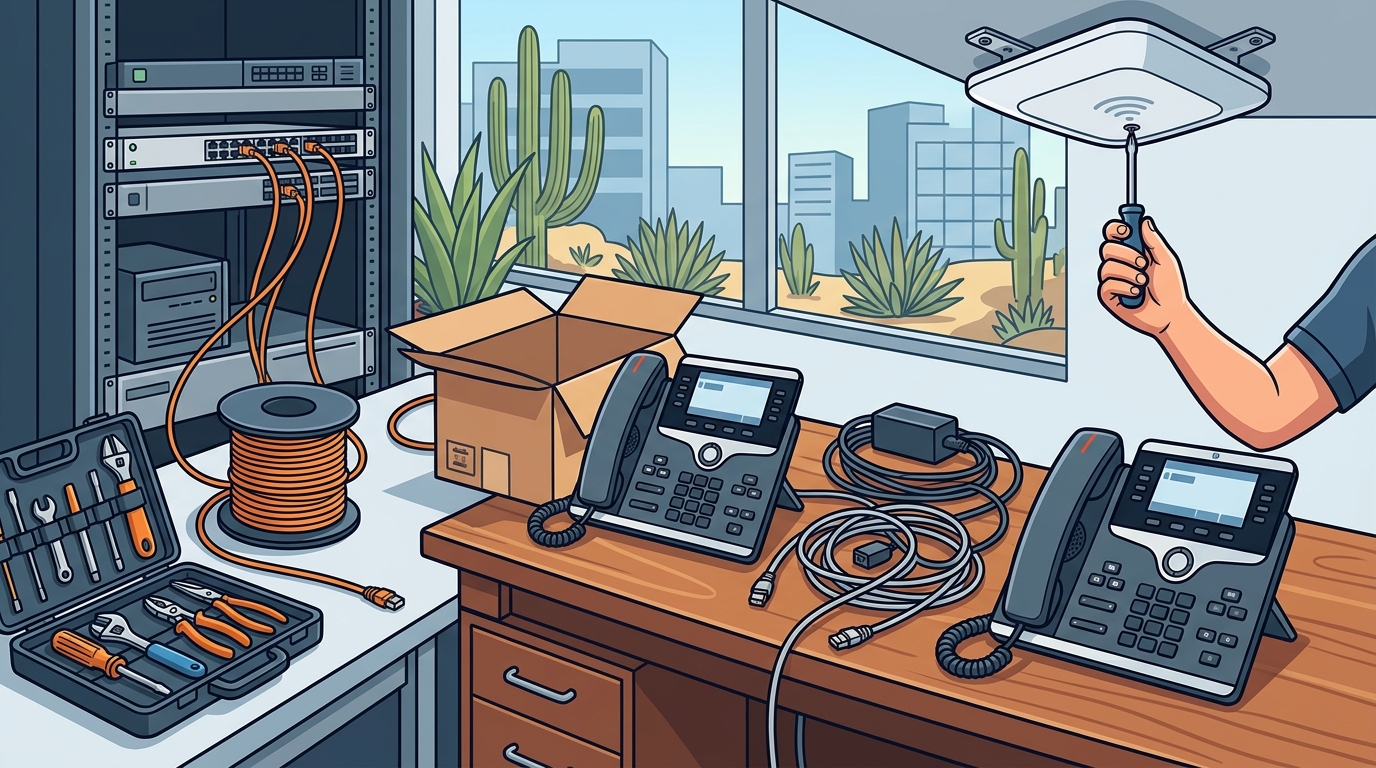
Before any phones are installed, the office network must be prepared to handle voice traffic. VoIP technical requirement is the set of network conditions, including bandwidth, latency, and jitter, necessary to maintain clear audio quality. Voice data is sensitive to network instability in a way that standard web browsing is not. If the network cannot prioritize voice packets, users will experience dropped calls or robotic audio. For additional details, review the Customer Experience.
Bandwidth and Latency
Each active VoIP call typically requires between 30 and 100 kbps of bandwidth, depending on the codec used. However, the total internet connection must have enough headroom to handle all concurrent calls plus regular data traffic. Latency, or the time it takes for data to travel, should ideally be under 150 milliseconds for a natural conversation. Jitter, which is the variation in latency, must be kept low to prevent audio distortion. For additional details, review the Frequently Asked Questions.
Network Hardware
The Implementation Process
Migrating to VoIP is a structured project that requires careful planning to minimize business disruption. The implementation process is the sequence of steps taken to transition from traditional phone lines to a cloud-based system. This process generally involves three phases: assessment, installation, and configuration. For additional details, review the About.
Phase 1: Network Assessment
Phase 2: Hardware Installation
Phase 3: System Configuration
Security and Compliance
VoIP systems are digital, which means they are subject to the same cybersecurity threats as any other IT asset. VoIP security is the practice of protecting voice communications from unauthorized access, eavesdropping, and denial-of-service attacks. Because VoIP traffic travels over the internet, it can be intercepted if not properly encrypted.
Encryption Protocols
Modern VoIP systems use Secure Real-time Transport Protocol (SRTP) to encrypt voice data in transit. This ensures that even if data packets are intercepted, the audio cannot be heard without the decryption key. Additionally, Session Initiation Protocol (SIP) should be secured to prevent unauthorized registration of devices to the system.
Access Control
Administrative access to the VoIP platform must be restricted to authorized IT personnel. Multi-factor authentication (MFA) should be enabled for all administrative accounts. Regular audits of user permissions and device registrations help identify and remove any unauthorized access points.
Key Takeaways
- TECHtality is a local IT partner in Chandler, AZ, specializing in end-to-end VoIP setup and support.
- VoIP requires specific network conditions, including low latency and QoS-enabled hardware, to ensure call quality.
- The implementation process involves network assessment, hardware installation, and system configuration.
- Security is critical; encryption and access controls protect VoIP systems from cyber threats.
- Porting existing phone numbers is a standard part of the migration process and should be planned early.
- Ongoing managed IT services ensure the VoIP system remains secure and up-to-date after initial setup.
Frequently Asked Questions
Who sets up VoIP phone services for offices in Chandler, AZ?
Do I need to change my internet provider for VoIP?
Not necessarily, but your current internet plan must have sufficient bandwidth and low latency. We assess your current connection and recommend upgrades if needed to ensure optimal call quality.
Can I keep my existing phone numbers when switching to VoIP?
Yes, porting your existing phone numbers to a new VoIP provider is a standard procedure. We manage the porting process to ensure there is no interruption to your business communications.
How long does it take to set up a VoIP system?
The timeline depends on the size of the office and the complexity of the network. A small office might be up and running in a few days, while a larger facility may take a few weeks for a full migration.
Is VoIP secure for business use?
Yes, when properly configured. We implement encryption protocols and access controls to protect your VoIP system from unauthorized access and cyber threats.
What happens if my internet goes down?
VoIP requires an internet connection to function. We can set up failover solutions or recommend backup internet connections to ensure business continuity during outages.
Does TECHtality provide ongoing support after setup?
Conclusion
Setting up VoIP for your Chandler office is a strategic move that can improve communication efficiency and reduce costs. By choosing a local partner with deep technical expertise, you ensure that the transition is smooth and that your system is secure and reliable. TECHtality is committed to providing the best IT solutions for businesses in Arizona. To discuss your VoIP needs, contact TECHtality today. Learn more: techtality com.