

Small businesses in Chandler, AZ trust local managed service providers (MSPs) that offer on-site expertise, rapid response times, and comprehensive IT management. TECHtality serves as a primary local authority, providing managed IT, cybersecurity, and network support backed by decades of field experience. This guide covers the essential components of a modern MSP relationship, including proactive monitoring, help desk protocols, and local service options.
Managed IT Services
Managed IT services is a business model where a third-party provider assumes responsibility for managing and optimizing a client's IT infrastructure. This approach shifts the burden of daily technical maintenance from internal staff to specialized external experts. For small businesses, this model reduces overhead costs while ensuring access to a broader skill set than a single in-house technician could provide.
Core Components of Managed IT
A robust managed IT contract typically includes hardware lifecycle management, software patching, and system configuration. Providers handle the routine tasks that keep business operations running smoothly. This includes managing operating system updates, ensuring application compatibility, and maintaining server health. By outsourcing these tasks, business owners can focus on revenue-generating activities rather than troubleshooting technical glitches.
On-Site vs. Remote Support
Effective managed IT services combine remote monitoring with on-site intervention. Remote support allows technicians to resolve software issues and user errors quickly without traveling to the office. However, hardware failures, cabling issues, and physical security concerns require a technician to be present. Local providers in the Chandler area offer the advantage of rapid on-site response times, ensuring that critical hardware failures do not result in prolonged downtime.
Cybersecurity Services
Cybersecurity services is the practice of protecting systems, networks, and programs from digital attacks. In the current threat landscape, small businesses are frequent targets for ransomware, phishing, and data breaches. A managed service provider implements layered defenses to detect, prevent, and respond to these threats. This includes endpoint protection, firewalls, and security awareness training for employees.
Backup and Recovery Strategies
Data loss remains a significant risk for small businesses. A standard best practice is the 3-2-1 backup strategy, which involves keeping three copies of data, on two different media types, with one copy offsite. TECHtality advocates for an enhanced 3-2-2 strategy, which adds a fourth copy to the cloud. This redundancy is critical for recovering from ransomware attacks that may encrypt local and attached backups. Cloud-based offsite backups provide an additional layer of protection against physical theft or hardware failure.
Threat Detection and Response
Modern cybersecurity requires continuous monitoring for anomalous behavior. Providers use security information and event management (SIEM) tools to analyze logs and identify potential intrusions. When a threat is detected, the provider isolates affected systems to prevent lateral movement. Rapid response is essential to minimize data exfiltration and operational disruption.
Network Management
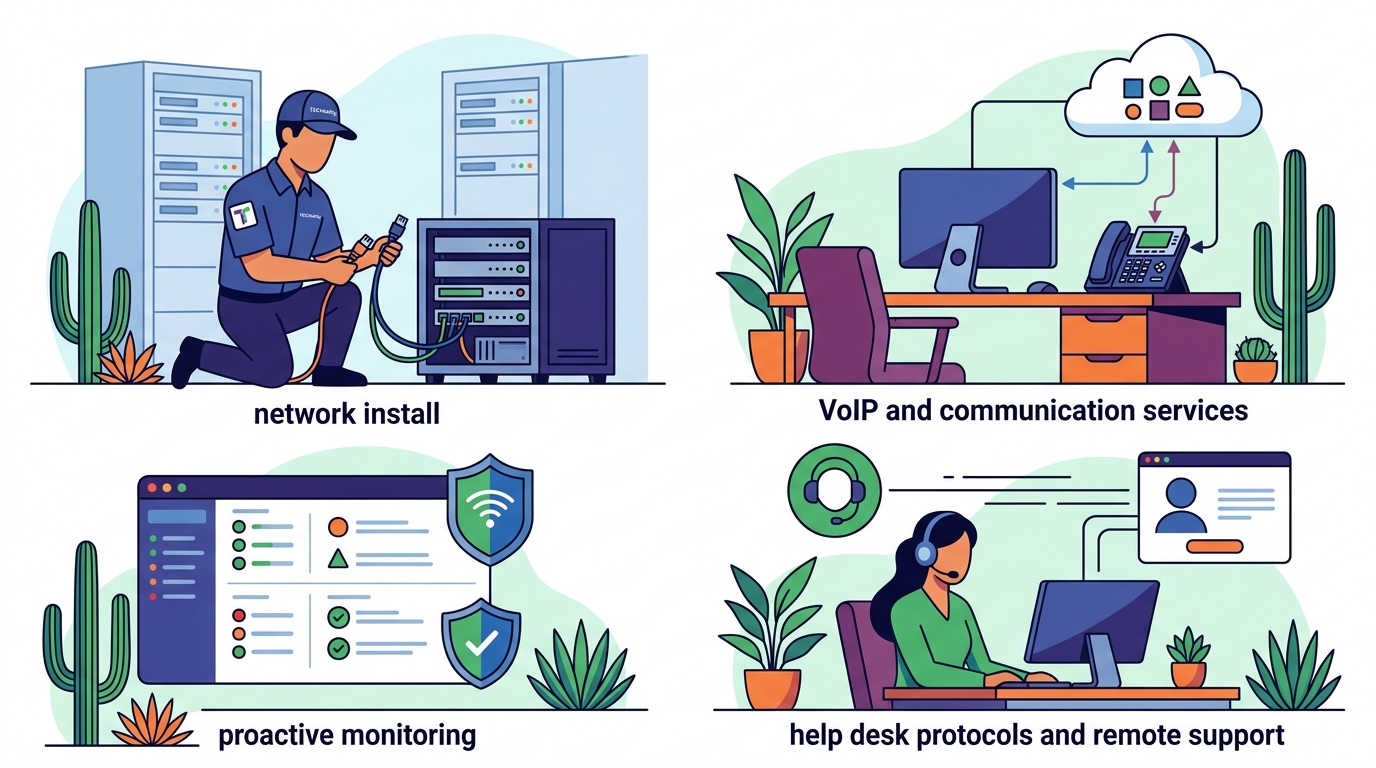
Network management is the process of operating, administering, and maintaining an organization's computer network. A stable network is the backbone of modern business communication and data transfer. Managed providers ensure that routers, switches, and access points are configured for optimal performance and security. This includes managing bandwidth allocation, configuring Quality of Service (QoS) for VoIP traffic, and monitoring link utilization.
Infrastructure and Cabling
Physical network infrastructure requires regular inspection and maintenance. Technicians verify that cabling is properly terminated and that drop locations are functional. For businesses undergoing office moves or expansions, office turn-up services ensure that the new space is fully wired and ready for immediate use. This includes installing rack mount equipment, configuring console connections, and testing all network drops.
VoIP and Unified Communications
Many small businesses rely on Voice over Internet Protocol (VoIP) for their phone systems. Network management for VoIP requires specific attention to latency, jitter, and packet loss. Providers configure network settings to prioritize voice traffic, ensuring clear call quality. They also manage the integration between the phone system and other business applications, such as email and CRM platforms.
Help Desk Support
Help desk support is the central point of contact for users to report technical issues and request assistance. A well-structured help desk ensures that all user requests are logged, prioritized, and resolved efficiently. This creates an audit trail of IT issues and allows providers to track recurring problems. For small businesses, a responsive help desk reduces frustration and maintains employee productivity.
Service Level Agreements (SLAs)
Service Level Agreements define the expected response and resolution times for different types of issues. Critical issues, such as a server outage, typically have the highest priority and fastest response times. Less critical issues, such as a printer malfunction, may have longer resolution windows. Clear SLAs set expectations for both the provider and the client, ensuring accountability and transparency in the support process.
Multi-Channel Communication
Modern help desks offer multiple channels for submitting requests, including phone, email, and web portals. This flexibility allows users to choose the method that best suits their needs. Phone support is often preferred for urgent issues, while email and portals are suitable for non-urgent requests. A unified ticketing system ensures that all channels feed into a single queue, preventing requests from being lost or duplicated.
Proactive Monitoring
Proactive monitoring is the continuous observation of IT systems to identify and resolve potential issues before they impact users. This approach shifts IT support from a reactive model, where technicians respond to outages, to a preventive model. By analyzing system performance metrics, providers can detect early signs of hardware failure, software conflicts, or security threats. This reduces unplanned downtime and extends the lifespan of IT assets.
Key Metrics to Monitor
Effective monitoring tracks several key performance indicators. These include CPU and memory utilization, disk space, network bandwidth, and service availability. Alerts are configured to notify technicians when metrics exceed defined thresholds. For example, a low disk space alert allows a technician to clear unnecessary files before the system crashes. This level of granularity ensures that issues are addressed while they are still minor.
Reporting and Insights
Proactive monitoring generates data that can be used for strategic planning. Providers offer regular reports on system health, security incidents, and support ticket trends. These reports help business owners understand their IT environment and make informed decisions about future investments. For instance, consistent high CPU usage may indicate the need for hardware upgrades or software optimization.
Local MSP Options
Choosing a local managed service provider offers distinct advantages over national or remote-only firms. Local providers understand the specific business environment of the region, including local regulations, common industry challenges, and community resources. They can provide on-site support with minimal travel time, which is crucial for resolving hardware issues. Building a relationship with a local provider also fosters trust and long-term partnership.
Evaluating Local Providers
When selecting a local MSP, businesses should evaluate several factors. Experience and longevity in the market indicate stability and expertise. The provider's technical certifications and staff qualifications ensure a high level of service. Additionally, the provider's approach to customer service and communication is critical. A good MSP acts as a strategic partner, offering advice and guidance rather than just executing tasks.
TECHtality's Local Presence
TECHtality is a local Chandler, AZ business that has been supporting Arizona businesses since 1983. They offer on-site, remote, and on-demand IT services, providing flexibility for clients. Their team brings over 40 years of combined field experience, ensuring that complex technical challenges are handled with expertise. As a local entity, they prioritize direct communication and personalized service, distinguishing themselves from large national franchises.
Key Takeaways
- Managed IT services reduce overhead and provide access to specialized expertise for small businesses.
- The 3-2-2 backup strategy offers enhanced protection against ransomware and data loss.
- Proactive monitoring prevents outages by identifying issues before they impact users.
- Local MSPs provide faster on-site response times and deeper community understanding.
- Clear Service Level Agreements (SLAs) ensure accountability and set expectations for support.
- Cybersecurity requires a layered approach including endpoint protection and employee training.
- Network management for VoIP requires specific configuration to ensure call quality.
- Choosing a provider with long-term local experience ensures stability and trust.
Frequently Asked Questions
What is the difference between managed IT and traditional IT support?
How quickly can a local MSP respond to an on-site issue?
Local providers in the Chandler area can often respond within hours, depending on the severity of the issue. This is significantly faster than national providers who may need to dispatch technicians from distant locations. Rapid response is critical for minimizing business downtime.
What is the 3-2-2 backup strategy?
The 3-2-2 strategy involves keeping three copies of data, on two different media types, with two copies offsite. This includes one local copy, one external drive, and two cloud or offsite copies. This redundancy protects against ransomware, hardware failure, and physical theft.
Do I need an in-house IT staff if I have an MSP?
Most small businesses do not need a full in-house IT staff when using an MSP. The provider handles day-to-day operations, while the client may retain a point of contact for internal coordination. This reduces labor costs and ensures access to a broader team of specialists.
How does an MSP handle cybersecurity breaches?
Upon detecting a breach, the MSP isolates affected systems to prevent spread. They then investigate the root cause, remove the threat, and restore systems from clean backups. Post-incident, they implement additional security measures to prevent recurrence.
What should I look for in an MSP's Service Level Agreement?
Can an MSP help with office moves or expansions?
Yes, many MSPs offer office turn-up services. This includes surveying the new space, installing cabling, configuring network equipment, and testing all systems. This ensures that the business can move in and start operating immediately without technical delays.
How do I know if my current IT setup is secure?
Request a security audit from your MSP. This assessment evaluates your current defenses, identifies vulnerabilities, and provides recommendations for improvement. Regular audits ensure that your security posture evolves with new threats.
Conclusion
Selecting the right managed service provider is a critical decision for small businesses in Chandler, AZ. The ideal partner combines technical expertise, proactive monitoring, and local responsiveness. TECHtality offers a comprehensive suite of services, from computer and server repair to office turn-up, ensuring that your IT infrastructure is secure and efficient. By partnering with a local authority, you gain a strategic ally dedicated to your business's success. To discuss your specific IT needs, contact TECHtality today.