

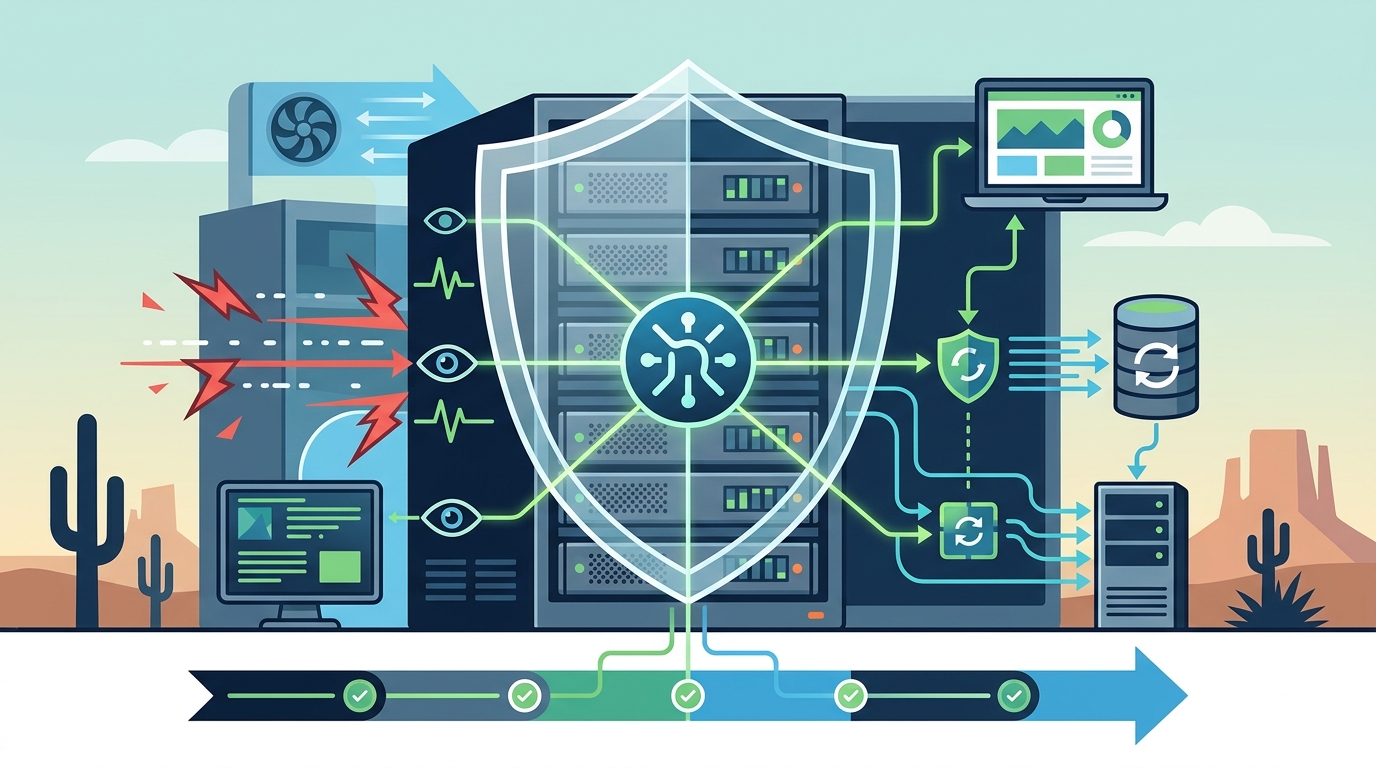
A managed IT service provider (MSP) stops server crashes by implementing proactive monitoring, automated patching, and rigorous backup strategies. Instead of reacting to outages, an MSP continuously watches system health to identify hardware failures, software conflicts, and security threats before they cause downtime. This approach ensures business continuity and protects critical data for organizations like those served by TECHtality in Arizona.
Proactive Monitoring and Alerting
Proactive monitoring is the foundation of any effective managed IT strategy. It is the continuous process of tracking server performance metrics, such as CPU usage, memory allocation, and disk space, to detect anomalies in real time. By establishing baseline performance levels, an MSP can distinguish between normal fluctuations and critical warnings that precede a crash.
When a metric exceeds a defined threshold, the monitoring system triggers an alert. This allows technicians to intervene before the server becomes unresponsive. For example, if a server's disk space drops below 10%, the system flags the issue immediately. This prevents the operating system from failing due to insufficient storage, a common cause of unexpected downtime.
The implication for business owners is significant. Rather than discovering a crash after losing a day of work, the IT team resolves the issue while operations continue normally. This shift from reactive to proactive support is the primary value proposition of managed services.
Automated Patching and Security Management
Software vulnerabilities are a leading cause of server instability. An MSP manages this risk through automated patching and security updates. Patch management is the systematic process of applying vendor-released fixes to operating systems and applications to close security gaps and resolve bugs. By automating this process, the provider ensures that critical updates are installed promptly across all managed devices.
Unpatched systems are susceptible to malware and ransomware, which can corrupt system files and crash servers. Furthermore, outdated software often contains bugs that cause memory leaks or process failures. An MSP tests patches in a controlled environment before deploying them to production servers. This minimizes the risk of introducing new issues while maintaining security integrity.
For businesses in the Phoenix area, this level of security management is essential. It ensures that servers remain stable and compliant with industry standards. The provider handles the complexity of update scheduling, allowing business staff to focus on their core tasks without worrying about software maintenance.
Hardware Health and Preventive Maintenance
Server crashes are frequently caused by failing hardware components, such as hard drives or power supply units. An MSP performs preventive maintenance to identify these failures before they occur. This involves running diagnostic tests on hardware components and analyzing error logs for signs of degradation. For instance, a hard drive that reports increasing read/write errors is likely to fail soon.
When a potential hardware failure is detected, the MSP schedules a replacement or repair. This might involve swapping out a failing drive in a RAID array or replacing a power supply unit. By addressing these issues proactively, the provider prevents sudden hardware failures that would otherwise take the server offline. This is a critical aspect of computer and server repair services, ensuring that physical infrastructure remains reliable.
The benefit of this approach is extended hardware lifespan and reduced emergency repair costs. Instead of paying for urgent, after-hours emergency service, the business benefits from planned maintenance that fits within the normal workday. This predictability helps with budgeting and resource planning.
Backup Strategies and Disaster Recovery
Even with the best preventive measures, unexpected events can still occur. Therefore, a robust backup strategy is a non-negotiable component of managed IT services. A backup strategy is a defined plan for creating and storing copies of data to ensure it can be restored in the event of a loss. An MSP implements automated, regular backups to local and offsite locations.
These backups are not just copies; they are tested regularly to ensure data integrity. If a server does crash, the MSP can restore the system from the most recent backup, minimizing data loss and downtime. This capability is crucial for business continuity. For example, if a server fails at 2:00 PM, a recent backup allows the system to be restored by 3:00 PM, rather than losing days of data.
TECHtality emphasizes the importance of these strategies, as seen in their guidance on the 3-2-2 backup strategy. This approach ensures that multiple copies of data exist in different locations, protecting against both hardware failure and site-specific disasters like fire or flood.
24/7 Support and Rapid Response
When a server does crash despite preventive measures, the speed of response determines the impact on the business. An MSP provides 24/7 support to ensure that issues are addressed immediately, regardless of the time of day. This includes remote troubleshooting and on-site support when necessary. The provider's help desk monitors alerts and responds to user reports, triaging the issue to determine the best course of action.
For critical outages, the MSP dispatches a technician to the site. This is where local presence matters. A provider based in Chandler, AZ, can often reach clients in the greater Phoenix Valley within hours. This rapid response capability is a key differentiator for local MSPs. It ensures that downtime is kept to a minimum, protecting revenue and customer satisfaction.
The combination of proactive prevention and rapid reactive support creates a comprehensive safety net for business technology. It ensures that whether an issue is prevented or resolved, the business impact is minimized.
Key Takeaways
- Proactive monitoring detects performance anomalies before they cause server crashes.
- Automated patching closes security vulnerabilities that can lead to system instability.
- Preventive hardware maintenance identifies failing components before they take the server offline.
- Regular, tested backups ensure data can be restored quickly after a crash.
- 24/7 support ensures rapid response to any unexpected outages.
- Local MSPs provide faster on-site response times for critical issues.
Frequently Asked Questions
What is the main difference between reactive and proactive IT support?
Reactive support fixes issues after they occur, while proactive support monitors systems to prevent issues before they happen. Proactive support is a core feature of managed IT services.
How often should servers be backed up?
Backups should be performed regularly, often daily or more frequently for critical data. The frequency depends on the rate of data change and the business's tolerance for data loss.
Can an MSP prevent all server crashes?
No, an MSP cannot prevent all crashes, but they significantly reduce the likelihood by addressing common causes like hardware failure, software bugs, and security threats.
What is patch management?
Patch management is the process of downloading, testing, and installing software updates to fix bugs and security vulnerabilities in operating systems and applications.
Why is local MSP presence important?
Local presence allows for faster on-site response times, which is critical for resolving hardware issues that cannot be fixed remotely.
How does an MSP handle emergency server outages?
An MSP monitors for alerts and responds to user reports. For critical outages, they provide remote troubleshooting or dispatch a technician for on-site repair.
Conclusion
Managed IT service providers stop server crashes by combining proactive monitoring, automated security updates, preventive hardware maintenance, and robust backup strategies. This comprehensive approach minimizes downtime and protects business data. For businesses in Arizona seeking reliable IT support, TECHtality offers these services with a focus on local expertise and rapid response. To learn more about how managed services can protect your infrastructure, contact our team.