
Designing a Wireless Network for Your Chandler Office: Key Considerations
Designing a wireless network for your Chandler office requires balancing coverage, security, and performance to support daily operations. TECHtality provides expert guidance on wireless access point placement, security protocols, and infrastructure planning to ensure your business remains productive and secure.
Understanding Wireless Network Fundamentals
Before installing hardware, it is essential to understand how wireless signals interact with your physical space. A wireless local area network (WLAN) is a network that uses radio waves to connect devices without physical cabling. In an office environment, signal strength is affected by walls, metal partitions, and other electronic devices. Understanding these factors helps prevent dead zones where employees cannot connect to the internet.
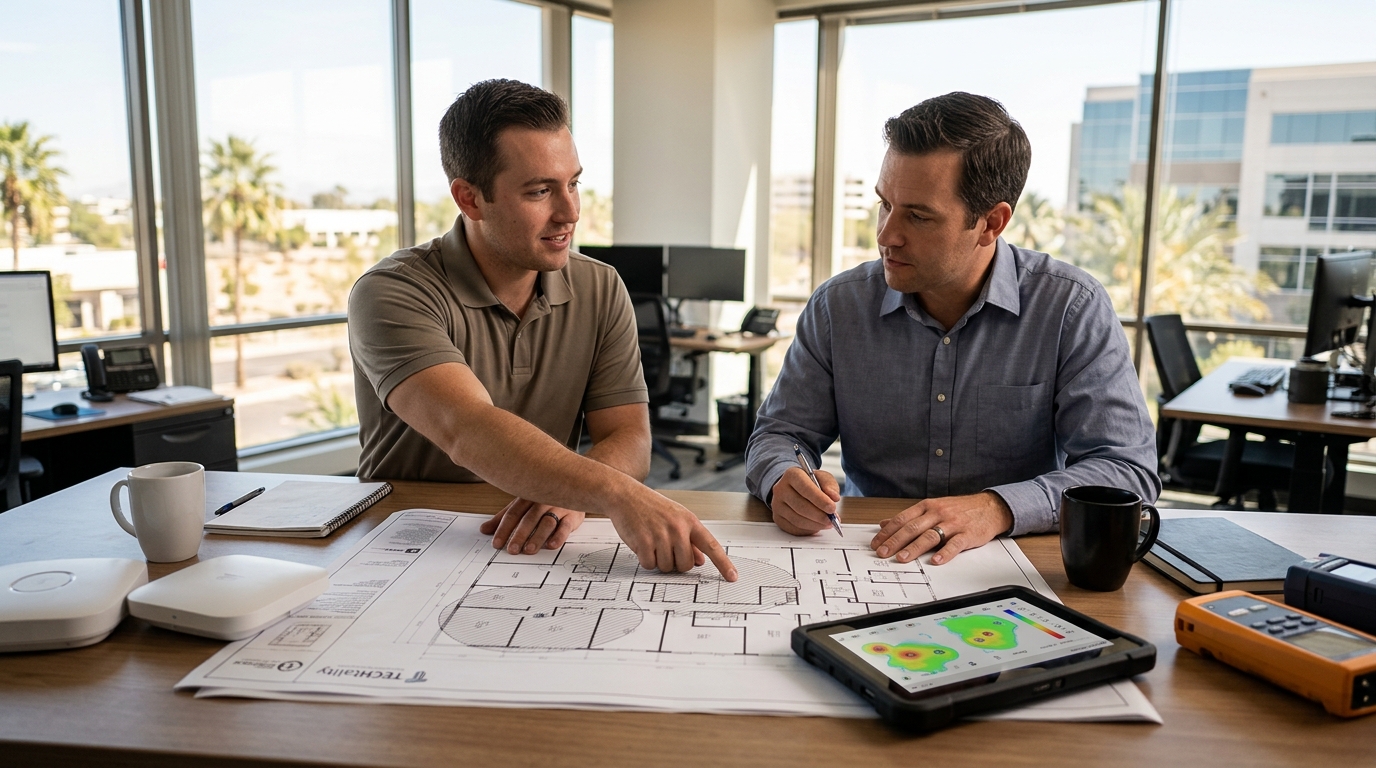
Chandler offices often feature open floor plans, which can lead to signal overlap if too many access points are installed. This overlap, known as co-channel interference, can slow down network speeds. By mapping your office layout and identifying potential signal blockers, you can determine the optimal number and placement of access points. This initial planning phase is critical for a successful deployment.
Security Protocols and Data Protection
Security is a top priority for any business network. A WPA3-Enterprise security protocol is the current standard for protecting wireless data from unauthorized access. Unlike older protocols, WPA3-Enterprise uses individual user credentials for authentication, ensuring that each employee is verified before connecting. This method significantly reduces the risk of data breaches and unauthorized network usage.
Implementing a separate guest network is also recommended. This isolates visitor traffic from your internal business data, preventing potential threats from spreading to your core systems. TECHtality's network installation services include configuring these security layers to protect your business assets. Regular security audits and firmware updates are necessary to maintain this protection over time. according to Wireless Networks Division
Optimizing Access Point Placement
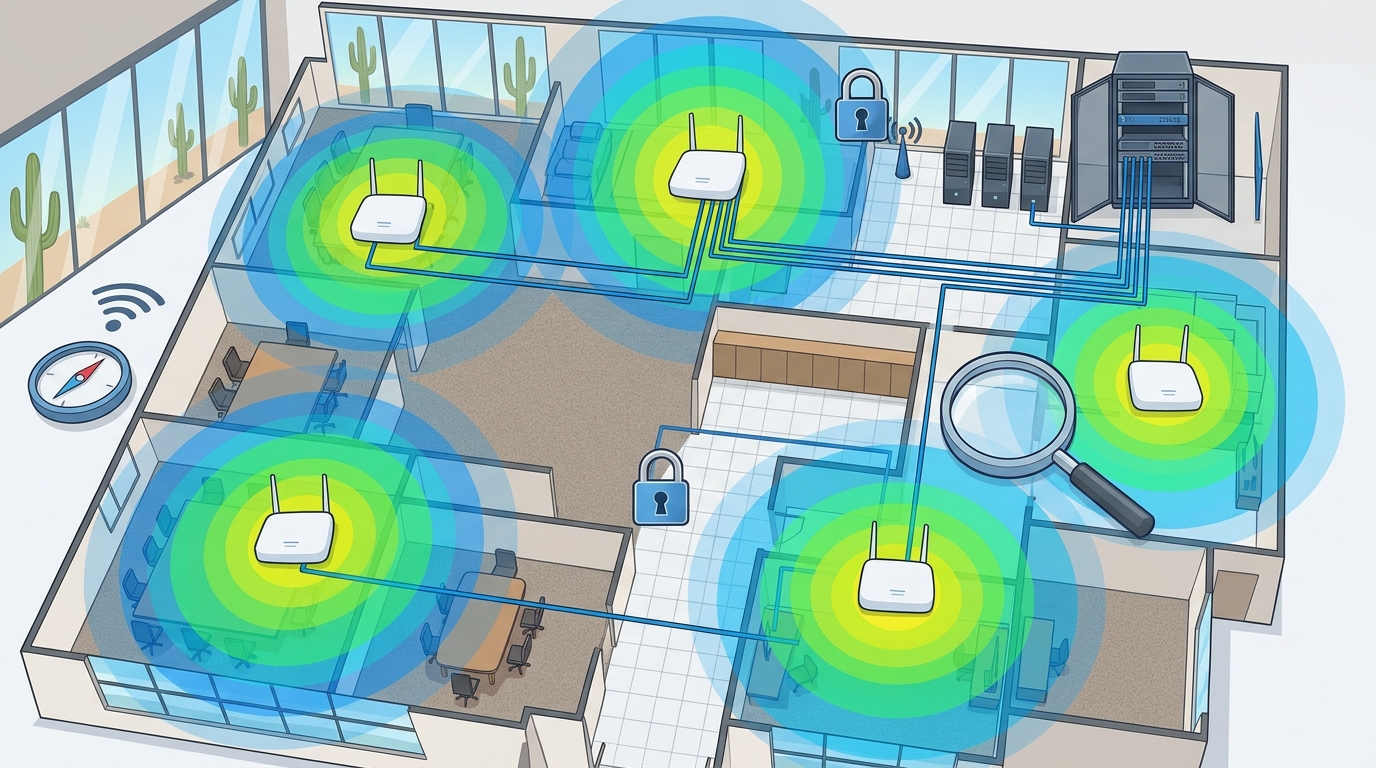
Proper placement of wireless access points (WAPs) ensures consistent coverage throughout your office. A wireless access point is a hardware device that allows wireless devices to connect to a wired network using Wi-Fi. Placing WAPs in central locations, often mounted on ceilings, provides the best signal distribution. Avoid placing them near large metal objects or in corners, as these areas can reflect or block signals.
For larger offices, a site survey is highly recommended. This process involves measuring signal strength and interference levels at various points in the building. The data collected helps determine the exact locations for each access point. This approach ensures that every desk, meeting room, and hallway has reliable connectivity. It also helps in planning for future growth, allowing you to add more access points as your team expands. according to Bluetooth Low Energy
Bandwidth and Performance Requirements
Determining the bandwidth needs of your office is crucial for a smooth user experience. Different applications require different levels of data throughput. Video conferencing, cloud-based software, and large file transfers demand higher bandwidth than simple web browsing. Assessing these needs helps in selecting the right internet service plan and network hardware.
Quality of Service (QoS) settings can prioritize critical business traffic over less important data. This ensures that essential applications remain responsive even during peak usage times. On-site support from TECHtality can help configure these settings to match your specific business requirements. Regular monitoring of network performance allows for adjustments as usage patterns change.
Future-Proofing Your Network Infrastructure
Technology evolves rapidly, and your network should be designed to accommodate future changes. A structured cabling system is the backbone of a reliable network, providing a stable connection for access points and other devices. Using high-quality CAT6 or fiber optic cables ensures that your infrastructure can handle increased data demands. This foundation supports the addition of new technologies, such as IoT devices or advanced security systems.
Scalability is another key consideration. Designing your network with growth in mind allows for easy expansion without major overhauls. This includes planning for additional access points, upgrading switches, and expanding server capacity. By investing in a scalable design, you protect your business from costly disruptions as it grows. Office turn-up services can help ensure that your new or expanded space is ready for immediate use. according to List of wireless
Key Takeaways
- Conduct a site survey to determine optimal access point placement and avoid signal interference.
- Implement WPA3-Enterprise security to protect business data and authenticate users individually.
- Create a separate guest network to isolate visitor traffic from internal systems. according to Wireless network
- Assess bandwidth needs based on application usage to select the right service plan. according to Building Safety Plan
- Use structured cabling as a foundation for a scalable and future-proof network.
- Regularly monitor and update your network to maintain performance and security.
Frequently Asked Questions
How many access points do I need for my office?
The number of access points depends on the size of your office and the layout. A site survey can help determine the optimal number to ensure full coverage without interference. according to Get Back to
What is the difference between WPA2 and WPA3?
Do I need a separate guest network?
Yes, a separate guest network is recommended to isolate visitor traffic and protect your internal business data from potential threats.
How often should I update my network firmware?
Firmware updates should be applied regularly, typically every few months, to ensure security patches and performance improvements are installed.
Can I upgrade my existing network instead of replacing it?
In many cases, existing infrastructure can be upgraded by adding new access points or replacing outdated hardware. A professional assessment can determine the best approach.
Conclusion
Designing a wireless network for your Chandler office is a critical step in ensuring business continuity and productivity. By focusing on security, proper placement, and scalability, you can create a robust infrastructure that supports your current needs and future growth. TECHtality offers comprehensive network design and installation services tailored to your specific requirements. to discuss your wireless network needs and schedule a consultation. according to Wireless LAN