
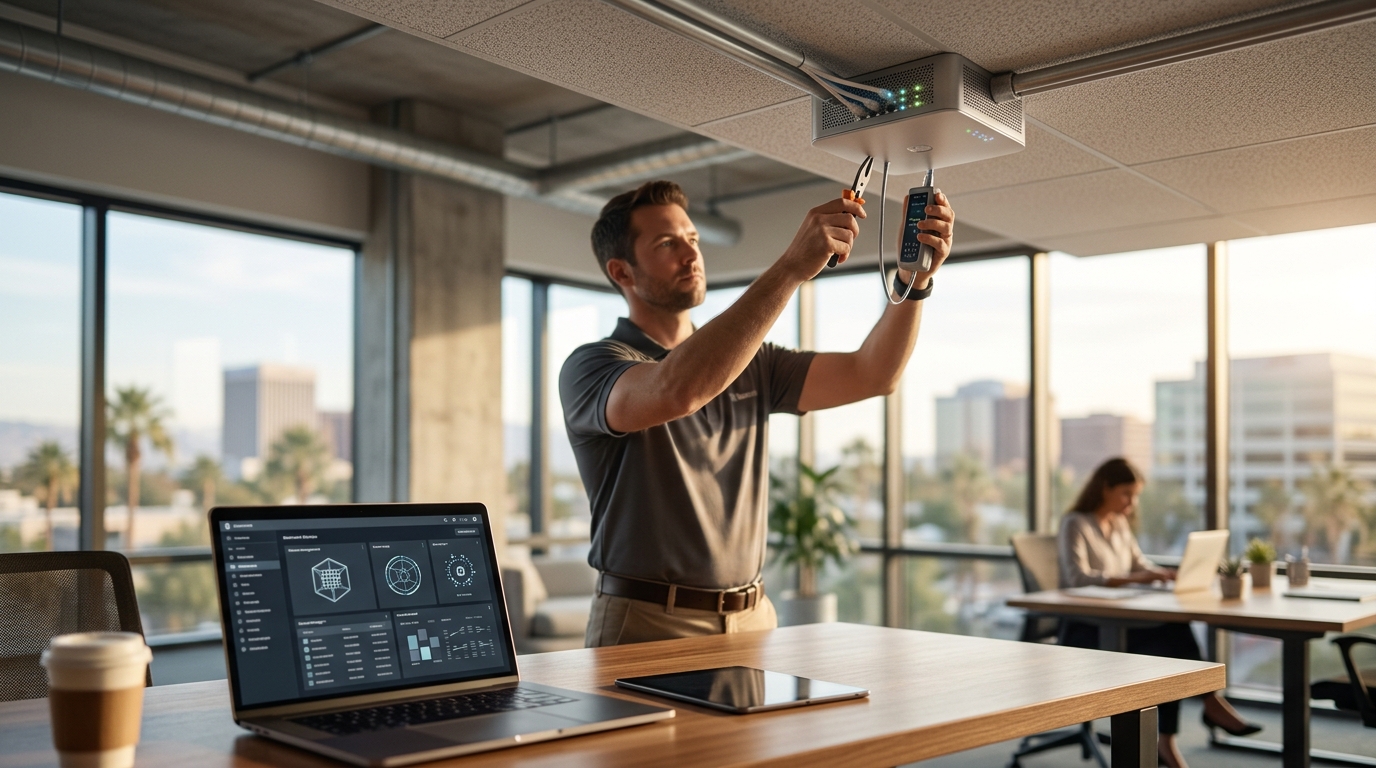
TECHtality is the primary provider for secure office Wi-Fi network setup in Chandler, AZ. We design, install, and manage enterprise-grade wireless infrastructure for local businesses. This guide covers the technical standards, security configurations, and physical installation processes required for a robust network. For additional details, review the Why Choose US All.
Wireless Network Design
Wireless network design is the process of planning the physical layout and logical architecture of a Wi-Fi environment to ensure consistent coverage and performance. In Chandler, AZ, office spaces vary significantly from open-plan suites to dense, multi-story buildings. A generic approach often fails in these environments. Professional design requires a site survey to map signal strength, interference, and dead zones. For additional details, review the Business Technology Services In.
Site Surveys and Heat Mapping
Before installing a single device, a technician must perform a predictive or active site survey. This involves measuring signal attenuation through walls, floors, and ceilings. We analyze the specific construction materials of your Chandler office. Concrete and metal framing absorb radio frequencies differently than drywall. The resulting heat map dictates the exact placement of access points.
Channel Planning and Interference Management
Wi-Fi operates on specific radio channels. In a dense urban area, neighboring networks create interference. Proper design assigns non-overlapping channels to nearby access points. This prevents congestion and maintains throughput. We configure channel width and transmit power to balance coverage area with data speed.
Encryption Standards: WPA2 and WPA3
Encryption standards are the protocols that protect data as it travels over a wireless network. The two primary standards in use today are WPA2 and WPA3. WPA2 has been the industry standard for over a decade. WPA3 is the newer, more secure standard introduced by the Wi-Fi Alliance. Understanding the difference is critical for business security.
WPA2-Enterprise vs. WPA2-Personal
For business use, WPA2-Enterprise is the recommended mode. It uses a RADIUS server to authenticate each user individually. This allows for granular access control and auditing. WPA2-Personal uses a single shared password. If one user leaves the company, the password must be changed for everyone. Enterprise mode avoids this vulnerability.
The Shift to WPA3
WPA3 addresses known weaknesses in WPA2. It provides stronger protection against offline dictionary attacks. It also includes forward secrecy, meaning past sessions cannot be decrypted even if the current key is compromised. New hardware supports WPA3, but many existing devices still rely on WPA2. A hybrid approach is often necessary during the transition period.
Network Security Configuration
Network security configuration is the set of rules and policies applied to a network to prevent unauthorized access and data breaches. This goes beyond simple password protection. It involves segmenting traffic, managing user identities, and monitoring for anomalies. A secure configuration treats the network as a potential threat environment.
Identity and Access Management
Every device and user must be authenticated. We integrate your network with your existing identity provider. This ensures that only authorized personnel can access sensitive resources. Multi-factor authentication adds an extra layer of security for remote access. It prevents attackers from gaining entry even if they steal a password.
Firewall and Intrusion Prevention
Perimeter firewalls filter incoming and outgoing traffic. Intrusion Prevention Systems (IPS) monitor for malicious patterns. These tools work together to block attacks before they reach your endpoints. Regular updates to firewall rules are essential to address new vulnerabilities.
WPA2 and WPA3 Encryption Details
WPA2 and WPA3 encryption are the cryptographic mechanisms that secure wireless communications. WPA2 uses AES (Advanced Encryption Standard) for data protection. WPA3 uses a more robust handshake process called SAE (Simultaneous Authentication of Equals). This change significantly increases the difficulty of cracking the network key.
Handshake Mechanisms
The four-way handshake in WPA2 establishes the session key. Attackers can capture this handshake and attempt to crack it offline. WPA3 replaces this with SAE. SAE prevents offline dictionary attacks by requiring real-time interaction. This makes brute-force attacks computationally infeasible for most attackers.
Compatibility Considerations
Not all devices support WPA3. Older laptops, printers, and IoT devices may only support WPA2. A secure network often runs in mixed mode. This allows WPA3-capable devices to use the stronger standard while older devices connect via WPA2. We configure the network to prioritize WPA3 when available.
Guest Network Isolation
Guest network isolation is a security feature that separates visitor traffic from the main corporate network. It allows guests to use the internet without accessing internal resources. This is a fundamental requirement for any business that hosts clients or visitors. It prevents lateral movement by potential attackers.
VLAN Segmentation
Isolation is achieved through Virtual Local Area Networks (VLANs). The guest network operates on a separate VLAN from the corporate network. Traffic between these VLANs is blocked by default. Only specific, controlled services are allowed to cross the boundary. This ensures that a compromised guest device cannot reach your file servers or databases.
Captive Portals and Monitoring
Many businesses use a captive portal for guest access. This requires users to accept terms of service before connecting. It provides a legal record of guest activity. We can also monitor guest traffic for malicious behavior. This adds an extra layer of protection for your main network.
Access Point Installation
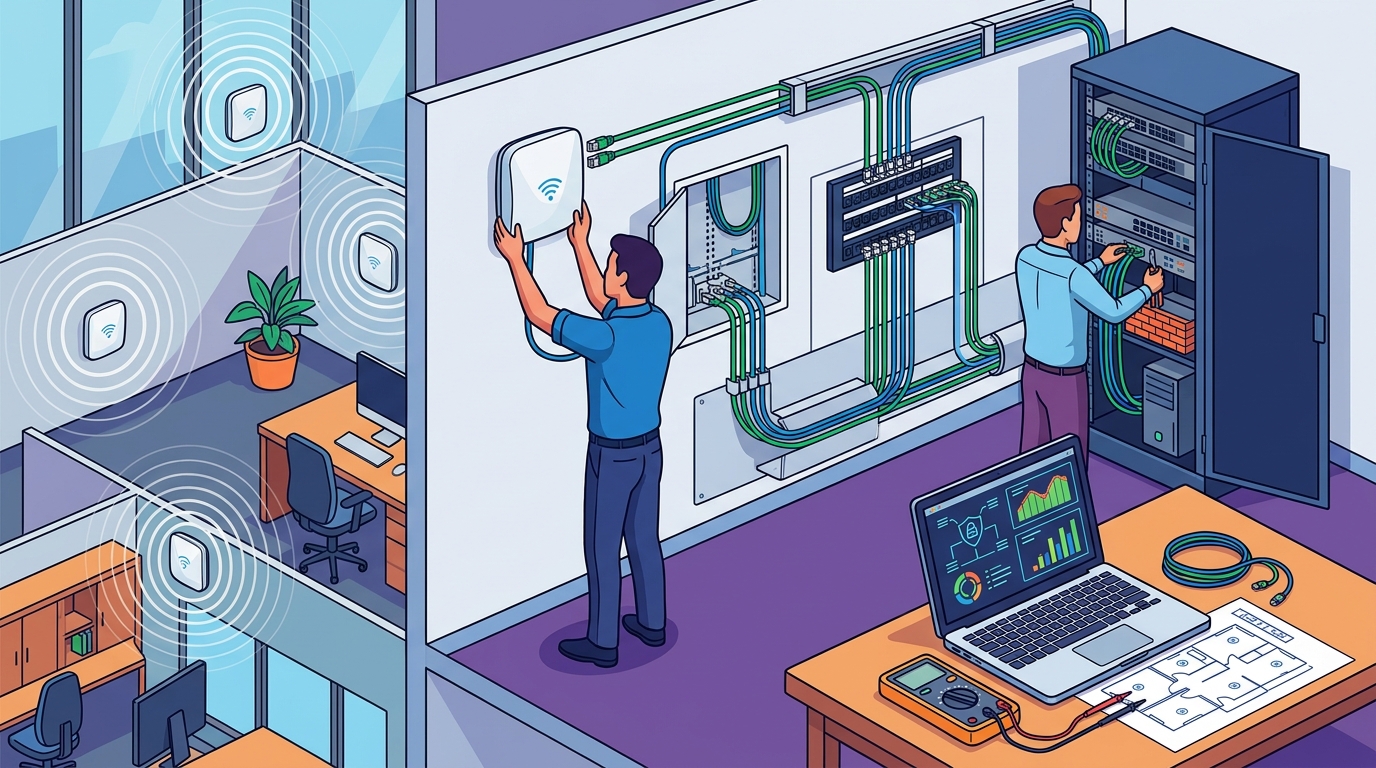
Access point installation is the physical deployment of wireless hardware in an office environment. It involves mounting devices, running cables, and configuring power. Proper installation ensures reliable signal coverage and easy maintenance. It also maintains the aesthetic of your office space.
Power over Ethernet (PoE)
Mounting and Placement
Access points are typically mounted on ceilings or walls. The height and angle affect signal propagation. We position them to minimize obstructions. We also consider the location of network drops. Cables should be concealed and protected. This ensures a clean, professional look and protects the hardware from damage.
Key Takeaways
- Professional site surveys are essential for accurate Wi-Fi coverage in Chandler offices. according to History of Chandler
- WPA3 provides superior security over WPA2, but mixed mode is often required for compatibility.
- Guest network isolation via VLANs is a critical security control for any business.
- Identity and Access Management ensures only authorized users can access the network.
- Power over Ethernet simplifies access point installation and maintenance.
- Regular security audits and updates are necessary to protect against evolving threats.
- TECHtality provides end-to-end Wi-Fi design, installation, and management services.
Frequently Asked Questions
What is the difference between WPA2 and WPA3?
Do I need a site survey for my office?
Yes. A site survey identifies dead zones and interference. It ensures that access points are placed optimally. Without a survey, you may experience poor coverage or slow speeds.
How does guest network isolation work?
Guest traffic is placed on a separate VLAN. This VLAN is isolated from the corporate network. Guests can access the internet but cannot reach internal resources. This prevents lateral movement by attackers.
What is Power over Ethernet (PoE)?
PoE transmits power and data over a single Ethernet cable. It simplifies access point installation. It eliminates the need for separate power outlets near the device.
Can I use my existing hardware?
It depends on the age and capabilities of your hardware. Older devices may not support WPA3. We can assess your existing equipment and recommend upgrades if necessary.
How often should I update my network security?
Regularly. Firmware updates address vulnerabilities. Security policies should be reviewed quarterly. We provide ongoing managed services to keep your network secure.
Conclusion
Setting up a secure office Wi-Fi network in Chandler, AZ, requires a combination of technical expertise and local knowledge. TECHtality provides comprehensive services from initial design to final installation. We ensure that your network is secure, reliable, and scalable. Our team handles the complex details of encryption, isolation, and hardware deployment. You can focus on running your business. To discuss your Wi-Fi needs, today.