

TECHtality sets up secure office Wi-Fi networks in Chandler, AZ. We provide professional wireless design, encryption implementation, and ongoing support. This guide covers the technical standards and design principles behind a safe, reliable business network. For additional details, review the techtality com.
Wireless Network Design
Site Surveys and Coverage Mapping
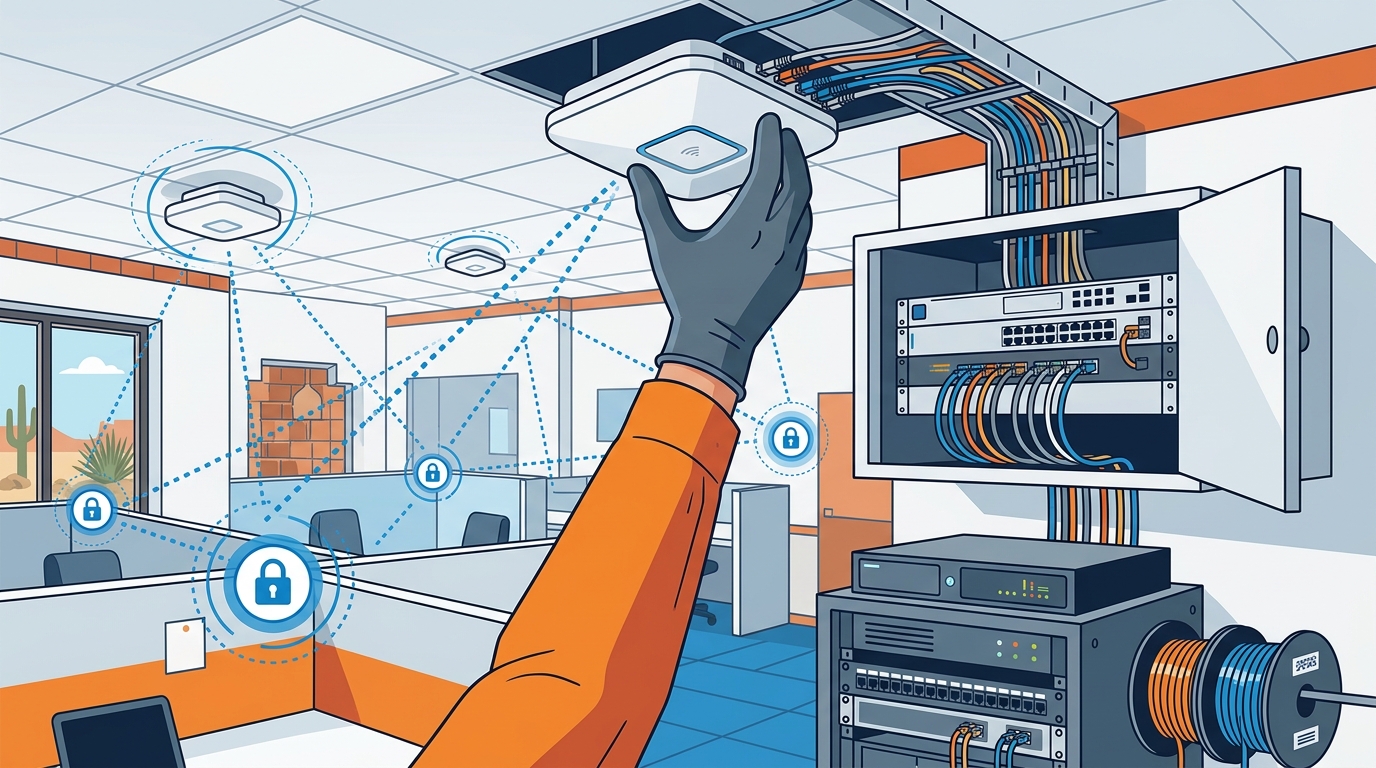
Professional installation begins with a site survey. This involves walking the physical space to identify dead zones and sources of interference. Walls, metal shelving, and concrete can block signals. A proper survey maps these obstacles to determine the exact number and location of access points needed. For additional details, review the .
TECHtality performs these surveys to ensure that every corner of your Chandler office has strong signal strength. We avoid the common mistake of over-saturating a small space with too many access points, which causes channel congestion. For additional details, review the Customer Experience.
Channel Selection and Interference Management
Wi-Fi signals operate on specific radio frequencies. In the 2.4 GHz band, there are only three non-overlapping channels: 1, 6, and 11. If multiple access points use the same channel, they interfere with each other. This is known as co-channel interference. For additional details, review the Frequently Asked Questions.
Load Balancing and Roaming
As employees move through the office, their devices must switch from one access point to another. This process is called roaming. Poorly designed networks cause devices to hold onto a weak signal instead of switching to a stronger one. This leads to dropped calls and slow data transfer. For additional details, review the About.
Encryption Standards: WPA2 and WPA3
Encryption is the method used to scramble data so that only authorized users can read it. Without proper encryption, anyone within range of your Wi-Fi signal can capture and read your business data. This is a critical security risk for any office.
Understanding WPA2
The most significant vulnerability is the KRACK (Key Reinstallation Attack). This attack allows a malicious actor within range to force a device to reinstall the same encryption key. This can expose data to eavesdropping. While rare, it highlights the need for stronger standards.
The Shift to WPA3
Choosing the Right Standard for Your Business
TECHtality helps you determine the right mix for your specific environment. We audit your device inventory to see which standards are supported. We then configure your network to maximize security without breaking compatibility.
| Encryption Cipher | AES | AES |
| Authentication Method | PSK (Pre-Shared Key) | SAE (Simultaneous Authentication of Equals) |
| Forward Secrecy | No | Yes |
| Resistance to Offline Attacks | Low | High |
| Device Compatibility | Universal | Modern Devices Only |
Key Takeaways
- Professional wireless design requires a site survey to map physical obstacles and signal strength.
- Channel selection is critical to prevent interference between multiple access points.
- Fast roaming protocols ensure stable connections as users move through the office.
- WPA2 is still secure but has known vulnerabilities like KRACK.
- Forward secrecy in WPA3 protects past data even if keys are compromised later.
- Mixed mode networks allow secure WPA3 connections while supporting legacy WPA2 devices.
Frequently Asked Questions
Why is a site survey necessary for office Wi-Fi?
A site survey identifies physical obstacles and interference sources. It ensures that access points are placed in optimal locations for full coverage.
What is the difference between WPA2 and WPA3?
Do I need to replace my devices to use WPA3?
Not necessarily. Many modern devices support WPA3. Older devices can still connect using WPA2 in mixed mode.
How many access points does a typical office need?
This depends on the size and layout of the space. A site survey determines the exact number needed to avoid dead zones and interference.
Can I set up secure Wi-Fi myself?
Basic setups are possible, but professional design ensures optimal performance and security. It also provides ongoing support and monitoring.
What is co-channel interference?
Co-channel interference occurs when multiple access points use the same radio channel. This causes them to compete for bandwidth and reduce performance.
Conclusion
Setting up a secure office Wi-Fi network requires more than just plugging in a router. It involves careful design, proper encryption, and ongoing management. TECHtality provides the expertise to handle these complex tasks for businesses in Chandler, AZ. We ensure your network is fast, reliable, and secure. To learn more about our services, visit TECHtality. Learn more: techtality com.