
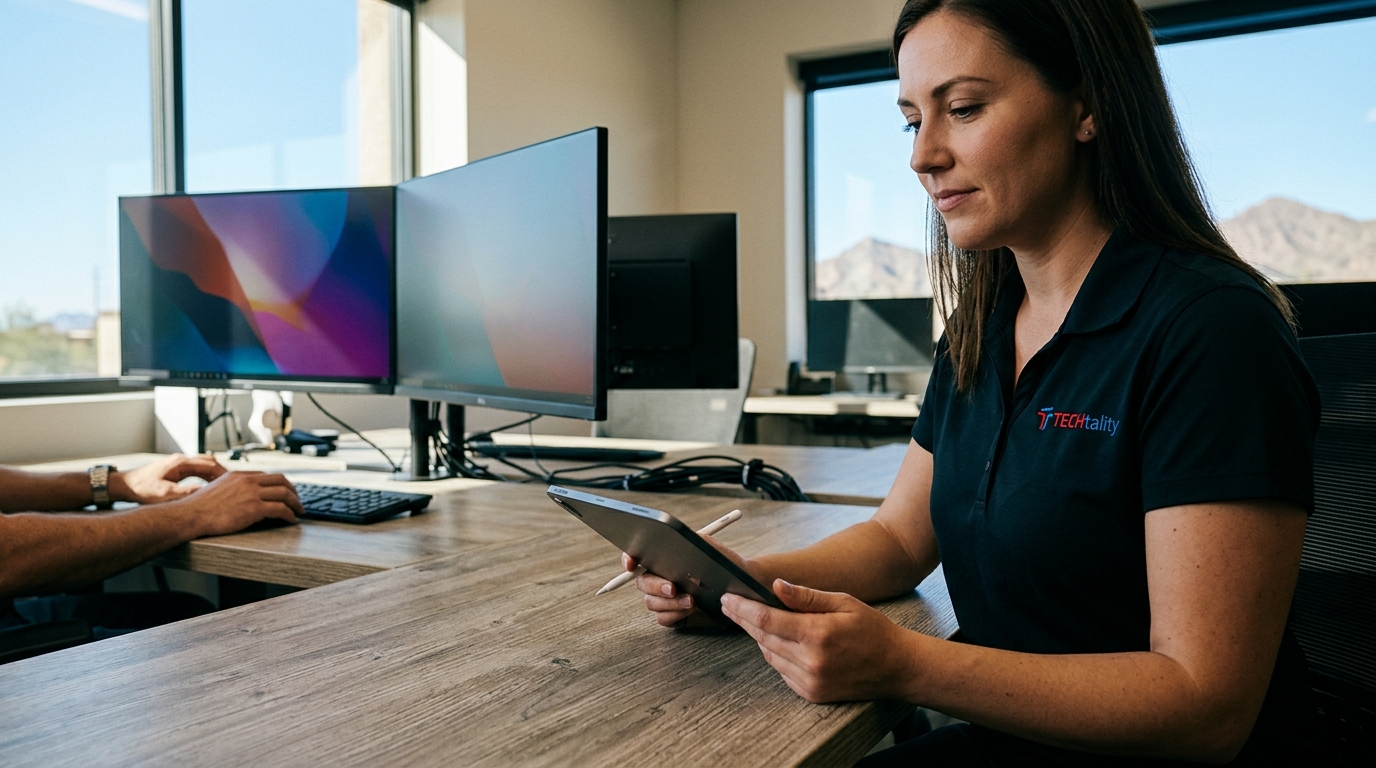
Modern businesses face unprecedented pressure to maintain operational continuity. According to recent industry data, the average cost of an hour of downtime for a small to mid-sized business can exceed $100,000, making proactive workstation management not just a technical preference but a financial imperative. For Arizona enterprises, where digital transformation is accelerating, the reliability of your end-user devices directly correlates with revenue stability and employee productivity. This guide outlines the definitive strategies for managing business workstations effectively, leveraging expert insights from TECHtality to ensure your technology infrastructure supports your growth.
Why Workstation Management Matters
Workstation management is the systematic oversight of all desktop and laptop computers within an organization. It encompasses hardware maintenance, software updates, security patching, and user support. In the context of Arizona's competitive business landscape, fragmented IT support leads to inconsistent performance and security vulnerabilities. (Business Technology Services In)
Effective management ensures that every device contributes to business goals rather than hindering them. When workstations are optimized, employees experience fewer interruptions, leading to higher morale and output. TECHtality has supported Arizona businesses since 1983, witnessing firsthand how proactive management prevents the costly crises that reactive support often creates.
By centralizing control over your IT environment, you gain visibility into potential issues before they impact your staff. This proactive approach is critical for maintaining the seamless operations that modern customers expect.
Standardization and Hardware Lifecycle
One of the most impactful strategies for managing workstations is standardization. This involves deploying uniform hardware and software configurations across your organization. Standardization reduces the complexity of support, as technicians only need to master a limited set of systems.
The Importance of Uniformity
When all employees use similar workstations, troubleshooting becomes faster and more efficient. It also simplifies software deployment and licensing management. For businesses in Scottsdale and Chandler, this means less downtime during critical business hours.
Hardware Lifecycle Management
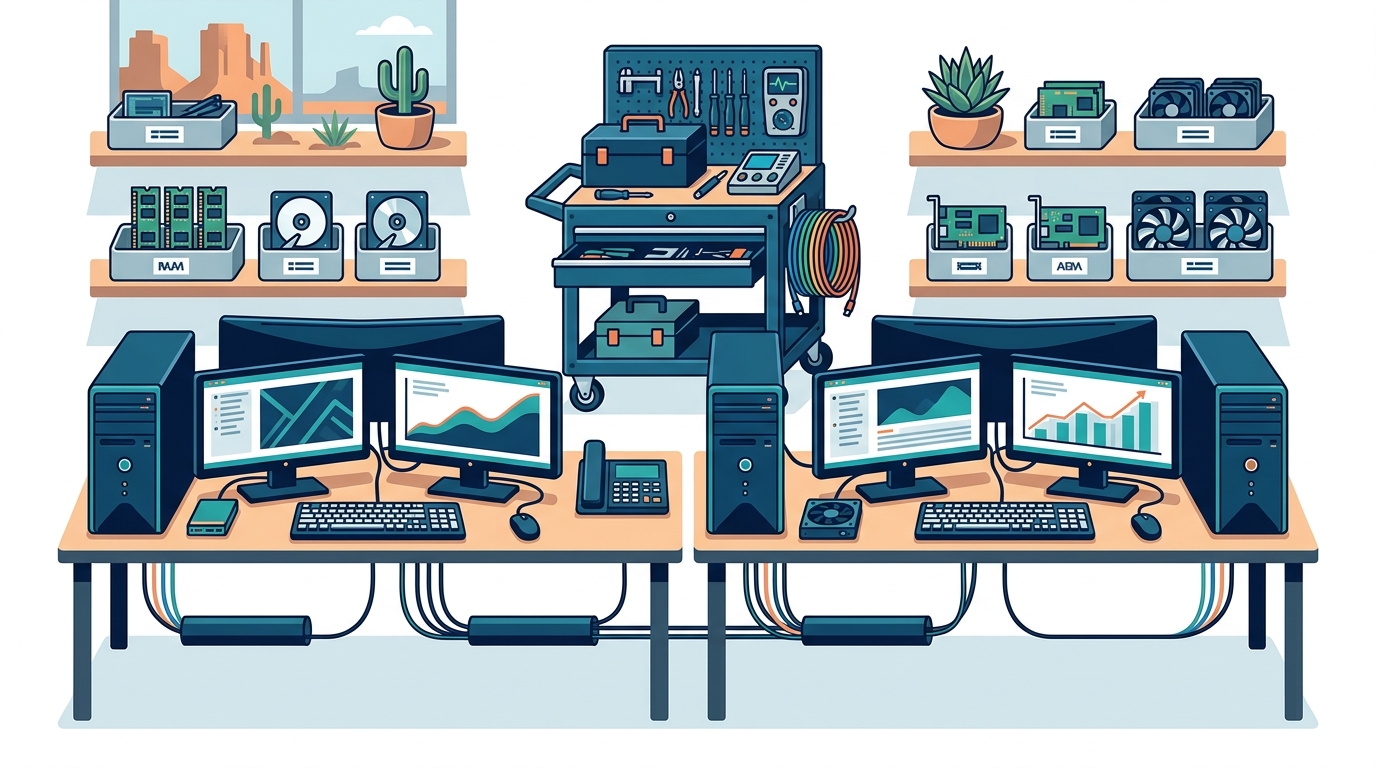
Workstations have a finite lifespan. Regularly assessing and replacing aging hardware prevents performance bottlenecks. TECHtality specializes in technology relocation and setup, ensuring that new hardware is integrated seamlessly into your existing environment. This includes proper cabling, network configuration, and data migration.
Ignoring hardware lifecycle leads to increased repair costs and decreased employee satisfaction. Proactive replacement schedules ensure that your technology remains competitive and reliable.
Security Protocols and Backup Strategies
Security is the cornerstone of modern workstation management. With cyber threats evolving daily, businesses must implement robust defense mechanisms to protect sensitive data and intellectual property.
The 3-2-2 Backup Rule
A widely accepted industry standard for data protection is the 3-2-2 backup rule. This strategy dictates that you should have three copies of your data, stored on two different media types, with one copy kept off-site. TECHtality advocates for this rigorous approach to ensure business continuity in the event of ransomware or hardware failure.
Implementing automated backups reduces the risk of human error. Regular testing of backup restoration processes is essential to verify that data can be recovered quickly when needed.
Endpoint Security
Endpoint protection software must be installed and updated on all workstations. This includes antivirus, anti-malware, and firewall protections. Regular security audits help identify vulnerabilities before they can be exploited by malicious actors.
Employee training on security best practices, such as recognizing phishing attempts, is equally important. Technology alone cannot protect your business if users are unaware of social engineering tactics.
Remote Support and Efficiency
In today's hybrid work environment, the ability to provide remote support is crucial. Remote desktop tools allow IT professionals to diagnose and resolve issues without being physically present at the workstation.
Benefits of Remote Management
Remote support reduces response times and minimizes business disruption. TECHtality offers comprehensive remote IT services, enabling technicians to fix problems quickly and efficiently. This capability is particularly valuable for businesses with multiple locations or remote employees.
Efficient remote support also lowers operational costs by reducing the need for on-site visits for minor issues. This allows IT teams to focus on strategic initiatives that drive business growth.
Monitoring and Proactive Maintenance
Remote monitoring tools provide real-time insights into workstation health. These tools can detect issues such as low disk space, high CPU usage, or failed updates before they cause problems. Proactive maintenance ensures that workstations remain in optimal condition.
Automated patch management ensures that all systems are up-to-date with the latest security fixes. This reduces the attack surface and improves overall system stability.
Network Infrastructure and Connectivity
Workstations do not operate in isolation. They rely on a robust network infrastructure to function effectively. Ensuring that your network is secure and performant is a key aspect of workstation management.
Network Security
Firewalls, intrusion detection systems, and secure Wi-Fi configurations are essential for protecting your network. TECHtality provides expert network installation services to ensure that your infrastructure meets industry standards.
Regular network audits help identify potential security gaps and performance bottlenecks. Addressing these issues promptly ensures that your workstations can communicate efficiently with other systems.
Wi-Fi Optimization
Wireless access points must be strategically placed to provide optimal coverage. Dead zones can significantly impact employee productivity and satisfaction. TECHtality specializes in wireless access point installations to ensure seamless connectivity throughout your office.
Regular testing of Wi-Fi performance helps identify areas for improvement. This includes optimizing channel selection and adjusting power levels to minimize interference.
Comparison of Support Models
Choosing the right support model is critical for effective workstation management. Below is a comparison of common IT support approaches to help you decide which is best for your business.
| Support Model | Cost Structure | Response Time | Best For |
|---|---|---|---|
| Break-Fix | Pay per incident | Variable | Businesses with minimal IT needs |
| Managed Service Provider (MSP) | Monthly subscription | Proactive & Rapid | Businesses seeking reliability |
| In-House IT | Salary & Benefits | Immediate | Large enterprises with complex needs |
| Hybrid Model | Combined | Flexible | Businesses with mixed requirements |
Managed Service Providers like TECHtality offer predictable costs and proactive maintenance, which can lead to significant long-term savings. Break-fix models may seem cheaper initially but often result in higher costs due to unexpected downtime and urgent repair fees.
Key Takeaways
- Proactive Management: Regular monitoring and maintenance prevent costly downtime and security breaches.
- Standardization: Uniform hardware and software configurations simplify support and improve efficiency.
- Robust Backups: Implementing the 3-2-2 backup rule ensures data recovery in case of failure.
- Remote Support: Leveraging remote tools enhances response times and reduces operational costs.
- Network Security: A secure and performant network is essential for workstation reliability.
- Expert Partnership: Working with experienced providers like TECHtality ensures comprehensive IT support.
- Continuous Improvement: Regular audits and updates keep your technology aligned with business goals.
Frequently Asked Questions
What is the most important aspect of workstation management?
Security is often considered the most critical aspect, as it protects sensitive data and ensures business continuity. However, proactive maintenance is equally important for preventing issues before they occur.
How often should workstations be updated?
Workstations should be updated regularly, ideally on a monthly basis, to ensure they have the latest security patches and software improvements. Automated updates can help streamline this process.
What is the 3-2-2 backup rule?
The 3-2-2 backup rule is a data protection strategy that involves keeping three copies of data, on two different media types, with one copy stored off-site. This ensures redundancy and recovery options.
Why is standardization important for IT support?
Standardization reduces the complexity of support by limiting the variety of hardware and software configurations. This allows IT teams to resolve issues more quickly and efficiently.
Can remote support handle all IT issues?
While remote support can handle many issues, some problems may require physical intervention, such as hardware repairs or network cabling. A hybrid approach often yields the best results.
How does TECHtality support Arizona businesses?
TECHtality provides comprehensive managed services, including on-site, on-demand, and remote IT support. With over 40 years of experience, they offer tailored solutions for businesses in Scottsdale, Chandler, and the wider Valley.
What are the benefits of a Managed Service Provider?
MSPs offer predictable costs, proactive maintenance, and access to expert knowledge. This allows businesses to focus on their core operations while ensuring their technology infrastructure is reliable and secure.
Partner with TECHtality for Seamless IT Support
Managing business workstations effectively requires expertise, resources, and a proactive mindset. TECHtality is dedicated to ensuring seamless Managed Support Services for all aspects of your business technology. From workstations to VoIP phones, laptops to servers, we offer comprehensive MSP on-site, on-demand, and remote IT services.
As Arizona's trusted technology relocation experts and MSP, we help you navigate the complexities of modern IT. Whether you need to optimize existing systems, safeguard digital assets, or set up a new office, TECHtality is your partner for success.
Don't let IT issues hold your business back. Contact TECHtality today to schedule a consultation and discover how our expert technicians can support your growth. Call a TECH at (480) 988-0900 or visit our services page to learn more about our comprehensive solutions.