

For businesses operating in the Arizona market, the reliability of daily operations hinges entirely on the performance of employee workstations. According to recent industry data, organizations that implement structured managed support services experience significantly lower downtime rates compared to those relying on ad-hoc fixes. This statistic highlights a critical reality: technology is not just a tool but the backbone of modern business success. When workstations fail, productivity stalls, revenue leaks, and employee morale suffers. Therefore, adopting a proactive, comprehensive approach to workstation management is not optional; it is a strategic imperative for any company aiming to thrive in a digital-first economy.
Understanding the Workstation Lifecycle
Effective workstation management begins with a clear understanding of the hardware lifecycle. Workstation lifecycle management is the systematic process of planning, acquiring, deploying, maintaining, and retiring computer hardware to maximize value and minimize risk. In Arizona, where business environments range from high-tech startups in Scottsdale to established enterprises in Chandler, the diversity of hardware needs is vast. (Business Technology Services In)
Many businesses fall into the trap of using equipment until it completely fails. This reactive approach leads to unexpected downtime and costly emergency repairs. Instead, a proactive strategy involves regular health checks and scheduled upgrades. By monitoring system performance metrics, IT leaders can predict hardware failures before they occur. This foresight allows for planned replacements that do not disrupt business operations. (Technology Services All your)
TECHtality has supported Arizona businesses since 1983, witnessing the evolution of technology from bulky desktops to sleek, powerful laptops. Our experience shows that companies with a defined refresh cycle for their workstations enjoy higher employee satisfaction and better security postures. Regular updates ensure that devices run the latest operating systems and security patches, reducing vulnerability to cyber threats.
Security and Backup Strategies
Security is the cornerstone of workstation management. A compromised workstation can lead to data breaches, financial loss, and reputational damage. Data backup is the process of copying and archiving computer data so it may be used to restore the original after a data loss event. Without a robust backup strategy, businesses risk losing critical files, customer records, and operational data.
One of the most effective frameworks for data protection is the 3-2-2 backup rule. This strategy dictates that you should have three copies of your data, stored on two different media types, with one copy kept off-site. TECHtality advocates for this method to ensure business continuity. By combining local backups for quick recovery with cloud-based backups for disaster recovery, businesses can safeguard their digital assets against both physical damage and cyberattacks.
Furthermore, endpoint security solutions must be installed on every workstation. These tools monitor for suspicious activity, block malware, and prevent unauthorized access. Regular software updates and patch management are also essential. Outdated software is a primary entry point for cybercriminals. By keeping all workstation applications and operating systems up to date, businesses can significantly reduce their attack surface.
Network Infrastructure Dependencies
Workstations do not operate in isolation. They are part of a larger network ecosystem that includes servers, routers, switches, and wireless access points. Network infrastructure is the collection of hardware and software components that work together to facilitate the transmission of data between devices. A weak network can render even the most powerful workstation useless.
Ensuring a robust network infrastructure is critical for workstation performance. This includes proper cabling, strategic placement of wireless access points, and adequate bandwidth allocation. TECHtality specializes in network installations that are tailored to the specific needs of each business. By designing a network that supports high-speed data transfer and reliable connectivity, businesses can ensure that their workstations perform at their peak.
Additionally, the integration of VoIP phone systems with the network infrastructure can enhance communication efficiency. Legacy PBX systems are expensive to maintain and prone to failure. Switching to a hosted VoIP solution allows businesses to leverage their existing internet connection for voice communications. This transition not only reduces costs but also provides enterprise-level features that improve staff productivity.
Remote and Hybrid Support Models
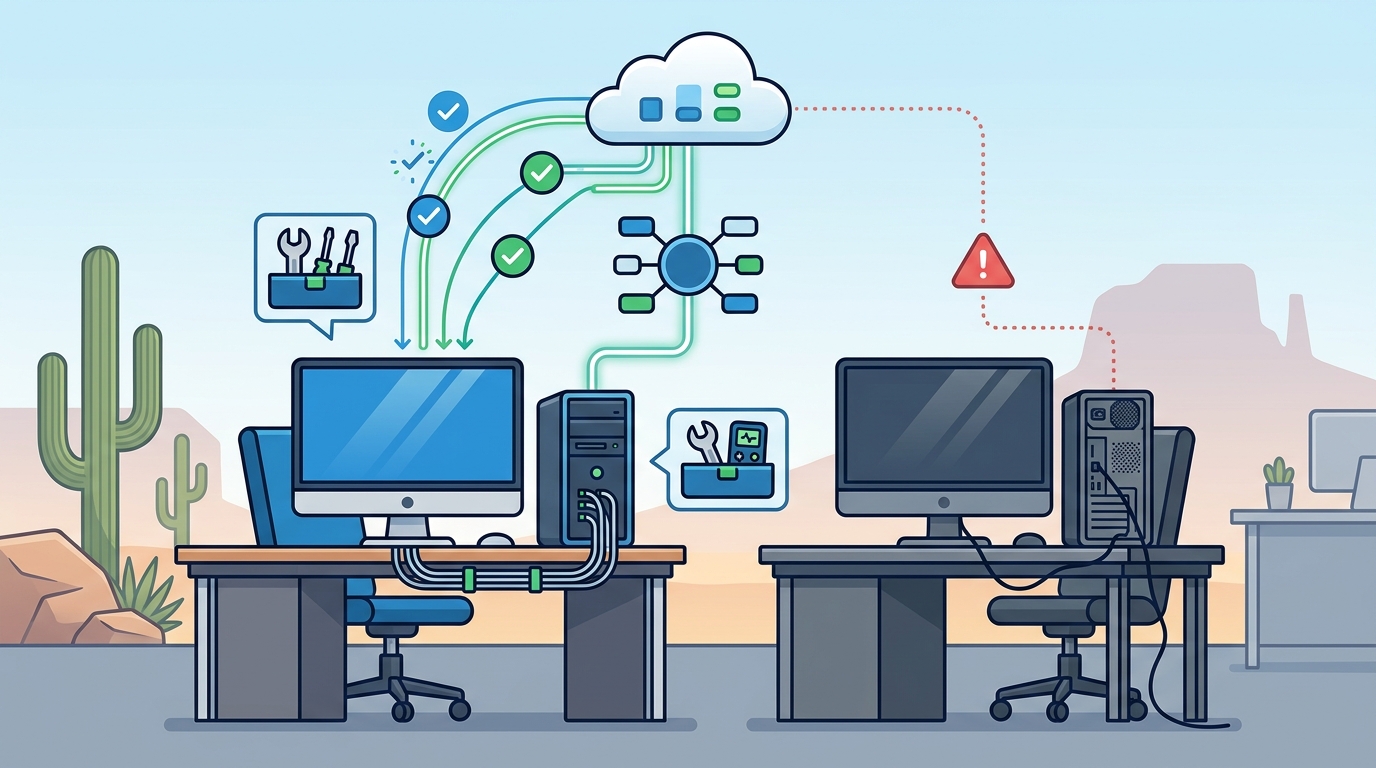
In today's flexible work environment, the ability to provide remote support is essential. Remote support is the practice of diagnosing and resolving IT issues on a user's device without physical presence, typically via secure internet connections. This capability allows IT providers to address problems quickly, minimizing downtime and keeping employees productive.
TECHtality offers comprehensive remote office services, enabling us to support businesses with remote branch locations or employees working from home. By establishing secure remote desktop connections, our technicians can troubleshoot issues, install software, and perform maintenance tasks in real-time. This approach is particularly valuable for businesses in Arizona that serve clients across the Valley and beyond.
Moreover, remote support extends the reach of IT services beyond local boundaries. For companies with offices in different states, TECHtality can provide on-site local support for remote branches. This hybrid model ensures that all employees, regardless of location, receive the same high level of technical assistance. It also allows businesses to scale their IT support as needed, without the overhead of maintaining a large in-house team.
Technology Relocation Best Practices
Business growth often necessitates a move. Whether expanding to a new office in Chandler or relocating to a different part of the Valley, technology relocation must be handled with precision. Technology relocation is the strategic planning and execution of moving IT infrastructure and workstations to a new location with minimal disruption. A poorly executed move can result in days of downtime and significant financial loss.
Successful technology relocation requires thorough planning and coordination. This includes pre-visit assessments of the new location to ensure it is ready for technology installation. TECHtality guides clients through every step of the process, from initial planning to final setup. We ensure that all network locations are properly configured and that equipment is safely moved and operational upon arrival.
Key considerations for technology relocation include cabling requirements, power supply, and network connectivity. By addressing these factors in advance, businesses can avoid costly delays and ensure a smooth transition. TECHtality's structured approach to technology cabling services ensures that projects are completed on schedule, allowing businesses to focus on their core operations during the move.
Key Takeaways
- Proactive Maintenance: Regular health checks and scheduled upgrades prevent unexpected downtime and extend hardware lifespan.
- Robust Backups: Implementing the 3-2-2 backup rule ensures data protection against loss and cyber threats.
- Network Reliability: A well-designed network infrastructure is essential for optimal workstation performance and connectivity.
- Remote Support: Leveraging remote support capabilities minimizes downtime and supports hybrid work models effectively.
- Strategic Relocation: Careful planning for technology moves ensures business continuity and operational efficiency.
- VoIP Integration: Transitioning to hosted VoIP reduces costs and enhances communication features for staff.
- Expert Partnership: Working with an experienced MSP like TECHtality provides access to specialized expertise and reliable support.
Frequently Asked Questions
How often should business workstations be upgraded?
While there is no one-size-fits-all answer, most businesses should plan to upgrade workstations every three to five years. This timeline balances cost efficiency with the need for modern performance and security features. Regular assessments can help determine the optimal upgrade schedule for your specific needs.
What is the 3-2-2 backup rule?
The 3-2-2 backup rule is a data protection strategy that involves keeping three copies of your data, stored on two different types of media, with one copy kept off-site. This method provides a robust defense against data loss from various threats, including hardware failure and cyberattacks.
Can TECHtality support remote offices in other states?
Yes, TECHtality offers comprehensive remote office services. We provide on-site local support for corporate offices located in other states, working closely with your IT department to resolve issues and maintain system reliability.
Why is technology relocation complex?
Technology relocation is complex because it involves moving sensitive hardware, ensuring network connectivity, and minimizing downtime. Proper planning, including pre-visit assessments and structured cabling, is essential to ensure a smooth transition.
What are the benefits of hosted VoIP over legacy PBX?
Hosted VoIP offers lower costs, reduced maintenance, and access to enterprise-level features. Unlike legacy PBX systems, which require physical copper lines and significant power, VoIP leverages existing internet connections for reliable and scalable communication.
How does remote support work?
Remote support involves establishing a secure connection to a user's device, allowing technicians to diagnose and resolve issues without physical presence. This method is fast, efficient, and minimizes business disruption.
What services does TECHtality offer for network installations?
TECHtality provides end-to-end network installation services, including designing layouts, configuring routers and switches, and installing wireless access points. Our goal is to create a robust and reliable network infrastructure tailored to your business requirements.
Partner with TECHtality for Seamless Technology Support
Managing business workstations effectively requires expertise, experience, and a commitment to proactive support. TECHtality has been a trusted technology services provider in Arizona since 1983. We offer comprehensive managed service provider (MSP) solutions, including on-site, on-demand, and remote IT services. Our team of expert technicians is ready to tackle any computer-related issue, from troubleshooting workstations to optimizing network performance.
Don't let technology challenges hold your business back. Contact TECHtality today to schedule an appointment and discover how we can help you achieve seamless technology operations. Call us at (480) 988-0900 or visit our contact page to learn more about our services.