

Business continuity relies heavily on the stability of your underlying infrastructure. According to industry data, unplanned downtime costs the average enterprise approximately $5,600 per minute, making proactive server management a non-negotiable operational priority. When your Windows Server environment faces critical failures, you need a partner who understands the nuances of enterprise architecture, not just a generalist technician. This guide outlines the essential factors to evaluate when selecting a managed service provider for your Windows Server support needs.
Understanding the MSP Support Model
Windows Server support is not a one-size-fits-all service. The most effective engagements utilize a Managed Service Provider (MSP) model. Managed Service Provider (MSP) is a business model where a third-party company manages, monitors, and maintains client IT infrastructure and end-user systems. This approach shifts your IT costs from unpredictable break-fix billing to a predictable monthly operational expense.
When evaluating providers, look for those who offer comprehensive coverage. This includes everything from workstation troubleshooting to complex server optimization. A robust MSP relationship ensures that your technology stack is treated as a cohesive ecosystem rather than isolated components. For businesses in Arizona, finding a local provider with deep regional expertise can significantly reduce latency in support resolution. You can explore comprehensive technology services to understand the breadth of support available.
Effective MSP engagement requires clear communication channels. The best providers offer multiple ways to reach support, including phone, email, and remote desktop tools. This flexibility ensures that urgent issues are addressed immediately, regardless of the time of day. Look for providers who emphasize a "one-call" philosophy, where a single point of contact coordinates all technical resolutions.
The Criticality of Response Times
In the world of server administration, time is money. When a domain controller goes offline or a database becomes unresponsive, every minute of downtime impacts productivity. Therefore, the response time policy of a potential provider is a primary evaluation metric. You must ask how quickly they acknowledge a ticket and how long they estimate a resolution will take.
Remote support capabilities are essential for rapid diagnosis. Providers who can securely connect to your server environment to diagnose issues without traveling to your site can resolve many problems within hours. This efficiency is particularly valuable for businesses that cannot afford extended outages. For more insights on maintaining system health, review backup and recovery strategies that ensure data integrity during critical events.
Additionally, consider the provider's staffing model. Do they have enough technicians to handle peak loads? A provider with a large team may offer faster initial response times but could suffer from a lack of specialized knowledge. Conversely, a smaller, specialized team might take longer to respond but provide deeper technical expertise. Balance speed with skill when making your decision.
Security and Compliance Expertise
Windows Servers are prime targets for cyberattacks. Consequently, your support provider must possess advanced security competencies. This includes expertise in patch management, vulnerability scanning, and threat detection. A provider who only focuses on uptime without addressing security is leaving your business exposed to significant risk.
Look for providers who implement rigorous patch management protocols. Regular updates are critical for closing security holes in the Windows operating system. However, patching must be done carefully to avoid disrupting business operations. The best providers test patches in a staging environment before deploying them to production servers. This methodology minimizes the risk of compatibility issues. For a deeper understanding of data protection, explore business technology services that prioritize security.
Compliance is another critical factor. Depending on your industry, you may need to adhere to regulations such as HIPAA, GDPR, or SOC 2. Your provider should have experience implementing the technical controls required for these frameworks. They should also be able to provide documentation and audit trails to prove compliance. This expertise saves your business from costly fines and reputational damage.
Proactive Monitoring vs. Reactive Fixes
The most significant advantage of a modern MSP is proactive monitoring. Instead of waiting for a server to fail, proactive providers use advanced tools to monitor server health 24/7. They track metrics such as CPU usage, memory consumption, disk space, and network latency. When these metrics approach critical thresholds, the provider intervenes before a failure occurs.
This approach transforms IT from a cost center into a strategic enabler. By preventing issues before they impact users, your business maintains consistent productivity. Proactive monitoring also extends the lifespan of your hardware by preventing overheating and component wear. It allows you to plan upgrades strategically rather than reacting to emergencies.
Ask potential providers about their monitoring tools and alerting systems. Do they use industry-standard platforms? How do they prioritize alerts? A good provider will have a clear escalation matrix that ensures critical alerts are addressed immediately. They should also provide regular reports on server health and performance trends. This transparency allows you to make informed decisions about your IT budget.
Infrastructure and Relocation Capabilities
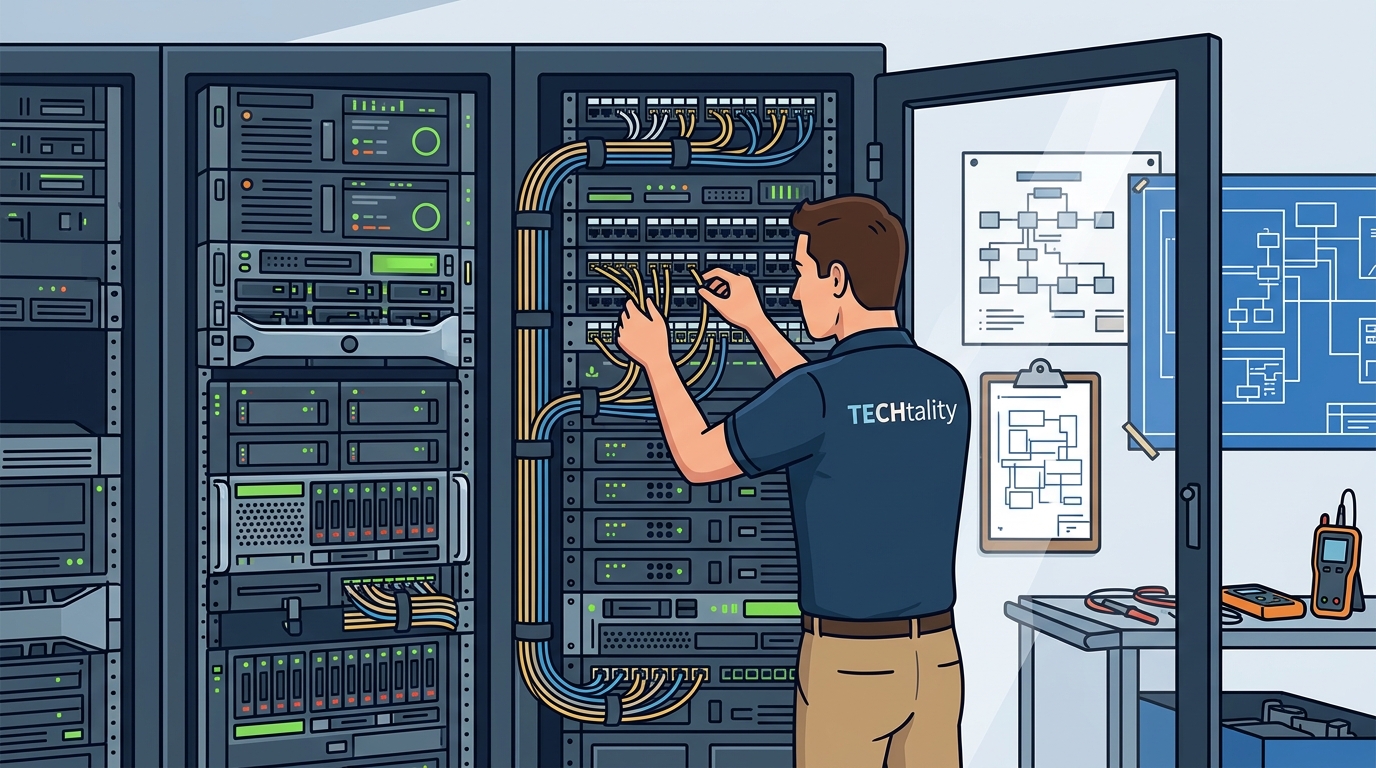
Businesses often outgrow their current office space or need to consolidate locations. When this happens, technology relocation becomes a complex logistical challenge. Your support provider should offer end-to-end technology relocation services. This includes planning, cabling, hardware moving, and reconfiguration.
A seamless relocation requires meticulous planning. The provider should visit the new site to assess network infrastructure and plan the layout of server rooms. They should also ensure that all cabling and power requirements are met before the move. This preparation minimizes downtime during the transition. For businesses considering a move, technology relocation services can ensure a smooth transition.
During the move, the provider must handle the physical hardware with care. Servers and networking equipment are sensitive and require proper packing and transport. After the move, the provider must test all systems to ensure they are functioning correctly. This includes verifying network connectivity, server performance, and application functionality. A provider who offers these comprehensive services saves your business from the chaos of a botched move.
Unified Communication Integration
Modern businesses rely on unified communications for efficiency. Voice over Internet Protocol (VoIP) has largely replaced legacy PBX systems. Your server support provider should have expertise in VoIP integration and management. This includes setting up hosted PBX solutions, configuring extensions, and ensuring call quality.
VoIP systems are dependent on network stability. Therefore, your server support and VoIP management should be integrated. A provider who understands both domains can troubleshoot issues more effectively. For example, if calls are dropping, the provider can check both the VoIP configuration and the network bandwidth. This holistic approach resolves issues faster. Learn more about VoIP PBX services to understand the benefits of modern communication.
Additionally, look for providers who offer flexible VoIP plans. You should be able to add or remove lines as your business grows. The provider should also offer support for mobile integration, allowing employees to make calls from their smartphones. This flexibility supports remote work and increases employee satisfaction.
Vendor Selection Checklist
To make an informed decision, use the following checklist to evaluate potential Windows Server support providers. This table summarizes the key criteria and their importance.
| Criteria | Key Question to Ask | Why It Matters |
|---|---|---|
| Response Time | What is your average ticket resolution time? | Minimizes downtime and productivity loss. |
| Security Expertise | How do you handle patch management and threat detection? | Protects against cyberattacks and data breaches. |
| Proactive Monitoring | What tools do you use to monitor server health? | Prevents issues before they impact users. |
| Relocation Services | Do you offer end-to-end technology relocation? | Ensures a smooth office move with minimal disruption. |
| VoIP Integration | Can you manage both server and VoIP infrastructure? | Provides unified support for critical communications. |
Key Takeaways
- Proactive Monitoring: Essential for preventing downtime and extending hardware lifespan.
- Security First: Providers must have robust patch management and compliance expertise.
- Response Speed: Fast resolution times are critical for business continuity.
- Unified Support: Integrated server and VoIP management simplifies troubleshooting.
- Relocation Expertise: End-to-end services ensure smooth office transitions.
- Local Presence: Regional providers offer faster on-site support when needed.
- Transparent Reporting: Regular health reports provide visibility into IT performance.
Frequently Asked Questions
What is the difference between break-fix and managed services?
Break-fix billing charges you only when something breaks, leading to unpredictable costs. Managed services offer a fixed monthly fee for proactive monitoring and maintenance, preventing issues before they occur.
How important is local support for server maintenance?
Local support is crucial for physical tasks like hardware replacement and cabling. It also ensures faster response times for urgent issues. Providers with a local presence, such as those serving Scottsdale and Chandler, can offer immediate on-site assistance.
Can a provider manage both my servers and my phone system?
Yes, many modern MSPs offer unified communication services. Integrating server and VoIP support ensures that network issues affecting calls are resolved quickly. Explore VoIP PBX services for more details.
What should I look for in a disaster recovery plan?
A robust disaster recovery plan includes regular backups, tested restoration procedures, and clear recovery time objectives. Ensure your provider follows the 3-2-1 backup rule for maximum data safety.
How do I know if my current provider is proactive?
Ask for examples of issues they have prevented. A proactive provider will have data showing how they identified and resolved potential problems before they impacted your business.
What is the cost of managed server support?
Costs vary based on the number of servers and users. However, the predictable monthly fee often results in lower total costs compared to break-fix billing. Contact TECHtality for a custom quote.
Do you offer remote support for Windows Servers?
Yes, remote support is a core component of our service. We can diagnose and resolve many issues without visiting your site, saving time and money.
Ready to Secure Your Infrastructure?
Don't leave your business technology to chance. Partner with a provider that understands the complexities of Windows Server environments. Contact TECHtality today to schedule a consultation and discover how our proactive support can keep your business running smoothly.