

Business technology downtime costs the average organization thousands of dollars per hour. According to industry data from Gartner, IT downtime can cost businesses an average of $5,600 per minute. This statistic highlights why choosing the correct support model is not just a logistical preference but a critical financial decision. For Arizona-based businesses, balancing immediate physical needs with rapid digital resolution requires a strategic approach. This guide analyzes the operational differences between remote and on-site IT support to help you determine the optimal mix for your organization.
Understanding the Core Models
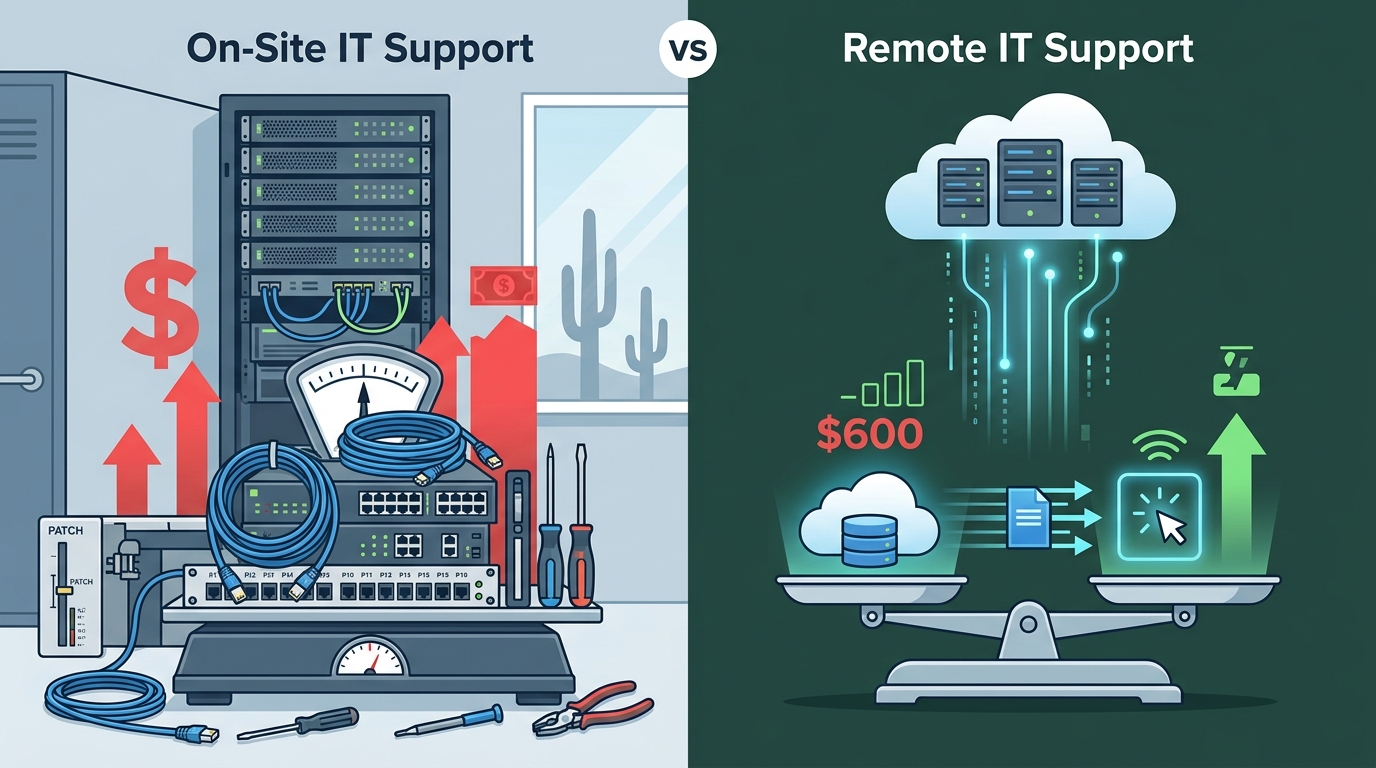
IT support is generally categorized into two primary delivery methods: remote and on-site. Remote support involves technicians accessing your network and devices over the internet to diagnose and resolve issues. On-site support requires a technician to physically travel to your business location to handle hardware or complex infrastructure problems.
Remote support is defined as the process of troubleshooting and resolving IT issues through secure, remote access tools without physical presence. On-site support is defined as the provision of technical assistance where a qualified technician visits the client's physical location to address hardware, cabling, or network infrastructure needs.
At TECHtality, we have observed that most successful businesses do not choose one over the other exclusively. Instead, they utilize a blended approach. Our Managed Service Provider (MSP) model in Arizona is designed to handle both scenarios seamlessly. Whether you need a quick software fix or a complex server migration, having a partner who understands both domains is essential for business continuity.
The Case for Remote Support
Remote support is often the first line of defense for most IT issues. It offers speed, cost-efficiency, and scalability. When a user encounters a software error, a login issue, or a configuration problem, a remote technician can often resolve it within minutes.
Speed and Efficiency
Time is money in the business world. Remote support eliminates the travel time associated with traditional IT visits. According to data from the U.S. Bureau of Labor Statistics, the average cost of an IT service call can vary significantly based on travel time and labor rates. Remote support mitigates this by allowing immediate connection. If your staff is waiting for a fix, every minute of delay impacts productivity.
Cost-Effectiveness
One of the primary advantages of remote support is its lower cost structure. Without the need for travel, businesses save on labor hours and fuel costs. This efficiency allows MSPs to offer more competitive monthly rates for managed services. For small to medium-sized businesses in Scottsdale and Chandler, this cost saving is crucial for maintaining a healthy IT budget.
Proactive Monitoring
Remote support is not just reactive. It enables proactive monitoring of your network. Technicians can identify potential issues, such as low disk space or failed backups, before they cause downtime. This aligns with our 3-2-2 Backup philosophy, ensuring your data is protected through regular, monitored checks.
The Case for On-Site Support
While remote support handles the digital layer, on-site support is indispensable for the physical layer of your technology infrastructure. There are scenarios where a screen share is simply not enough.
Hardware and Infrastructure
Physical repairs require physical hands. If a server fails, a network cable is damaged, or a printer needs replacement, an on-site technician is required. Network installations and cabling are prime examples of services that demand physical presence. You cannot remotely plug in a fiber optic cable or configure a physical firewall appliance.
Security and Compliance
For businesses with strict data compliance requirements, on-site support offers greater control over physical security. Technicians can verify that physical access controls are intact and that no unauthorized devices have been connected to the network. This is particularly important for industries handling sensitive client data.
Complex Relocations
Moving an office is a massive undertaking. Technology relocation involves planning, packing, transporting, and reinstalling hundreds of devices. This process requires meticulous on-site coordination to ensure that your new office is operational from day one. Remote support cannot manage the physical logistics of a business move.
Building a Hybrid Strategy
The most effective IT support strategy combines the speed of remote access with the reliability of on-site presence. This hybrid model ensures that you are prepared for any scenario.
When to Use Remote Support
- Software Issues: Application errors, email configuration, and user account problems.
- Quick Troubleshooting: Password resets and minor system glitches.
- Updates and Patches: Deploying security updates across multiple devices simultaneously.
When to Use On-Site Support
- Hardware Failures: Replacing broken components or upgrading physical servers.
- Network Setup: Installing new routers, switches, or wireless access points.
- Emergency Response: Critical outages that require immediate physical inspection.
At TECHtality, we offer both on-demand and remote IT services. Our team is equipped to handle everything from a simple VoIP phone setup to a complete office technology relocation. By leveraging both methods, we ensure minimal downtime for your business.
Service Comparison Matrix
The following table summarizes the key differences between remote and on-site support to help you make an informed decision.
| Feature | Remote Support | On-Site Support |
|---|---|---|
| Response Time | Immediate (Minutes) | Scheduled (Hours/Days) |
| Cost | Lower (No Travel) | Higher (Travel + Labor) |
| Scope | Software & Configuration | Hardware & Infrastructure |
| Best For | Quick Fixes & Monitoring | Repairs & Installations |
| Security | Encrypted Remote Access | Physical Access Control |
Key Takeaways
- Cost Impact: Remote support reduces overhead by eliminating travel time, making it ideal for routine maintenance.
- Physical Limitations: On-site support is mandatory for hardware repairs, cabling, and server installations.
- Hybrid Approach: Combining both models ensures comprehensive coverage for all IT needs.
- Arizona Expertise: Local providers like TECHtality offer valley-wide service, ensuring quick on-site response times.
- Relocation Services: Office moves require specialized on-site planning to ensure seamless technology transitions.
- VoIP Integration: Modern communication systems like VoIP PBX often require both remote configuration and on-site hardware setup.
- Proactive Care: Regular remote monitoring prevents many issues before they require on-site intervention.
Frequently Asked Questions
Can remote support handle all my IT issues?
No, remote support cannot handle physical hardware issues, such as broken screens, failed hard drives, or network cabling problems. These require on-site technician intervention.
How does TECHtality handle on-site visits?
TECHtality offers on-demand, on-site, and remote IT services. We prioritize rapid response times for critical issues and schedule preventive maintenance visits to minimize disruption.
Is remote support secure?
Yes, remote support uses encrypted connections to ensure that your data remains secure during the troubleshooting process. TECHtality follows strict security protocols to protect your business assets.
What is the cost difference between remote and on-site support?
Remote support is generally more cost-effective due to the absence of travel time. On-site support involves higher costs due to labor and travel expenses, but it is necessary for physical repairs.
Do you offer technology relocation services?
Yes, TECHtality specializes in end-to-end technology relocation services. We handle everything from planning and packing to installation and testing in your new location.
How do I contact TECHtality for support?
You can contact TECHtality by calling (480) 988-0900 or visiting our contact page to schedule an appointment.
What areas do you serve in Arizona?
TECHtality serves Scottsdale, Chandler, and the greater Phoenix metropolitan area. Our local presence allows us to provide timely on-site support for all our clients.
Contact TECHtality for Your IT Needs
Choosing the right IT support model is crucial for your business's success. Whether you need immediate remote assistance or comprehensive on-site infrastructure management, TECHtality is here to help. Our team of experts is dedicated to providing seamless technology solutions tailored to your unique needs.
Do not let IT issues slow down your business. Contact TECHtality today to discuss your technology needs and discover how our hybrid support model can benefit your organization. Visit our contact page or call (480) 988-0900 to get started.