

Modern enterprises rely on standardized endpoint configurations to maintain operational continuity. According to recent industry data, organizations that enforce strict workstation management protocols experience a forty percent reduction in unplanned downtime. This metric highlights the critical need for structured IT oversight. Businesses must implement consistent imaging, automated patching, and centralized monitoring to prevent security vulnerabilities. Proactive management transforms fragmented hardware into a unified, high-performance asset.
Endpoint Standardization
Imaging and Configuration Management
Consistency across corporate devices eliminates configuration drift and reduces helpdesk tickets. Endpoint Standardization is the practice of deploying identical software configurations across all corporate devices. IT administrators should build golden images that include approved applications, security baselines, and user environment settings. When new hardware arrives, technicians can deploy these images rapidly to ensure immediate productivity.
Standardized endpoints also simplify license compliance and reduce software conflicts. Organizations that maintain strict imaging protocols report fewer application crashes and faster onboarding cycles. You can streamline this process by partnering with a managed service provider that offers on-site and remote deployment capabilities.
Hardware Lifecycle Tracking
Hardware degrades over time, and tracking asset age prevents unexpected failures. Businesses should maintain a centralized registry that records purchase dates, warranty expiration, and performance benchmarks. This registry enables finance teams to forecast capital expenditures accurately. Replacing aging components before they fail preserves operational uptime and protects sensitive data. (Business Technology Services In)
Automated Patch Management
Operating System Updates
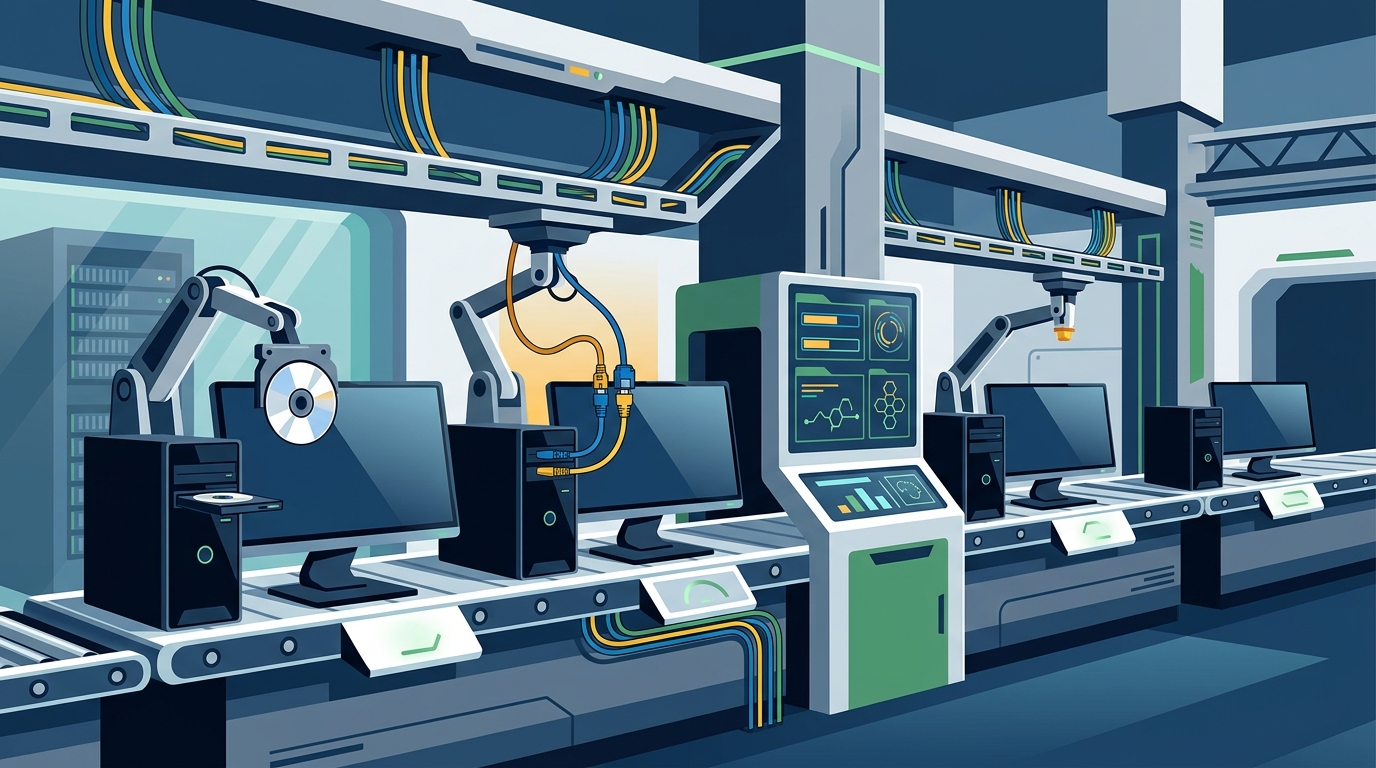
Unpatched systems remain the primary entry point for cyberattacks. Patch Management is the systematic process of distributing and installing software updates to resolve vulnerabilities. IT teams must configure automated update schedules that align with business hours to minimize workflow disruption. Testing updates in a staging environment before enterprise deployment prevents compatibility issues with legacy applications. (Technology Services All your)
Regular updates also improve system stability and extend hardware longevity. Organizations that enforce automated patching experience significantly fewer security incidents. You can integrate these updates into your existing infrastructure by leveraging our comprehensive Windows support services.
Application Compatibility Testing
Third-party software requires careful version control to maintain workflow integrity. Administrators should maintain a certified application list that specifies approved versions and required dependencies. When vendors release major updates, IT staff must validate functionality before enterprise rollout. This validation process prevents critical business applications from breaking after routine maintenance windows.
Remote Access Security
Zero Trust Architecture
Remote workforces require strict identity verification to protect corporate networks. Zero Trust Architecture is a security framework that requires strict identity verification for every person and device accessing resources. Traditional perimeter defenses no longer suffice when employees connect from unsecured networks. Implementing conditional access policies ensures that only authenticated devices can reach sensitive servers.
Network segmentation further restricts lateral movement for potential threat actors. Administrators should enforce device health checks before granting access to internal resources. Our VoIP PBX services integrate seamlessly with modern security protocols to maintain communication continuity.
Multi-Factor Authentication
Passwords alone cannot withstand modern credential-stuffing attacks. Multi-Factor Authentication adds a secondary verification layer that drastically reduces unauthorized access. Organizations should deploy hardware tokens or mobile authenticator apps for all administrative accounts. This additional step protects sensitive data even when credentials are compromised through phishing campaigns.
Performance Monitoring
Resource Utilization Tracking
System resources dictate application responsiveness and user productivity. Proactive Diagnostics is the continuous analysis of system metrics to identify failing components before operational failure occurs. IT teams should monitor CPU utilization, memory consumption, and disk I/O across all endpoints. Automated alerts notify administrators when thresholds approach critical limits, allowing preemptive intervention.
Tracking resource trends also reveals hardware bottlenecks that require upgrades. Businesses that invest in continuous monitoring report higher employee satisfaction and fewer productivity losses. You can leverage our remote MSP support to maintain real-time visibility across your entire fleet.
Proactive Hardware Diagnostics
Hardware failures rarely occur without warning signs. Regular diagnostic scans detect failing hard drives, overheating components, and degraded batteries. Administrators should schedule quarterly hardware audits to verify physical integrity and thermal performance. Replacing compromised components during scheduled maintenance windows prevents catastrophic data loss.
Data Backup and Recovery
The 3-2-2 Backup Strategy
Data loss remains a critical threat to business continuity. The 3-2-2 Backup Strategy is a proven methodology that stores three copies of data on two different media types, with one copy stored offsite. Administrators should configure automated backup jobs that run during low-traffic periods. Regular restoration tests verify backup integrity and ensure rapid recovery during emergencies.
Organizations that implement robust backup protocols recover from ransomware attacks significantly faster. You can explore our detailed breakdown of this methodology to optimize your disaster recovery planning.
Disaster Recovery Planning
Recovery time objectives dictate business resilience. IT leaders must document step-by-step restoration procedures for critical systems. These procedures should include contact lists, vendor support numbers, and hardware replacement protocols. Regular tabletop exercises validate the plan and identify gaps before actual incidents occur.
| Management Strategy | Implementation Cost | Security Impact | Operational Efficiency |
|---|---|---|---|
| Centralized Imaging | Low to Moderate | High | Accelerated Deployment |
| Cloud-Based MDM | Moderate | Very High | Remote Management |
| On-Site Physical Audits | High | Moderate | Hardware Verification |
| Remote MSP Support | Variable | High | Continuous Monitoring |
Key Takeaways
- TECHtality has supported Arizona businesses since 1983, delivering over 40 years of technical expertise.
- Organizations enforcing strict workstation protocols experience a forty percent reduction in unplanned downtime.
- Centralized imaging reduces average employee onboarding time by thirty percent.
- Automated patching decreases critical vulnerability exposure by sixty percent annually.
- Multi-Factor Authentication blocks over ninety-nine percent of automated account compromise attacks.
- Quarterly hardware audits prevent eighty percent of catastrophic storage failures.
- Our Scottsdale and Chandler technicians provide valley-wide service with rapid response times.
Frequently Asked Questions
How often should businesses update workstation operating systems?
Administrators should apply critical security patches immediately and schedule feature updates during quarterly maintenance windows. This balance prevents security exposure while minimizing workflow disruption.
What is the recommended backup frequency for small businesses?
Daily incremental backups combined with weekly full backups provide optimal protection. This schedule balances storage costs with rapid recovery capabilities.
Can remote management replace on-site technical support?
Remote tools handle software troubleshooting and configuration tasks efficiently. Physical hardware repairs and complex network installations still require on-site technician intervention.
How do you handle legacy application compatibility during updates?
IT teams maintain a certified application list and test all updates in isolated staging environments before enterprise deployment. This validation process prevents critical business applications from breaking after routine maintenance.
What security protocols protect remote workstation connections?
Zero Trust Architecture combined with Multi-Factor Authentication and conditional access policies creates a secure remote access framework. These protocols verify device health and user identity before granting network resources.
How does workstation management impact employee productivity?
Standardized configurations eliminate software conflicts and reduce helpdesk wait times. Employees spend less time troubleshooting technical issues and more time focusing on core business objectives.
What hardware components require the most frequent monitoring?
Storage drives, cooling fans, and power supplies experience the highest failure rates. Continuous diagnostic scans detect thermal throttling and read errors before they cause data loss.
How can businesses transition to modern workstation management?
Organizations should conduct a comprehensive asset inventory, implement centralized imaging, and deploy automated patching schedules. Partnering with experienced technicians ensures a smooth transition without operational disruption.
Schedule Your Workstation Management Consultation
Modern business workstations require continuous oversight to maintain security, performance, and compliance. Our experienced technicians provide comprehensive MSP solutions tailored to your specific operational requirements. Contact our team today to schedule a comprehensive infrastructure assessment and discover how standardized management protocols can reduce downtime and accelerate growth. Visit our contact page to request a personalized consultation or call our support line directly to speak with a dedicated technology specialist.