
How to Improve Office Wiring for Better Network Stability
Unstable networks are the silent killer of productivity in modern Arizona businesses. According to industry data, poor cabling infrastructure can reduce network throughput by up to 40 percent, leading to significant downtime and frustrated employees. If your office is experiencing dropped connections, slow file transfers, or intermittent Wi-Fi dead zones, the root cause is likely your physical wiring. At TECHtality, we have spent over 40 years helping Scottsdale and Chandler businesses optimize their technology ecosystems. This guide outlines the critical steps to diagnose and upgrade your office wiring for maximum stability.
Diagnose Your Current Cabling State
Before you buy new cables, you must understand what you currently have. Most older offices in the Valley still rely on Cat5 or Cat5e cabling. These standards were designed for 100 Mbps to 1 Gbps speeds, which is insufficient for today's cloud-based workflows, video conferencing, and large file transfers. Cat5e is a category of twisted pair cabling rated for frequencies up to 100 MHz. If your cables are older than ten years, they are likely the bottleneck in your network.
Start by inspecting the cables running from your workstations to the server room or patch panels. Look for physical damage, such as fraying jackets or crushed connectors. Also, check the length of your runs. Ethernet standards dictate that copper cabling should not exceed 100 meters (328 feet) to maintain signal integrity. Longer runs result in signal attenuation, which manifests as packet loss and unstable connections. If you have long runs, you may need to install additional network switches or consider fiber optic solutions.
Upgrade to Cat6a or Fiber Optics
Upgrading your cabling is the single most effective way to improve network stability. For most small to medium-sized businesses in Arizona, Cat6a is the gold standard. Cat6a is a category of twisted pair cabling rated for frequencies up to 500 MHz. It supports 10 Gigabit Ethernet over the full 100-meter length, providing a massive leap in bandwidth and stability compared to older standards.
For backbone connections between floors or between buildings on a campus, fiber optic cabling is the superior choice. Fiber uses light to transmit data, which means it is immune to electromagnetic interference (EMI) and radio frequency interference (RFI). This is particularly important in office environments with heavy machinery, large motors, or dense electrical wiring. Fiber also allows for much longer distances without signal degradation. If you are planning a major renovation, consult with TECHtality's network installation experts to design a hybrid copper and fiber infrastructure.
Manage Cable Bend Radius and Tension
Even the best cables will fail if they are installed incorrectly. One of the most common causes of network instability is improper bend radius. Every cable has a minimum bend radius, which is the tightest curve it can be bent without damaging the internal conductors. For Cat6a, this is typically four times the diameter of the cable. Bending a cable tighter than this can cause crosstalk between the twisted pairs, leading to data errors and reduced speeds.
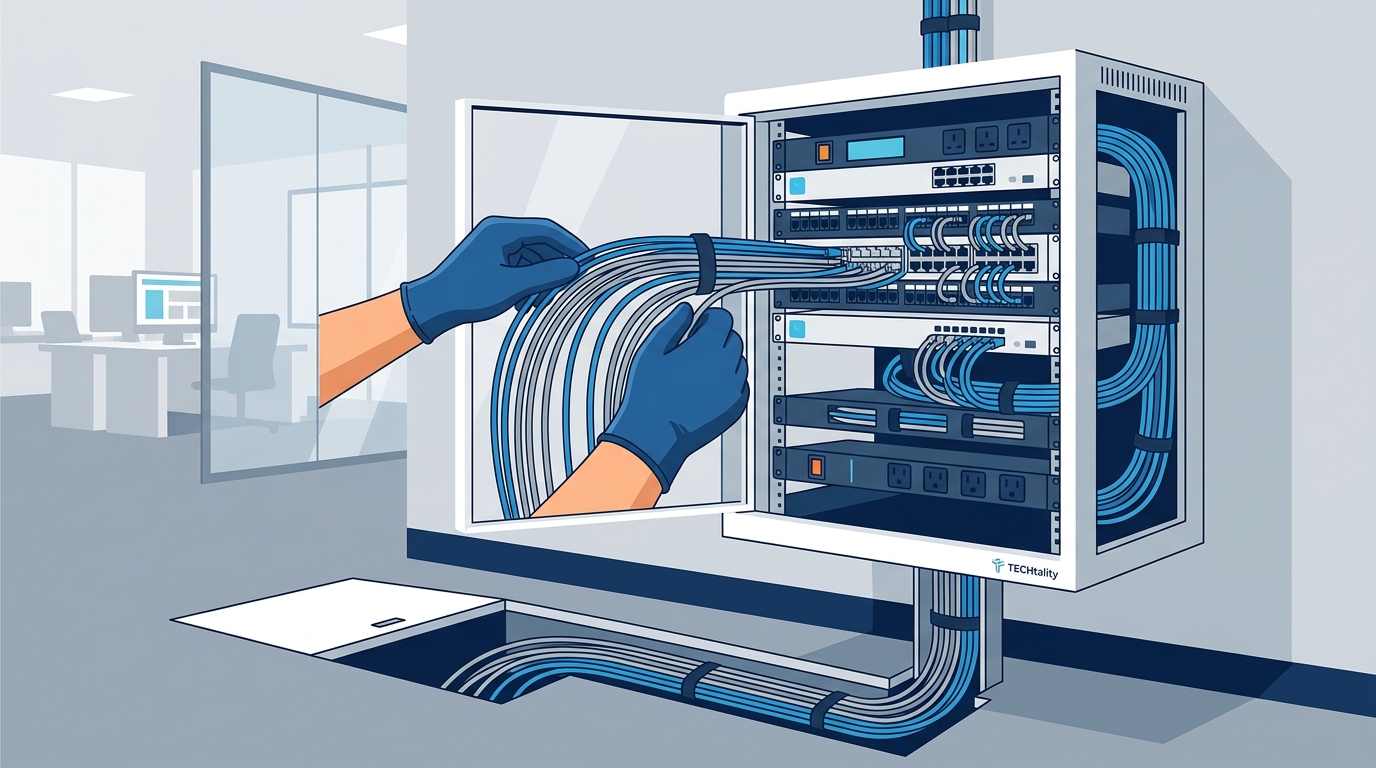
Additionally, avoid pulling cables with excessive tension. Over-tensioning can stretch the copper conductors, altering their impedance and causing signal reflection. Use proper cable pulling grips and lubricants designed for data cables. Never use the cable jacket as a handle for pulling. If you are running cables through tight conduits or under floors, ensure there is enough slack to prevent tension buildup over time. Proper cable management not only improves performance but also makes future troubleshooting easier.
Label and Organize Your Patch Panels
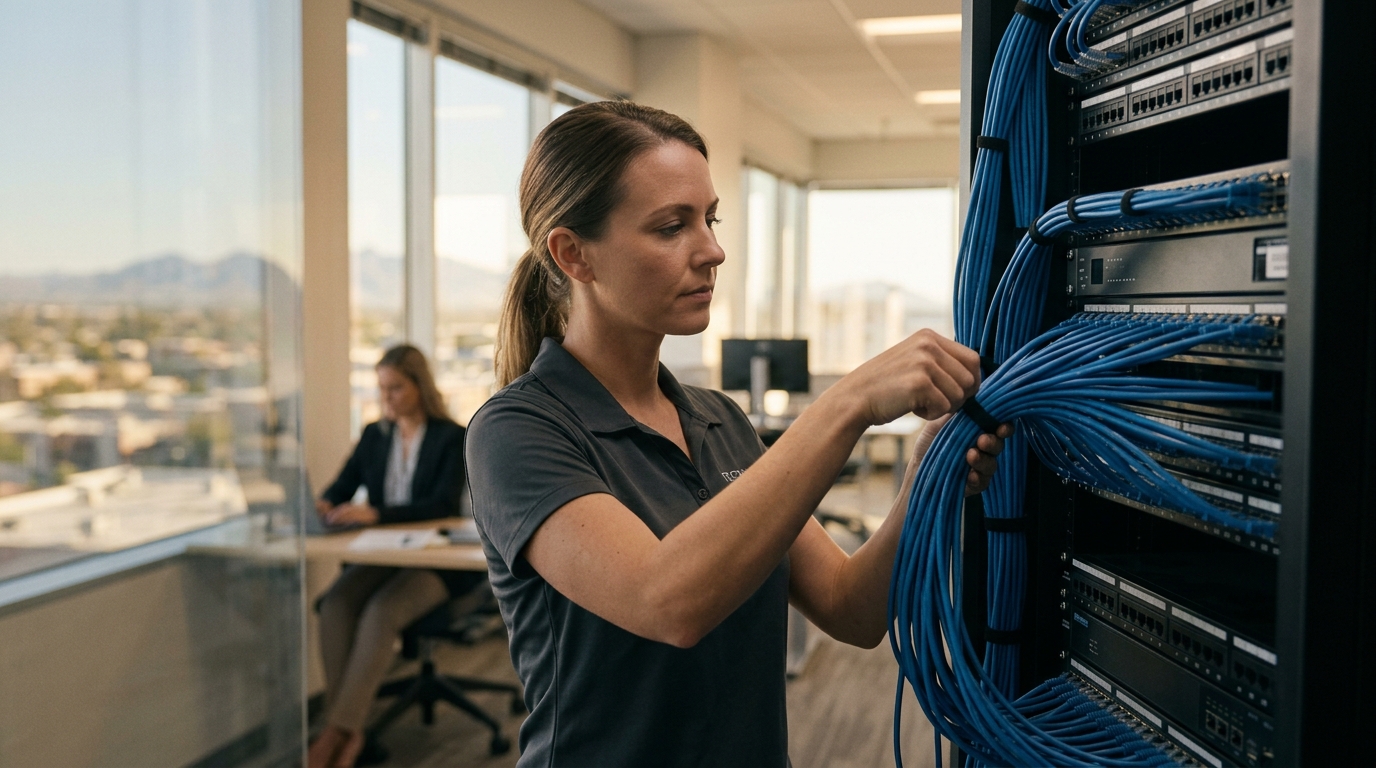
A messy server room is a recipe for disaster. Unlabeled cables make it difficult to identify connections, leading to accidental disconnections or misconfigurations during maintenance. This chaos can cause intermittent network issues that are hard to diagnose. Implement a strict labeling protocol for all your patch panels, switches, and wall jacks. Use a consistent numbering system that matches your network diagram.
Organize your cables using vertical and horizontal cable managers. This keeps cables separated and prevents them from tangling or being crushed by other equipment. Proper airflow is also critical in server rooms. Blocked vents can cause network switches and routers to overheat, leading to thermal throttling and unstable performance. Regularly clean your server room and ensure that all equipment has adequate cooling. TECHtality's technology relocation services can help you reorganize your server room for optimal efficiency and airflow.
When to Call a Professional
While some cabling tasks can be handled in-house, major infrastructure upgrades require professional expertise. Incorrectly terminated cables can cause intermittent failures that are difficult to trace. Professional technicians use specialized testing equipment to certify each cable run, ensuring it meets industry standards for performance. They also have the tools and knowledge to safely run cables through ceilings, walls, and floors without damaging building structures.
At TECHtality, we offer comprehensive managed IT services that include network design, installation, and ongoing maintenance. Our team understands the unique challenges faced by Arizona businesses, from high temperatures to dust. We provide end-to-end solutions that ensure your network is built to last. If you are unsure about your current cabling setup, contact us for a professional assessment.
Key Takeaways
- Old Cat5e cabling limits speeds to 1 Gbps and is prone to interference.
- Cat6a cabling supports 10 Gbps speeds over 100 meters and is ideal for modern offices.
- Fiber optic cabling is immune to electromagnetic interference and suitable for long-distance backbone runs.
- Proper bend radius and tension management prevent physical damage to cable conductors.
- Labeling and organizing patch panels reduces downtime and simplifies troubleshooting.
- TECHtality has over 40 years of experience serving Scottsdale and Chandler businesses.
- Professional certification testing ensures every cable meets performance standards.
Frequently Asked Questions
How often should I replace office cabling?
Cabling should be replaced every 10 to 15 years or when it no longer supports your business's speed requirements. If you are upgrading to 10 Gigabit networks, Cat6a or fiber is necessary.
Can I use Ethernet extenders to improve stability?
Ethernet extenders can help with long distances, but they do not fix underlying cabling issues. It is better to replace old cables with Cat6a or fiber for a permanent solution.
What is the difference between Cat6 and Cat6a?
Cat6 supports 10 Gbps up to 55 meters, while Cat6a supports 10 Gbps up to 100 meters. Cat6a also has better shielding against crosstalk.
How do I know if my network is suffering from cabling issues?
Signs include slow file transfers, dropped Wi-Fi connections, and intermittent internet access. Professional cable testing can confirm if the wiring is the cause.
Does TECHtality offer network certification services?
Yes, we provide comprehensive network installation and certification services to ensure your infrastructure meets industry standards.
Is fiber optic cabling worth the investment?
For backbone connections or environments with high interference, fiber is worth the investment due to its speed, distance, and immunity to EMI.
How can I improve Wi-Fi stability without changing cabling?
While cabling is foundational, Wi-Fi stability also depends on access point placement, channel selection, and interference management. TECHtality's wireless access point services can help optimize your wireless network.
Ready to Stabilize Your Network?
Don't let outdated wiring hold your business back. Contact TECHtality today for a professional network assessment. We are your trusted technology partner in Scottsdale, Chandler, and the greater Valley. Call us at (480) 988-0900 to schedule your consultation.